SM-300 Service Manual
74
7.4 Non-Based / Based Downloading
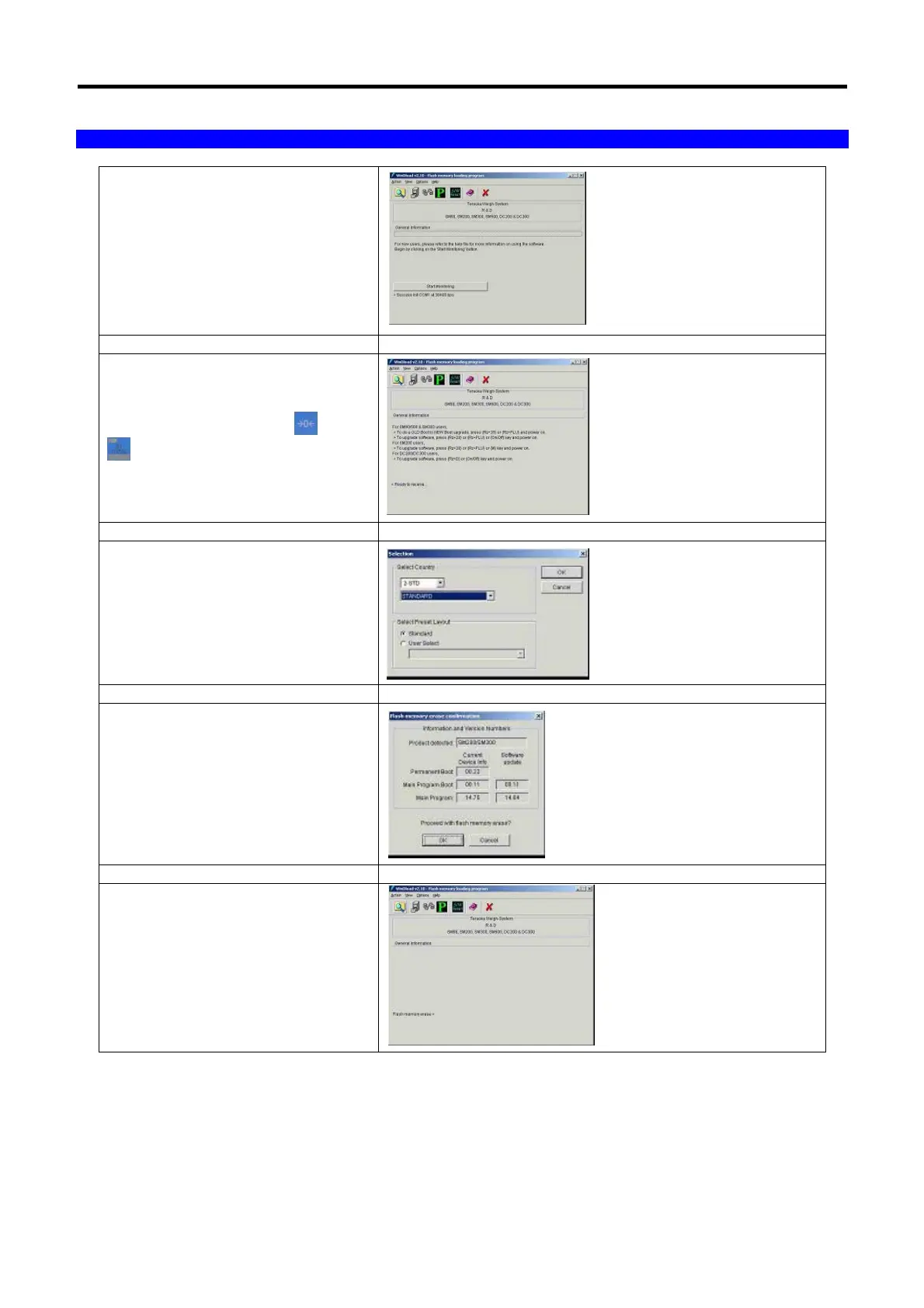
k) Click ‘Start Monitoring’.
l) Power off the scale, hold and
power on the ‘Scale’.
m) Select Country & Preset Layout.
n) Wait for flash memory erase
confirmation and click ‘ok’.
o) Flash memory erasing.



 To Next Page