C
HAPTER
5
| Interface Configuration
Port Configuration
– 160 –
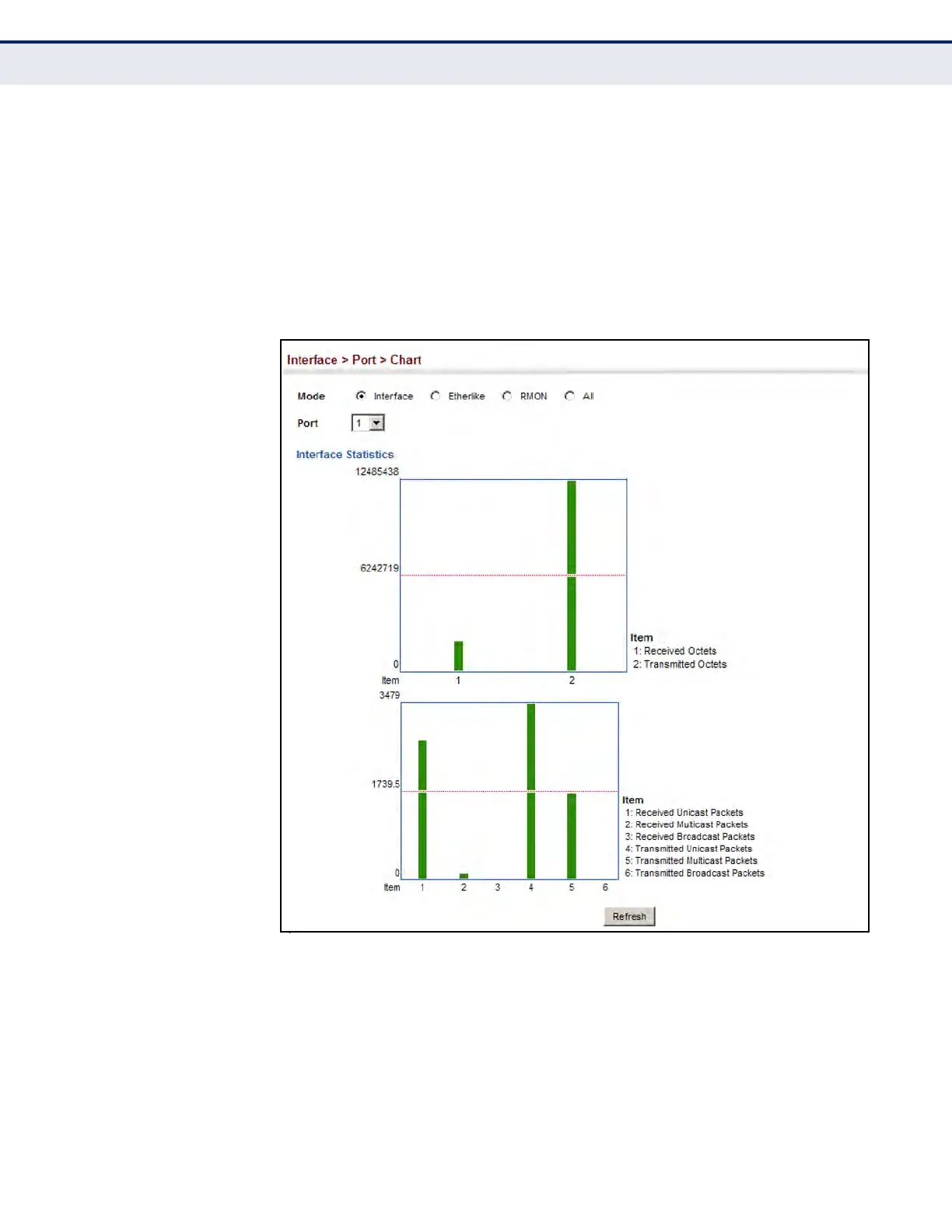
To show a chart of port statistics:
1. Click Interface, Port, Chart.
2. Select the statistics mode to display (Interface, Etherlike, RMON or All).
3. If Interface, Etherlike, RMON statistics mode is chosen, select a port
from the drop-down list. If All (ports) statistics mode is chosen, select
the statistics type to display.
Figure 40: Showing Port Statistics (Chart)
PERFORMING CABLE
DIAGNOSTICS
Use the Interface > Port > Cable Test page to test the cable attached to a
port. The cable test will check for any cable faults (short, open, etc.). If a
fault is found, the switch reports the length to the fault. Otherwise, it
reports the cable length. It can be used to determine the quality of the
cable, connectors, and terminations. Problems such as opens, shorts, and
cable impedance mismatch can be diagnosed with this test.













 To Next Page