C
HAPTER
10
| Class of Service
Layer 2 Queue Settings
– 264 –
frames. If the incoming frame is an IEEE 802.1Q VLAN tagged frame,
the IEEE 802.1p User Priority bits will be used.
u If the output port is an untagged member of the associated VLAN,
these frames are stripped of all VLAN tags prior to transmission.
PARAMETERS
These parameters are displayed:
u Interface – Displays a list of ports or trunks.
u CoS – The priority that is assigned to untagged frames received on the
specified interface. (Range: 0-7; Default: 0)
WEB INTERFACE
To configure the queue mode:
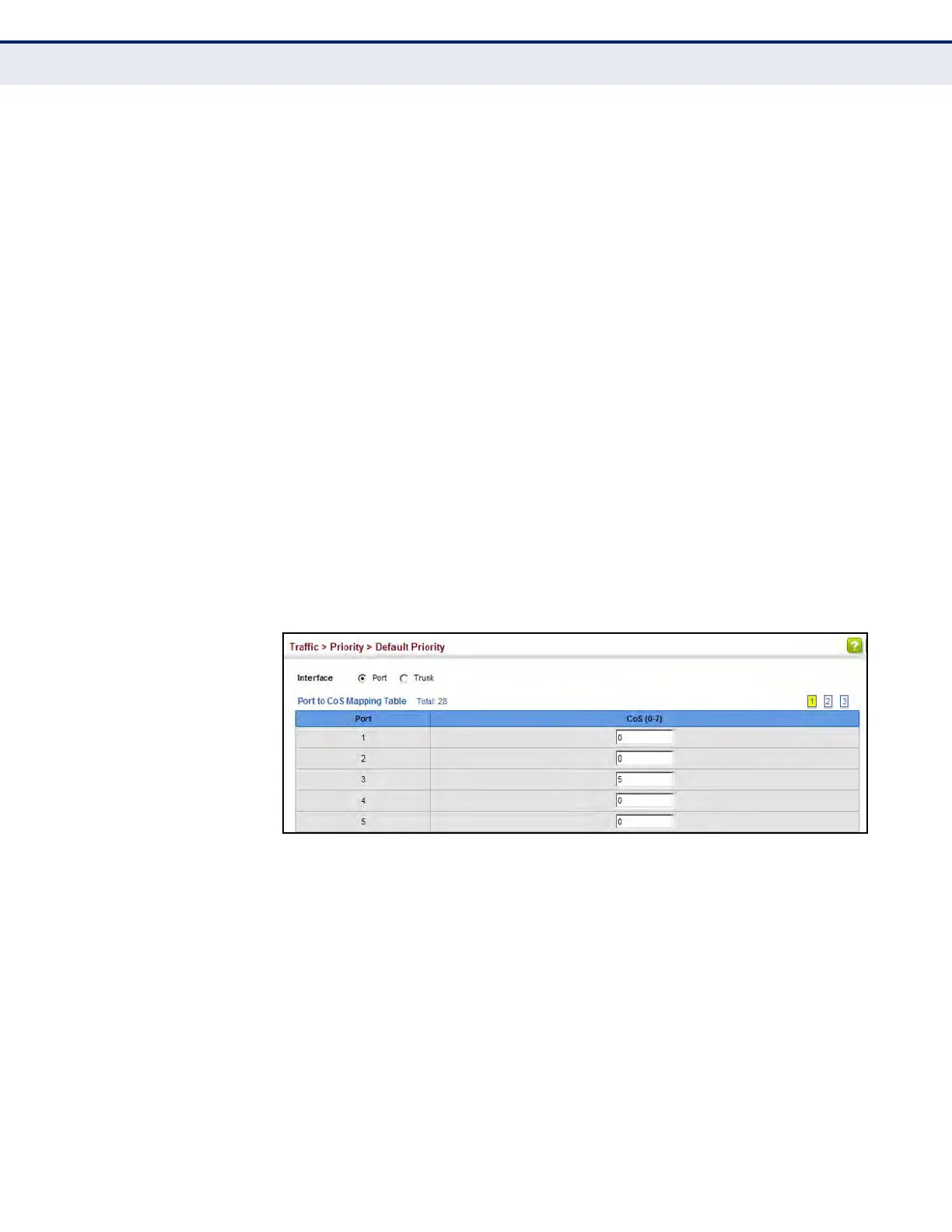
1. Click Traffic, Priority, Default Priority.
2. Select the interface type to display (Port or Trunk).
3. Modify the default priority for any interface.
4. Click Apply.
Figure 127: Setting the Default Port Priority
SELECTING THE
QUEUE MODE
Use the Traffic > Priority > Queue page to set the queue mode for the
egress queues on any interface. The switch can be set to service the
queues based on a strict rule that requires all traffic in a higher priority
queue to be processed before the lower priority queues are serviced, or
Weighted Round-Robin (WRR) queuing which specifies a scheduling weight
for each queue. It can also be configured to use a combination of strict and
weighted queuing.
CLI REFERENCES
u "queue mode" on page 1150
u "show queue mode" on page 1153













 To Next Page