C
HAPTER
18
| General IP Routing
Configuring Static Routes
– 655 –
These parameters are displayed:
WEB INTERFACE
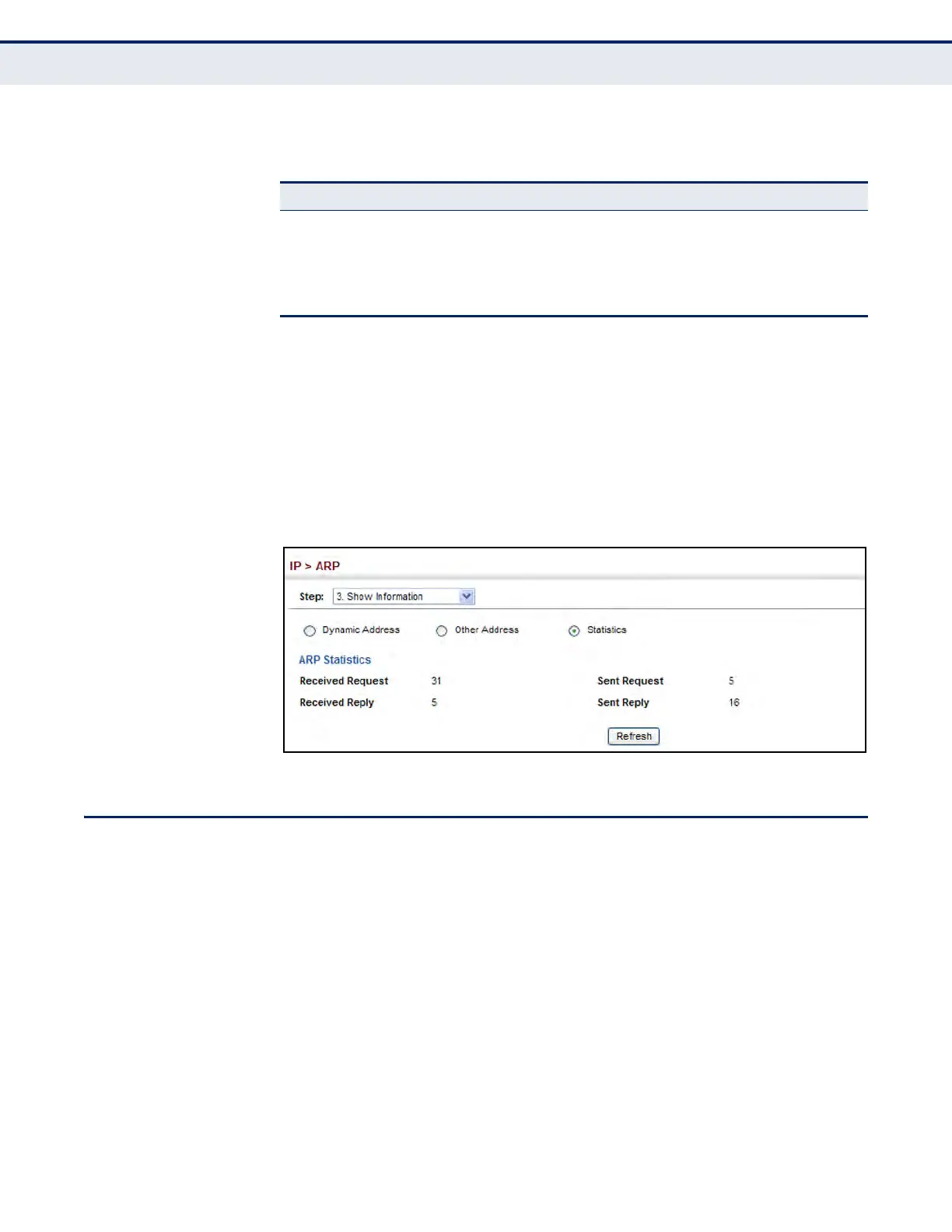
To display ARP statistics:
1. Click IP, ARP.
2. Select Show Information from the Step List.
3. Click Statistics.
Figure 403: Displaying ARP Statistics
CONFIGURING STATIC ROUTES
This router can dynamically configure routes to other network segments
using dynamic routing protocols (i.e., RIP). However, you can also
manually enter static routes in the routing table using the IP > Routing >
Static Routes (Add) page. Static routes may be required to access network
segments where dynamic routing is not supported, or can be set to force
the use of a specific route to a subnet, rather than using dynamic routing.
Static routes do not automatically change in response to changes in
network topology, so you should only configure a small number of stable
routes to ensure network accessibility.
CLI REFERENCES
u "ip route" on page 1390
COMMAND USAGE
u Up to 512 static routes can be configured.
Table 43: ARP Statistics
Parameter Description
Received Request Number of ARP Request packets received by the router.
Received Reply Number of ARP Reply packets received by the router.
Sent Request Number of ARP Request packets sent by the router.
Sent Reply Number of ARP Reply packets sent by the router.













 To Next Page