C
HAPTER
14
| Basic Administration Protocols
Simple Network Management Protocol
– 454 –
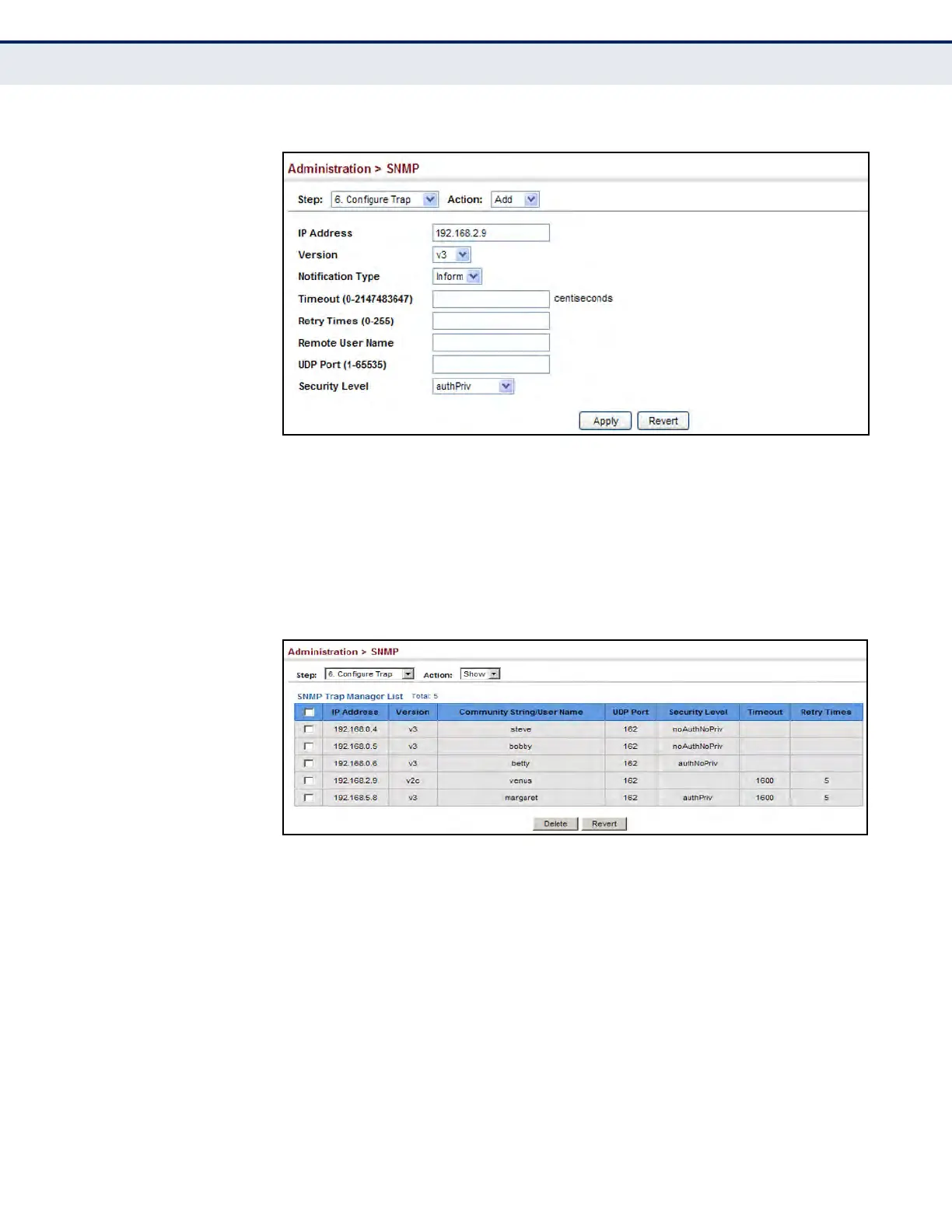
Figure 260: Configuring Trap Managers (SNMPv3)
To show configured trap managers:
1. Click Administration, SNMP.
2. Select Configure Trap from the Step list.
3. Select Show from the Action list.
Figure 261: Showing Trap Managers
CREATING SNMP
NOTIFICATION LOGS
Use the Administration > SNMP (Configure Notify Filter - Add) page to
create an SNMP notification log.
CLI REFERENCES
u "nlm" on page 789
u "snmp-server notify-filter" on page 789
u "show nlm oper-status" on page 791
u "show snmp notify-filter" on page 791
COMMAND USAGE
u Systems that support SNMP often need a mechanism for recording
Notification information as a hedge against lost notifications, whether
there are Traps or Informs that may be exceeding retransmission limits.













 To Next Page