C
HAPTER
18
| General IP Routing
Address Resolution Protocol
– 649 –
return an error message. The trace function then sends several probe
messages at each subsequent TTL level and displays the round-trip
time for each message. Not all devices respond correctly to probes by
returning an “ICMP port unreachable” message. If the timer goes off
before a response is returned, the trace function prints a series of
asterisks and the “Request Timed Out” message. A long sequence of
these messages, terminating only when the maximum timeout has
been reached, may indicate this problem with the target device.
u The same link-local address may be used by different interfaces/nodes
in different zones (RFC 4007). Therefore, when specifying a link-local
address, include zone-id information indicating the VLAN identifier after
the % delimiter. For example, FE80::7272%1 identifies VLAN 1 as the
interface.
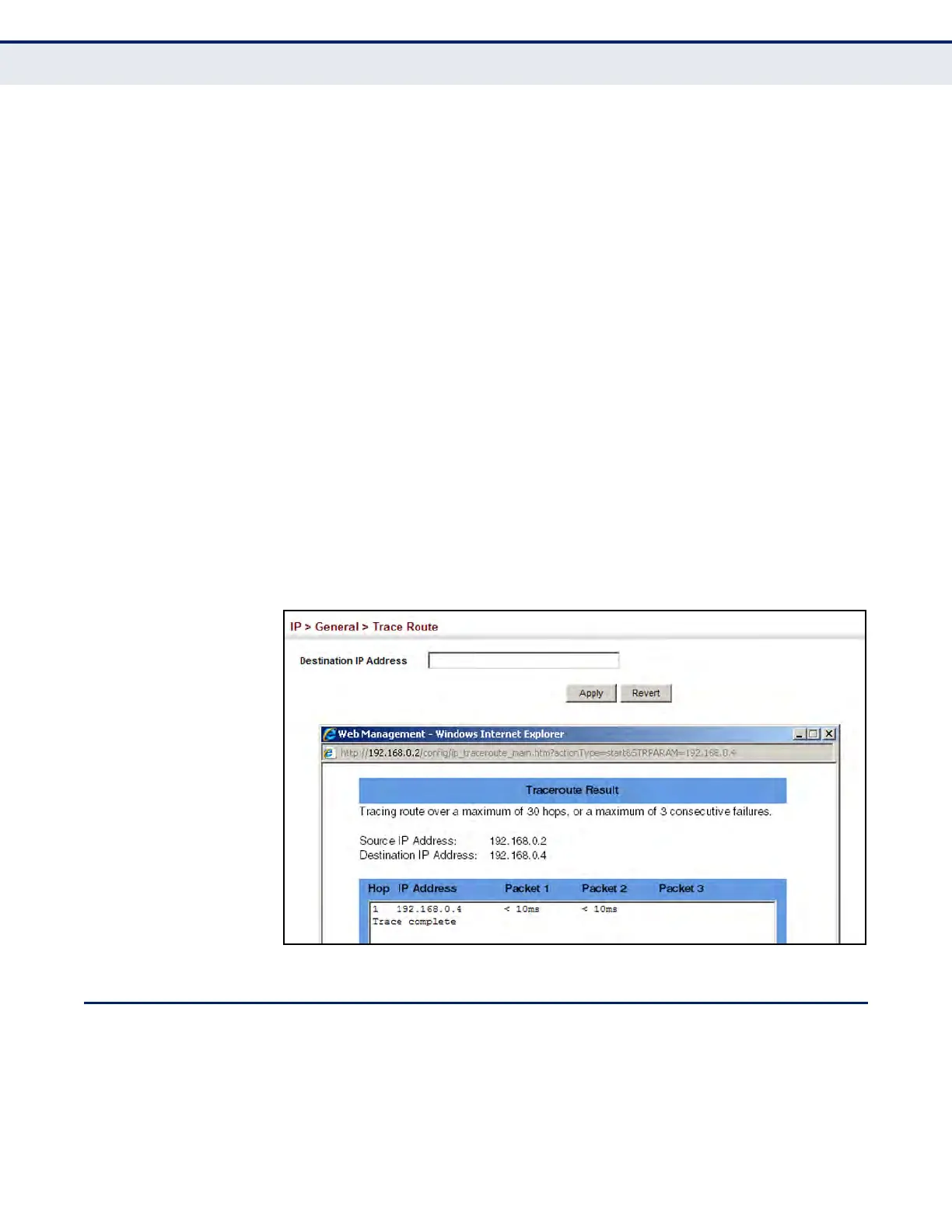
WEB INTERFACE
To trace the route to another device on the network:
1. Click IP, General, Trace Route.
2. Specify the target device.
3. Click Apply.
Figure 396: Tracing the Route to a Network Device
ADDRESS RESOLUTION PROTOCOL
If IP routing is enabled (page 659), the router uses its routing tables to
make routing decisions, and uses Address Resolution Protocol (ARP) to
forward traffic from one hop to the next. ARP is used to map an IP address
to a physical layer (i.e., MAC) address. When an IP frame is received by
this router (or any standards-based router), it first looks up the MAC













 To Next Page