C
HAPTER
6
| VLAN Configuration
IEEE 802.1Q Tunneling
– 207 –
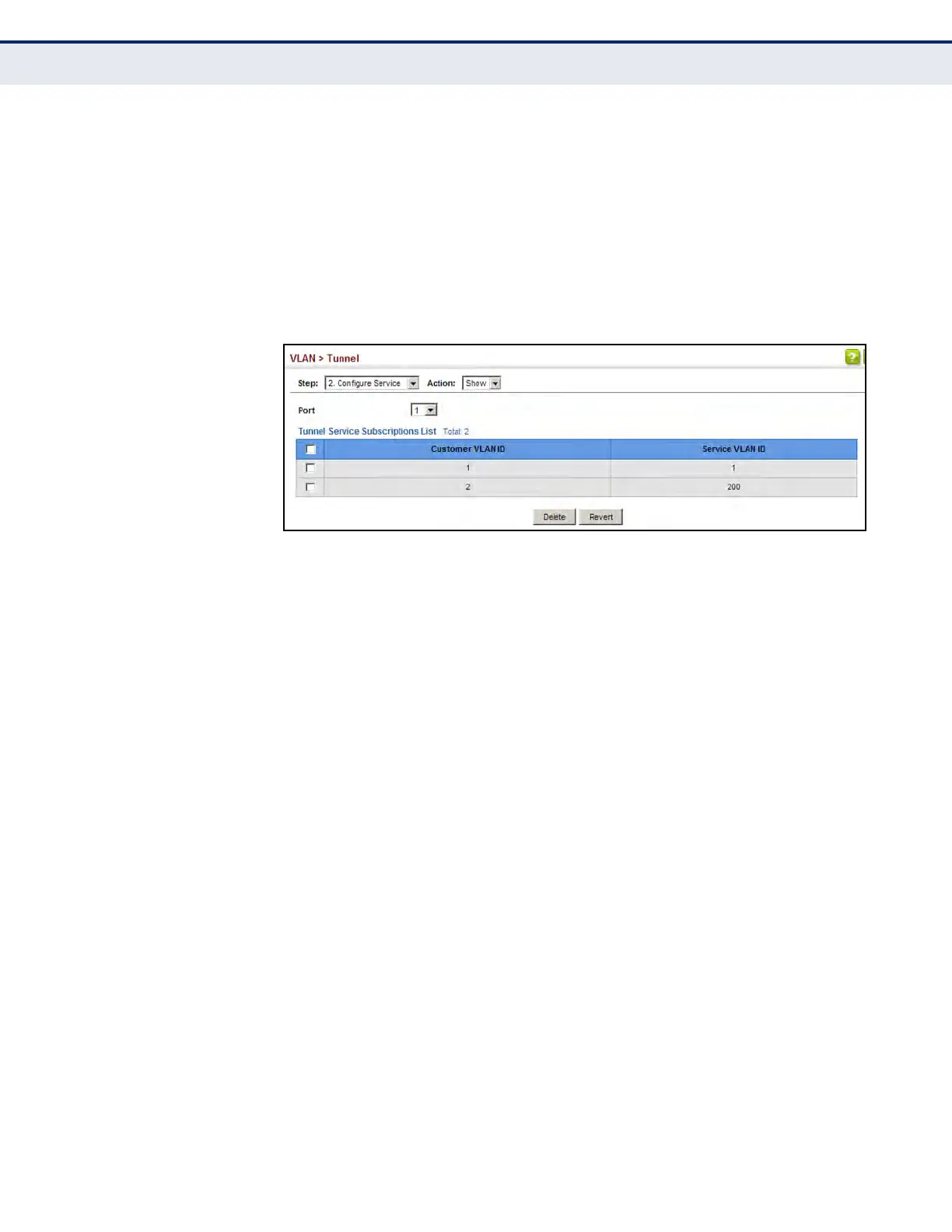
To show the mapping table:
1. Click VLAN, Tunnel.
2. Select Configure Service from the Step list.
3. Select Show from the Action list.
4. Select an interface from the Port list.
Figure 80: Showing CVLAN to SPVLAN Mapping Entries
The preceding example sets the SVID to 99 in the outer tag for egress
packets exiting port 1 when the packet’s CVID is 2. For a more detailed
example, see the switchport dot1q-tunnel service match cvid command on
page 1120.
ADDING AN
INTERFACE TO A QINQ
TUNNEL
Follow the guidelines under "Enabling QinQ Tunneling on the Switch" to set
up a QinQ tunnel on the switch. Then use the VLAN > Tunnel (Configure
Interface) page to set the tunnel mode for any participating interface.
CLI REFERENCES
u "Configuring IEEE 802.1Q Tunneling" on page 1117
COMMAND USAGE
u Use the Configure Global page to set the switch to QinQ mode before
configuring a tunnel access port or tunnel uplink port (see "Enabling
QinQ Tunneling on the Switch" on page 204). Also set the Tag Protocol
Identifier (TPID) value of the tunnel access port if the attached client is
using a nonstandard 2-byte ethertype to identify 802.1Q tagged
frames.
u Then use the Configure Interface page to set the access interface on
the edge switch to Access mode, and set the uplink interface on the
switch attached to the service provider network to Uplink mode.













 To Next Page