C
HAPTER
17
| IP Services
Domain Name Service
– 631 –
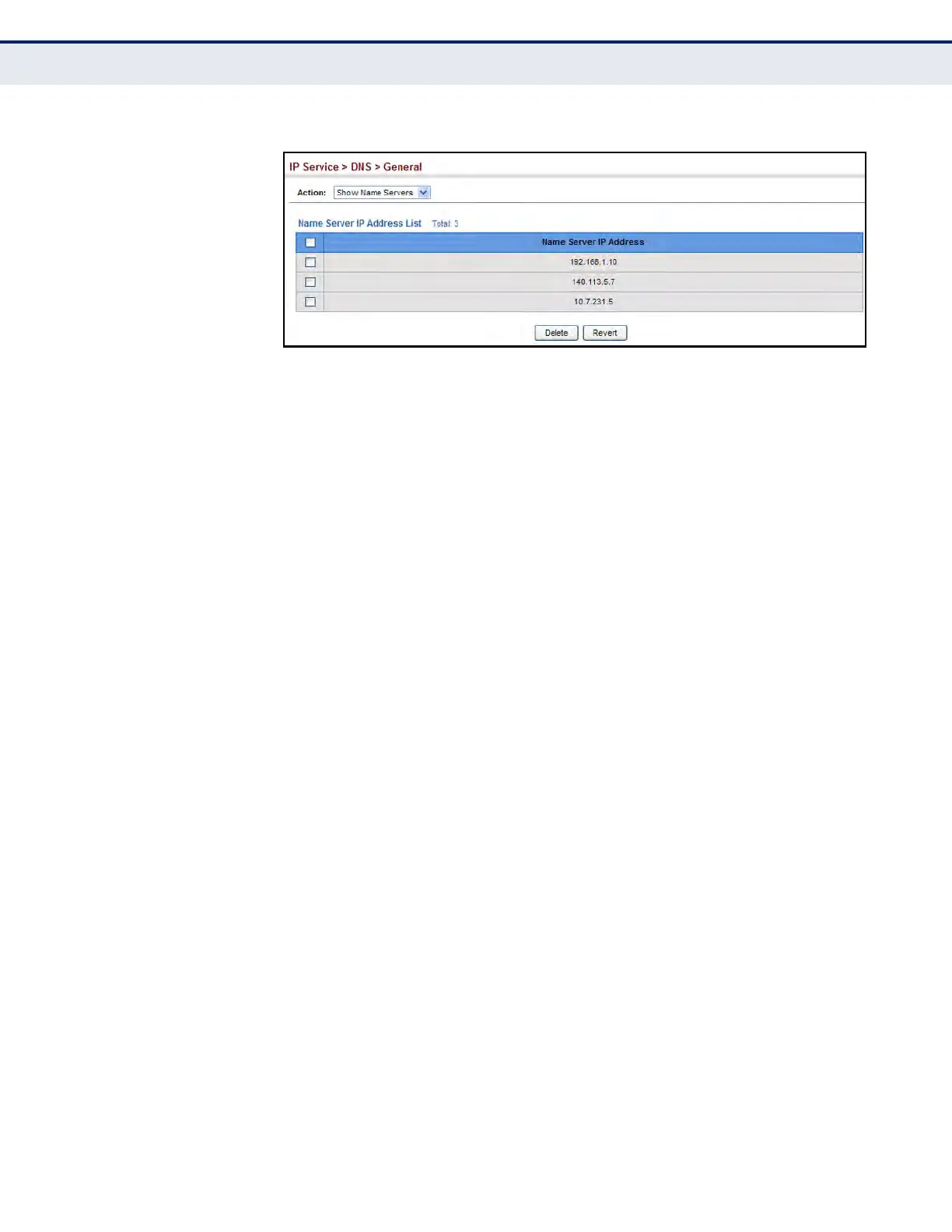
Figure 384: Showing the List of Name Servers for DNS
CONFIGURING STATIC
DNS HOST TO
ADDRESS ENTRIES
Use the IP Service > DNS - Static Host Table (Add) page to manually
configure static entries in the DNS table that are used to map domain
names to IP addresses.
CLI REFERENCES
u "ip host" on page 1332
u "show hosts" on page 1336
COMMAND USAGE
u Static entries may be used for local devices connected directly to the
attached network, or for commonly used resources located elsewhere
on the network.
PARAMETERS
These parameters are displayed:
u Host Name – Name of a host device that is mapped to one or more IP
addresses. (Range: 1-127 characters)
u IP Address – IPv4 or IPv6 address(es) associated with a host name.
WEB INTERFACE
To configure static entries in the DNS table:
1. Click IP Service, DNS, Static Host Table.
2. Select Add from the Action list.
3. Enter a host name and the corresponding address.
4. Click Apply.













 To Next Page