C
HAPTER
15
| Multicast Filtering
Multicast VLAN Registration for IPv4
– 575 –
forwarded to any attached client. Note that the requested streams
are still restricted to the address range which has been specified in
a profile and bound to a domain.
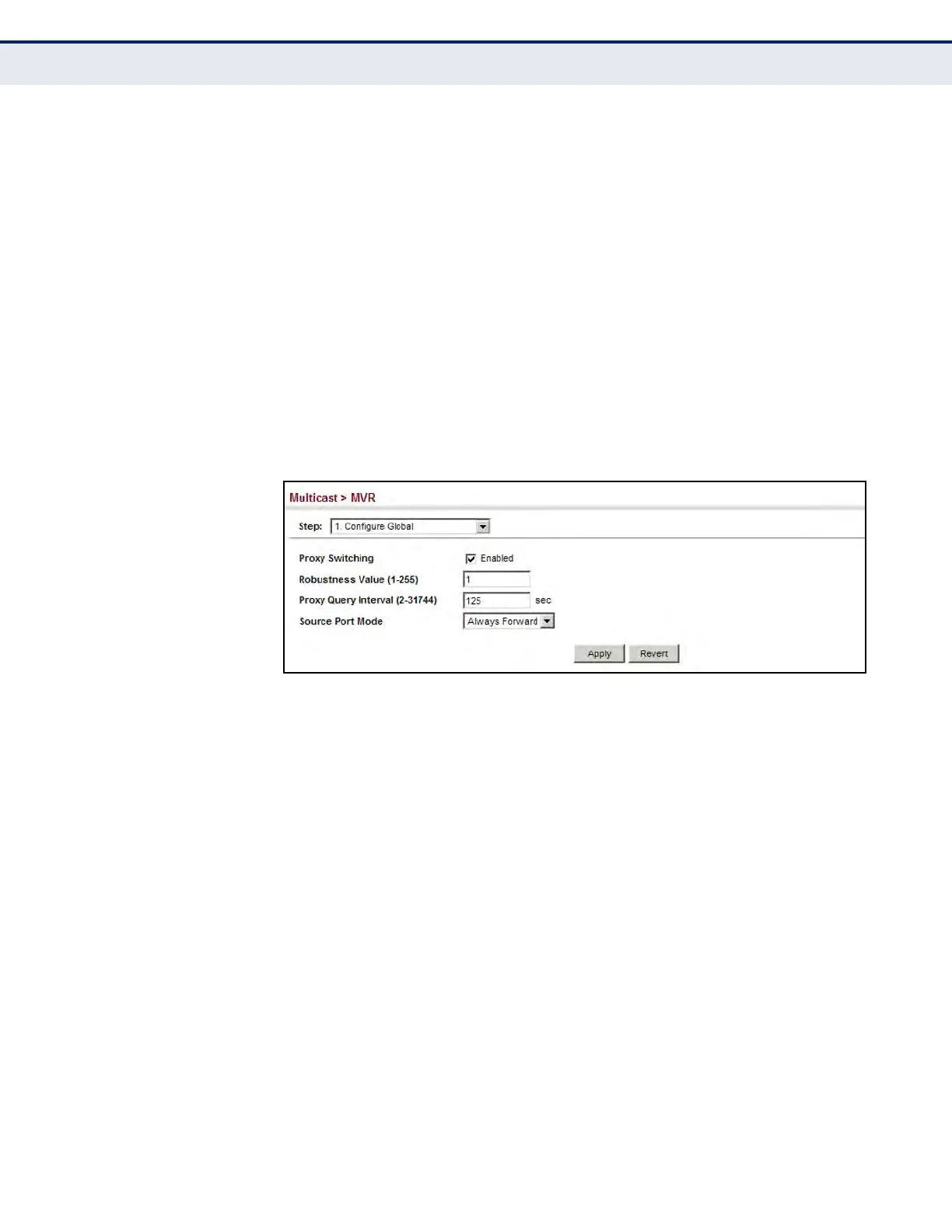
WEB INTERFACE
To configure global settings for MVR:
1. Click Multicast, MVR.
2. Select Configure Global from the Step list.
3. Set the status for MVR proxy switching, the robustness value used for
report and query messages, the proxy query interval, and source port
mode.
4. Click Apply.
Figure 341: Configuring Global Settings for MVR
CONFIGURING MVR
DOMAIN SETTINGS
Use the Multicast > MVR (Configure Domain) page to enable MVR globally
on the switch, and select the VLAN that will serve as the sole channel for
common multicast streams supported by the service provider.
CLI REFERENCES
u "MVR for IPv4" on page 1215
PARAMETERS
These parameters are displayed:
u Domain ID – An independent multicast domain. (Range: 1-5)
u MVR Status – When MVR is enabled on the switch, any multicast data
associated with an MVR group is sent from all designated source ports,
to all receiver ports that have registered to receive data from that
multicast group. (Default: Disabled)
u MVR VLAN – Identifier of the VLAN that serves as the channel for
streaming multicast services using MVR. MVR source ports should be
configured as members of the MVR VLAN (see "Adding Static Members
to VLANs" on page 193), but MVR receiver ports should not be
manually configured as members of this VLAN. (Default: 1)













 To Next Page