C
HAPTER
5
| Interface Configuration
Port Configuration
– 148 –
4. Click Apply.
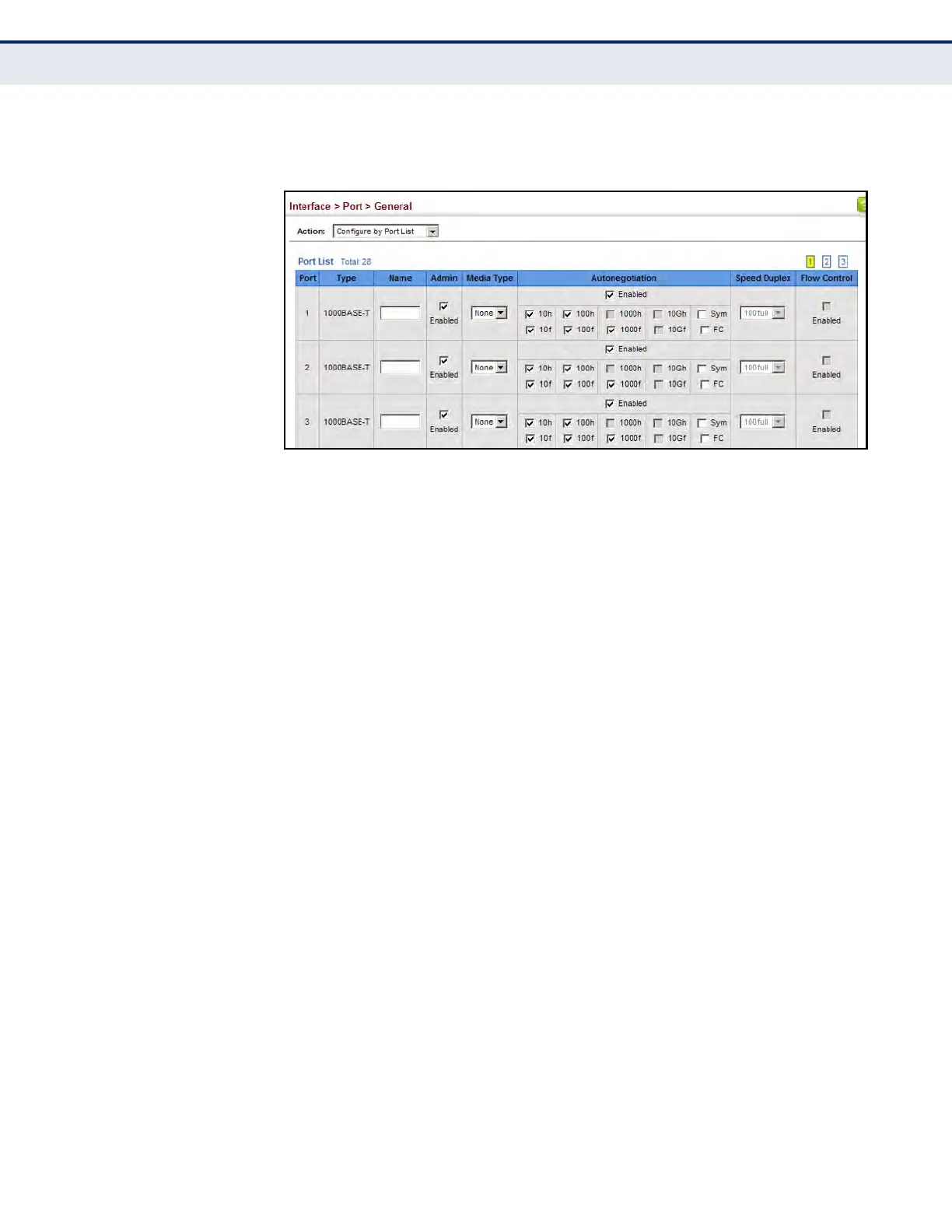
Figure 29: Configuring Connections by Port List
CONFIGURING BY
PORT RANGE
Use the Interface > Port > General (Configure by Port Range) page to
enable/disable an interface, set auto-negotiation and the interface
capabilities to advertise, or manually fix the speed, duplex mode, and flow
control.
For more information on command usage and a description of the
parameters, refer to "Configuring by Port List" on page 145.
CLI REFERENCES
u "Interface Commands" on page 961
WEB INTERFACE
To configure port connection parameters:
1. Click Interface, Port, General.
2. Select Configure by Port Range from the Action List.
3. Enter to range of ports to which your configuration changes apply.
4. Modify the required interface settings.
5. Click Apply.













 To Next Page