C
HAPTER
14
| Basic Administration Protocols
Link Layer Discovery Protocol
– 422 –
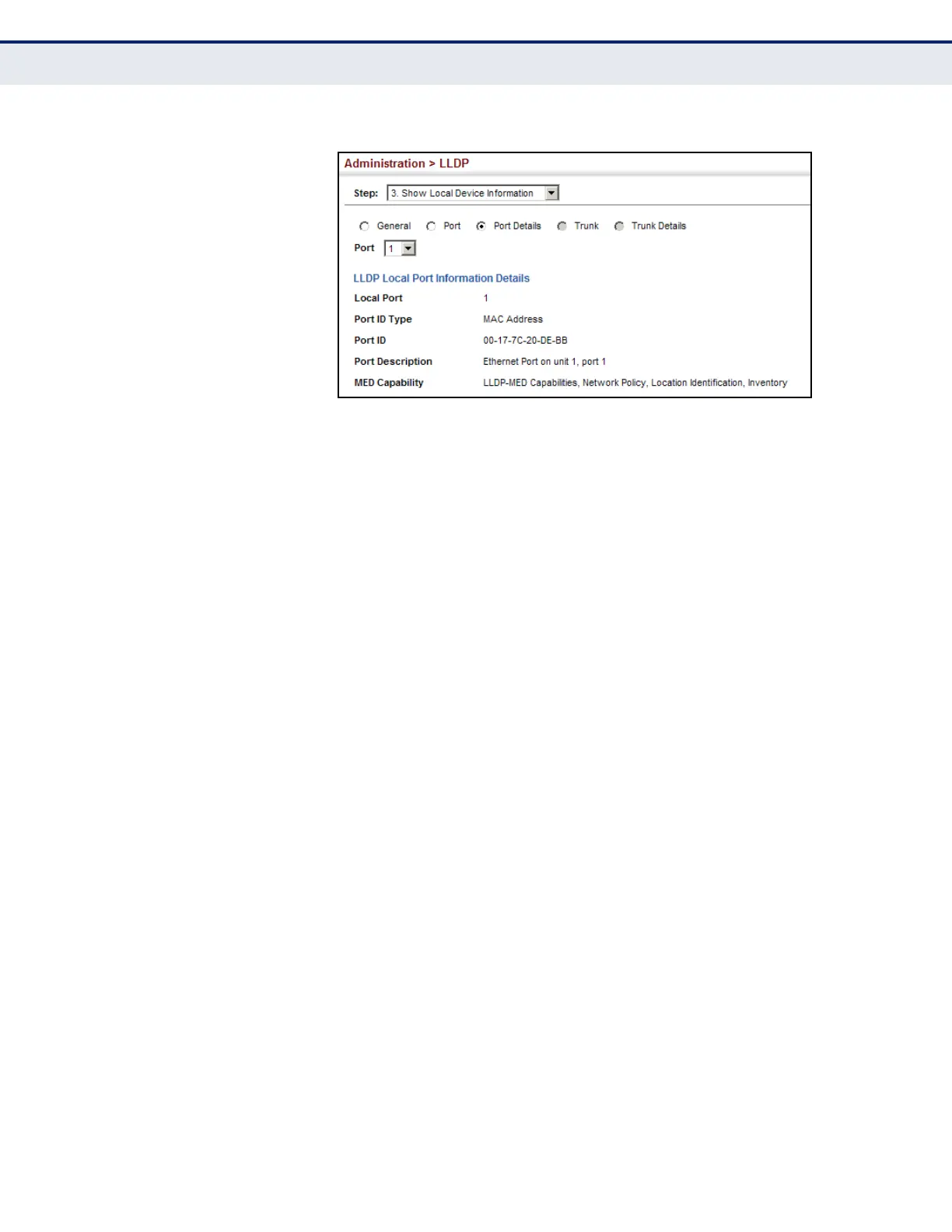
Figure 236: Displaying Local Device Information for LLDP (Port Details)
DISPLAYING LLDP
REMOTE DEVICE
INFORMATION
Use the Administration > LLDP (Show Remote Device Information) page to
display information about devices connected directly to the switch’s ports
which are advertising information through LLDP, or to display detailed
information about an LLDP-enabled device connected to a specific port on
the local switch.
CLI REFERENCES
u "show lldp info remote-device" on page 1272
PARAMETERS
These parameters are displayed:
Port
u Local Port – The local port to which a remote LLDP-capable device is
attached.
u Chassis ID – An octet string indicating the specific identifier for the
particular chassis in this system.
u Port ID – A string that contains the specific identifier for the port from
which this LLDPDU was transmitted.
u System Name – A string that indicates the system’s administratively
assigned name.
Port Details
u Port – Port identifier on local switch.
u Remote Index – Index of remote device attached to this port.
u Local Port – The local port to which a remote LLDP-capable device is
attached.













 To Next Page