C
HAPTER
6
| VLAN Configuration
Configuring MAC-based VLANs
– 216 –
WEB INTERFACE
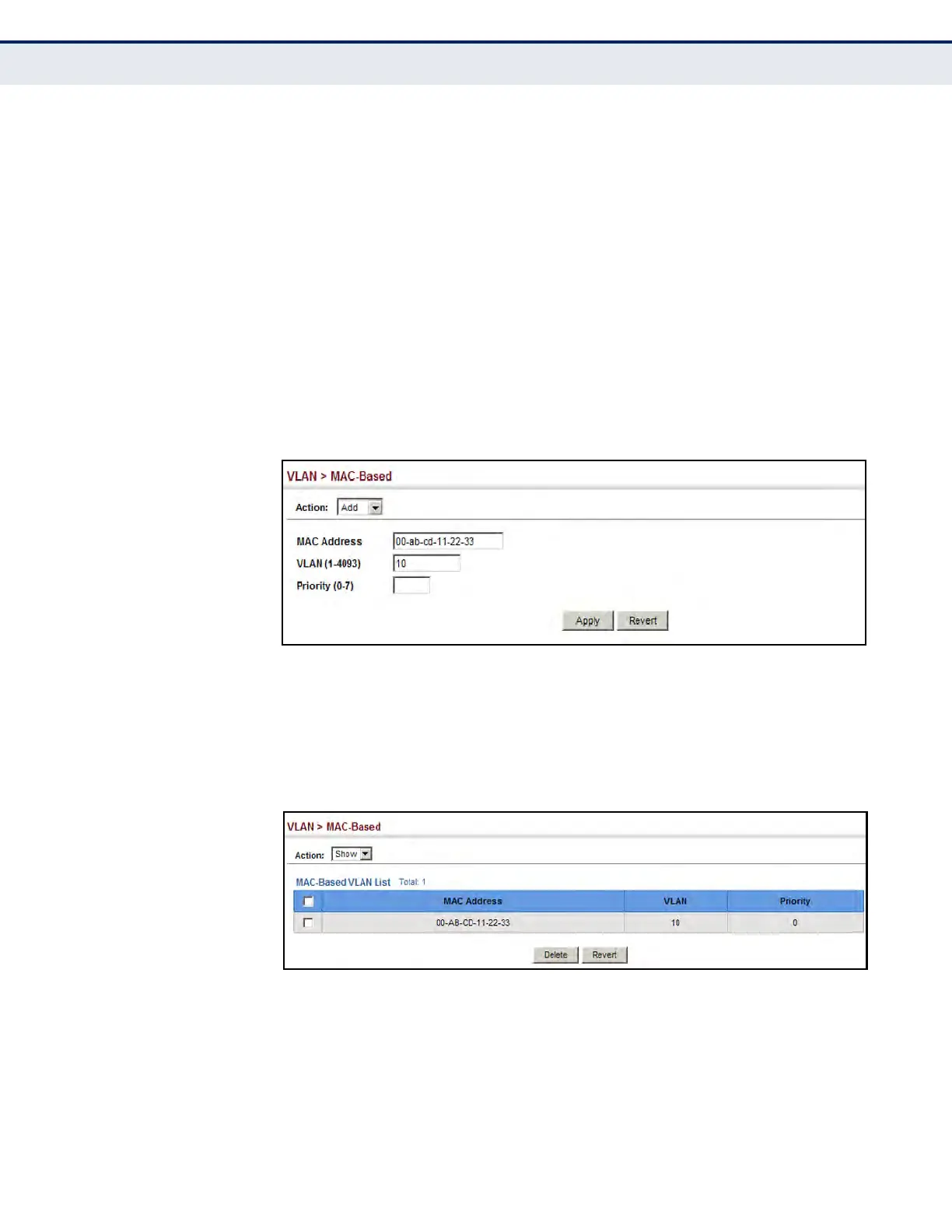
To map a MAC address to a VLAN:
1. Click VLAN, MAC-Based.
2. Select Add from the Action list.
3. Enter an address in the MAC Address field.
4. Enter an identifier in the VLAN field. Note that the specified VLAN need
not already be configured.
5. Enter a value to assign to untagged frames in the Priority field.
6. Click Apply.
Figure 88: Configuring MAC-Based VLANs
To show the MAC addresses mapped to a VLAN:
1. Click VLAN, MAC-Based.
2. Select Show from the Action list.
Figure 89: Showing MAC-Based VLANs













 To Next Page