C
HAPTER
7
| Address Table Settings
Configuring MAC Address Mirroring
– 227 –
u Target Port – The port that will mirror the traffic from the source port.
(Range: 1-28/52)
WEB INTERFACE
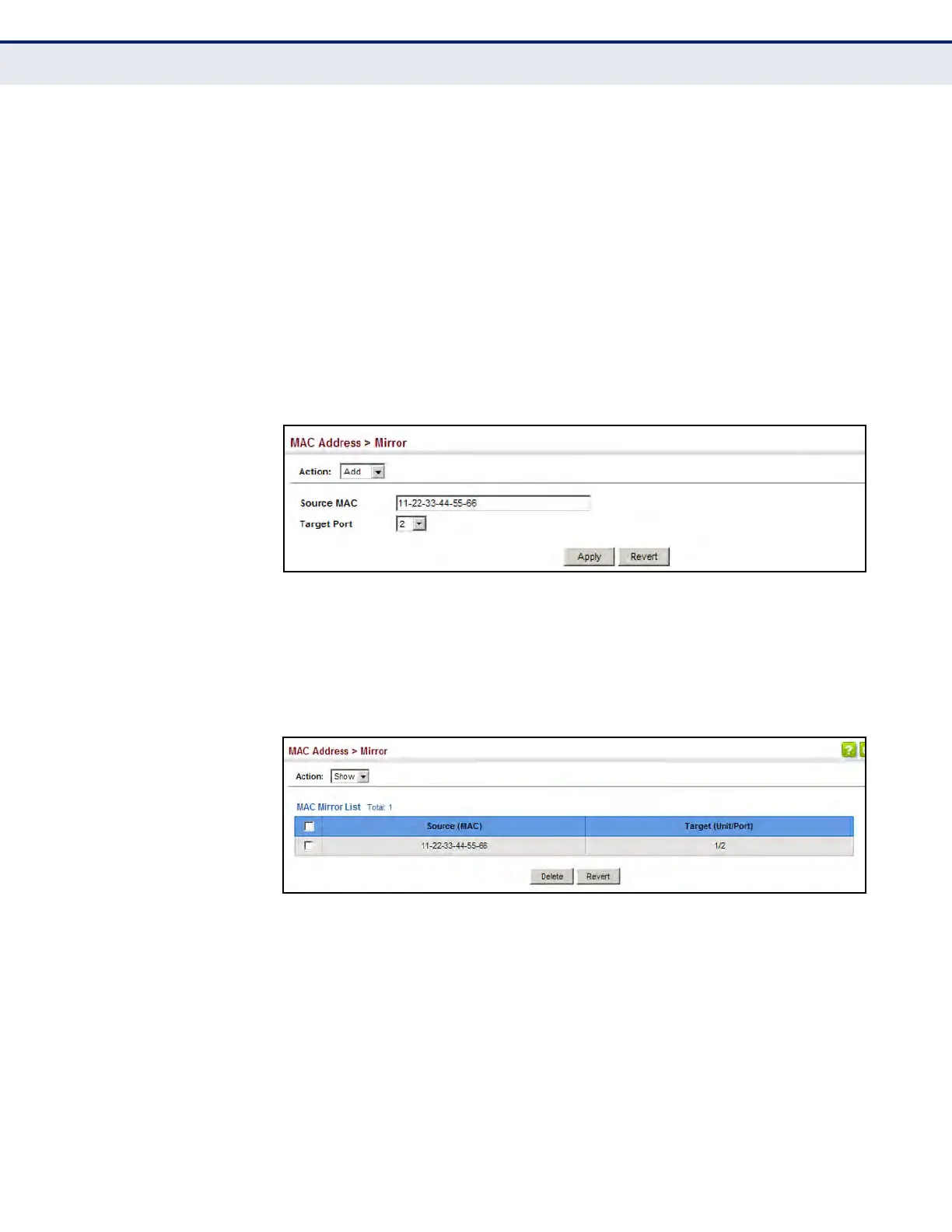
To mirror packets based on a MAC address:
1. Click MAC Address, Mirror.
2. Select Add from the Action list.
3. Specify the source MAC address and destination port.
4. Click Apply.
Figure 100: Mirroring Packets Based on the Source MAC Address
To show the MAC addresses to be mirrored:
1. Click MAC Address, Mirror.
2. Select Show from the Action list.
Figure 101: Showing the Source MAC Addresses to Mirror













 To Next Page