C
HAPTER
14
| Basic Administration Protocols
Link Layer Discovery Protocol
– 428 –
u Manufacture Name – The manufacturer of the end-point device
u Asset ID – The asset identifier of the end-point device. End-point
devices are typically assigned asset identifiers to facilitate inventory
management and assets tracking.
u Firmware Revision – The firmware revision of the end-point device.
u Serial Number – The serial number of the end-point device.
u Model Name – The model name of the end-point device.
WEB INTERFACE
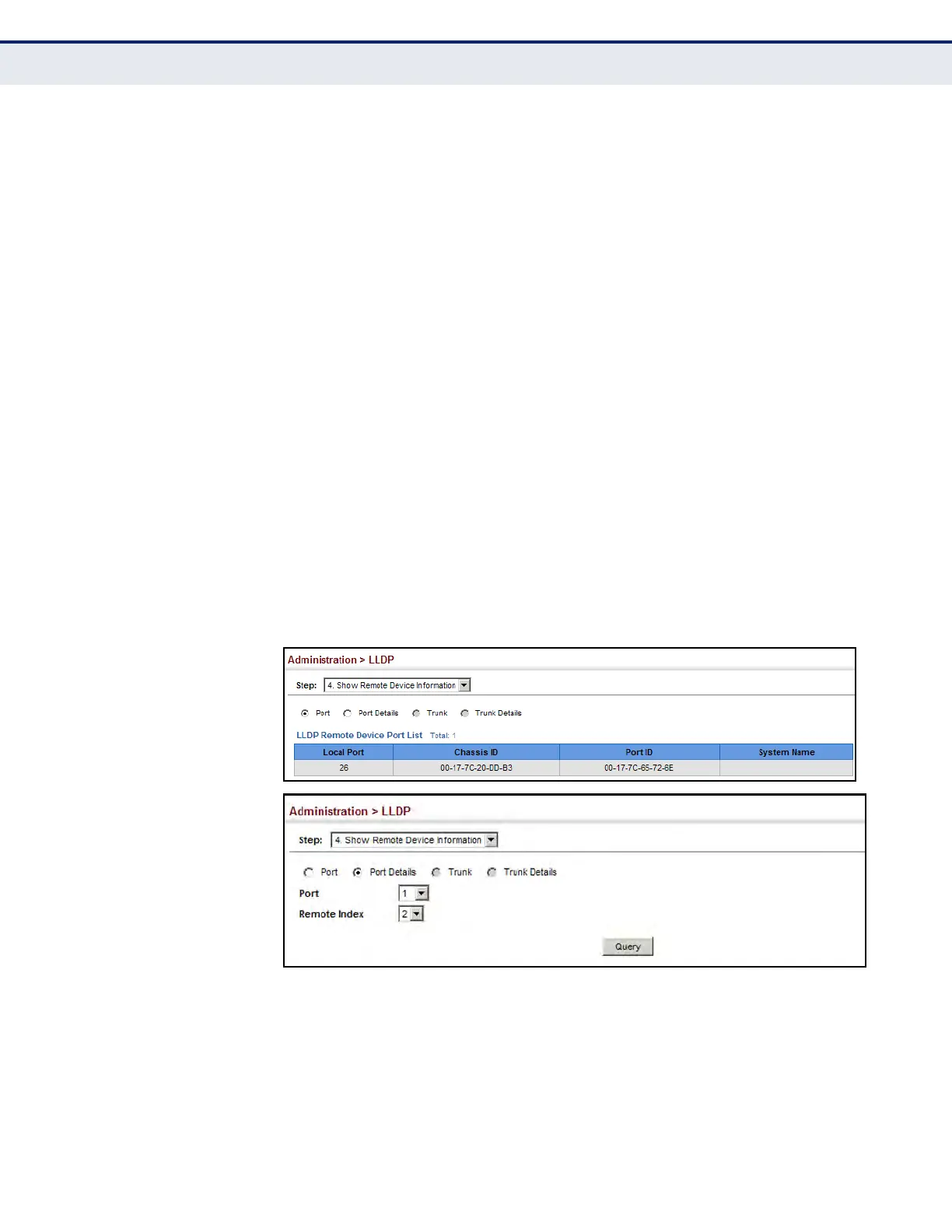
To display LLDP information for a remote port:
1. Click Administration, LLDP.
2. Select Show Remote Device Information from the Step list.
3. Select Port, Port Details, Trunk, or Trunk Details.
4. When the next page opens, select a port on this switch and the index
for a remote device attached to this port.
5. Click Query.
Figure 237: Displaying Remote Device Information for LLDP (Port)













 To Next Page