C
HAPTER
14
| Basic Administration Protocols
Simple Network Management Protocol
– 440 –
5. Click Apply
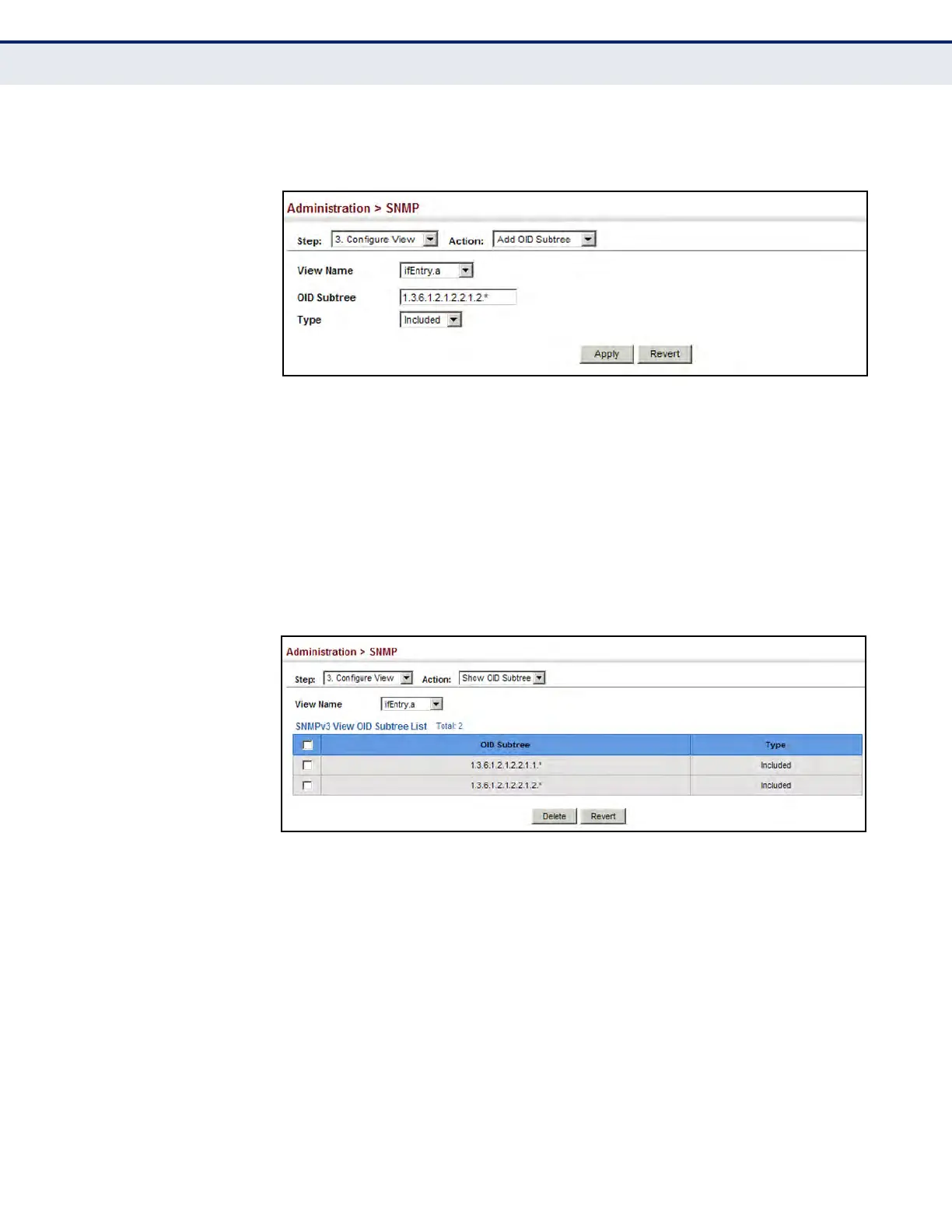
Figure 248: Adding an OID Subtree to an SNMP View
To show the OID branches configured for the SNMP views of the switch’s
MIB database:
1. Click Administration, SNMP.
2. Select Configure View from the Step list.
3. Select Show OID Subtree from the Action list.
4. Select a view name from the list of existing views.
Figure 249: Showing the OID Subtree Configured for SNMP Views













 To Next Page