Dobot M1 User Guide 6 Operation
Issue V1.3.4 (2019-05-23) User Guide Copyright © Yuejiang Technology Co., Ltd
108
External I/O control means that external equipment controls a robot arm by the external
expansion I/O. In this topic, we take a PLC as the external equipment to describe how to use a PLC
to control the robot arm by the external expansion I/O. Besides the robot arm and PLC, we need to
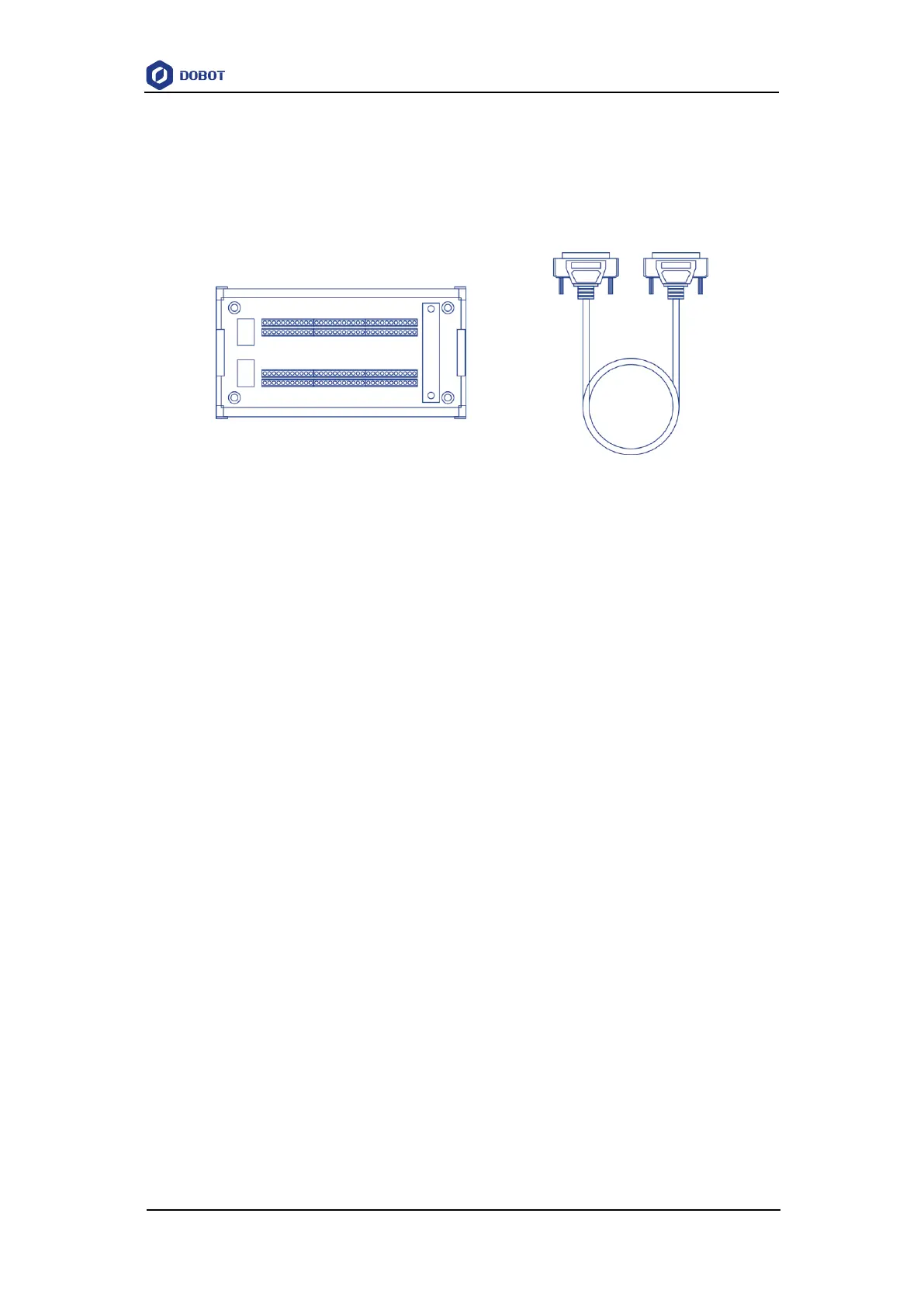
prepare a DB62 expansion suite (include DB62 cables and expansion board, and purchase
separately). Figure 6.56 shows the DB62 expansion suite.
Figure 6.56 DB62 expansion board
For details about the external expansion I/O interface description, please see 4.3.3 External
Expansion Interface.
Prerequisites
You have launched M1Studio.
You have connected Dobot M1 to a PC over network cable or router, and the IP addresses
of Dobot M1 and the PC must be in the same network segment. For details, please see
5.2.4Connecting Network Cable.
In this topic, we use a router to connect the Dobot M1 to a PC.
You have powered on the Dobot M1.
You have obtained the scripts, the blockly programs, or the saved points lists which are
run normally. In this topic, we take a script as an example.
Dobot M1 has been connected to an emergency stop switch.
You have installed the PLC programming software.
In this topic, we use the FX5U PLC and GX Works3 programming software. For details
on how to use are not described in this topic.
Figure 6.57 shows the connections demo.



 To Next Page