Dobot M1 User Guide 6 Operation
Issue V1.3.4 (2019-05-23) User Guide Copyright © Yuejiang Technology Co., Ltd
85
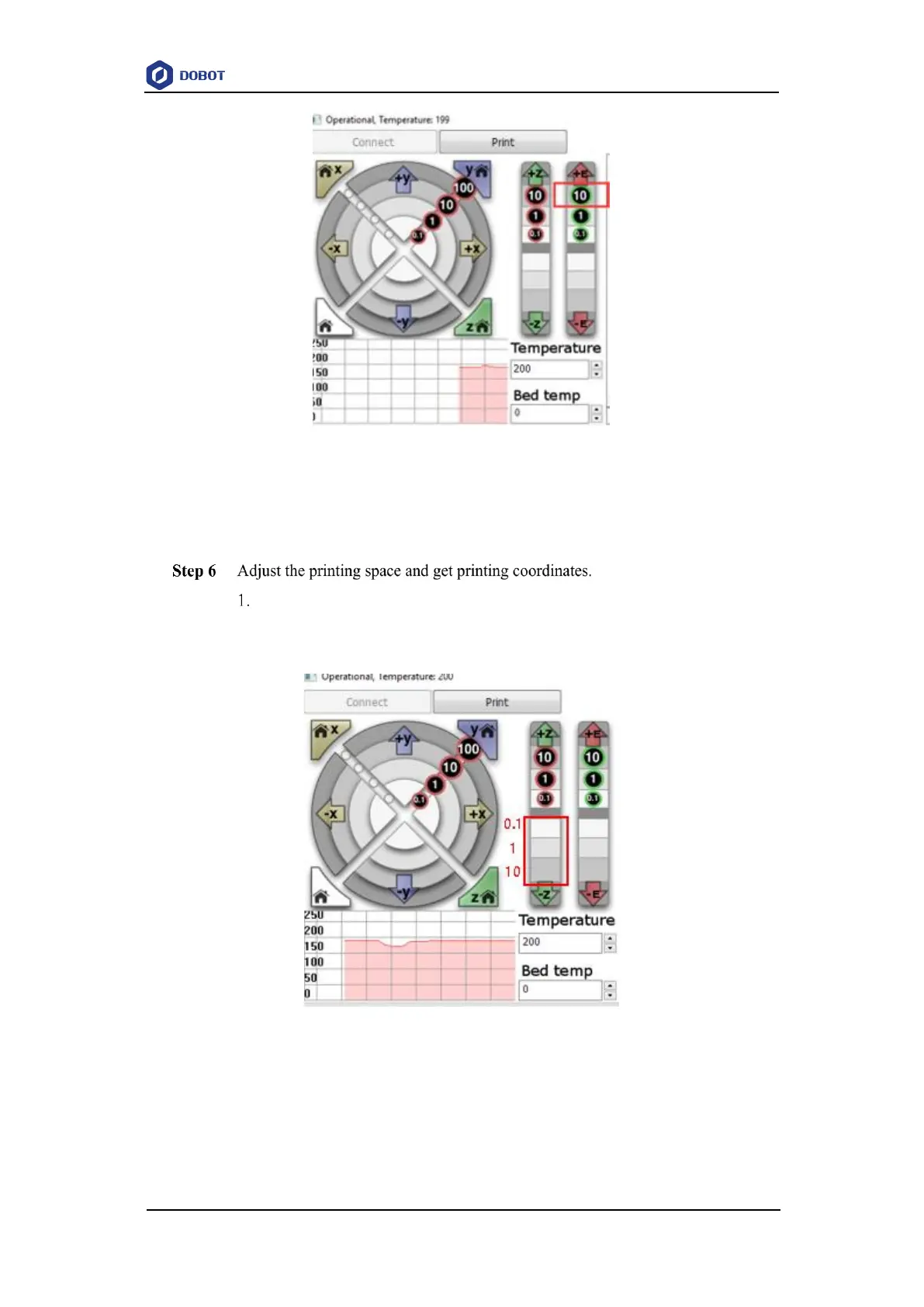
Figure 6.26 Click feedstock extruder
If the melted filament flows from the nozzle of the extruder, the extruder is working
properly.
Click -Z or Click 10, 1, 0.1 to move the Dobot M1 to the position where the
distance from the nozzle to the printing platform is about 0.3mm, as shown in
Figure 6.27.
Figure 6.27 Move Z-axis
NOTE
During printing, if the distance from the Dobot M1 to the printing platform is too far or
too close to paste the first layer, it can lead to the nozzle blockage. For increasing the



 To Next Page