REFERENCE
5--14 27080 Issue 1 August 98
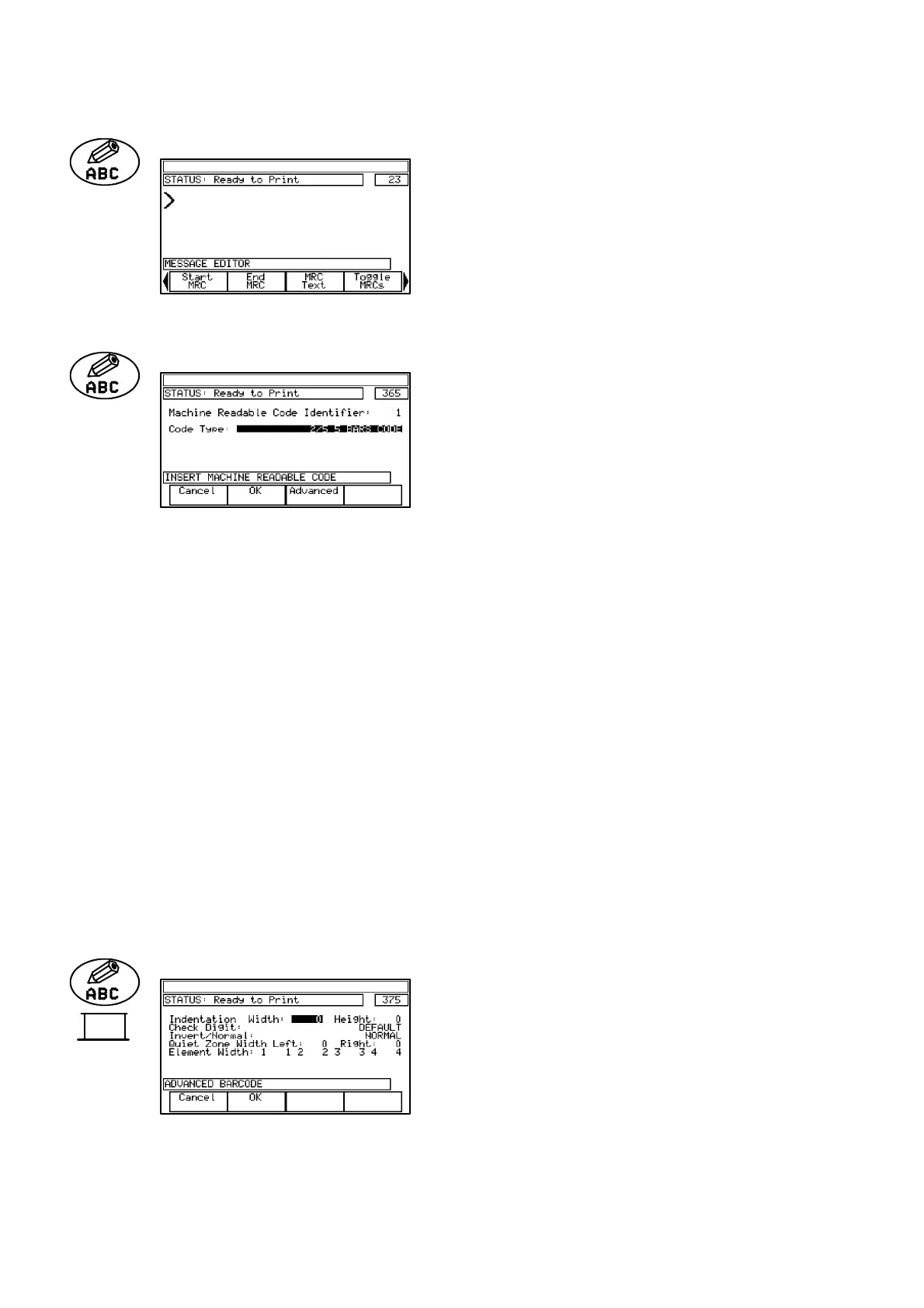
Start MRC (A300/A200 only)
Insertsamarkerindicatingthestart
of the MRC. Subsequent entries
intothemessagewillbeincludedin
the MRC, until End MRC is
selected. The marker is shown on
the screen by a ”>” symbol.
End MRC(A300/A200 only)
Inserts the marker indicating the
endoftheMRC. Entriesbeforethis
marker will be part of the MRC.
The marker is shown on the screen
by a ”<” symbol.
Also permits selection of the type of MRC and identifies the MRC as
first, second, etc, in the message. Further MRC parameters can be set
in Advanced -- see below.
Machine Readable Code Identifier: Shows MRC identification number.
Code Type: Select 2/5 5 BARCODE / INTERLEAVED
2/5 BARCODE / CODE 39 BARCODE /
EAN 13 BARCODE / EAN 8 BARCODE /
UPC--A BARCODE / UPC--E BARCODE /
CODE 128 BARCODE / 2/5 INDUSTRIAL
BARCODE.
Function key options:
Cancel Return to previous screen without accepting
changes.
OK Accept new settings.
Advanced See below.
(END MRC) ADVANCED (A300/A200 only)
Permits the MRC details to be set
for use in the construction of the
MRC.
End
MRC



 To Next Page
 Loading...


