• Run the "Device Manager" program to set up the NEC Series 2 Projector.
• Click on "Menu" → "Doremi Apps."→ "Device Manager".
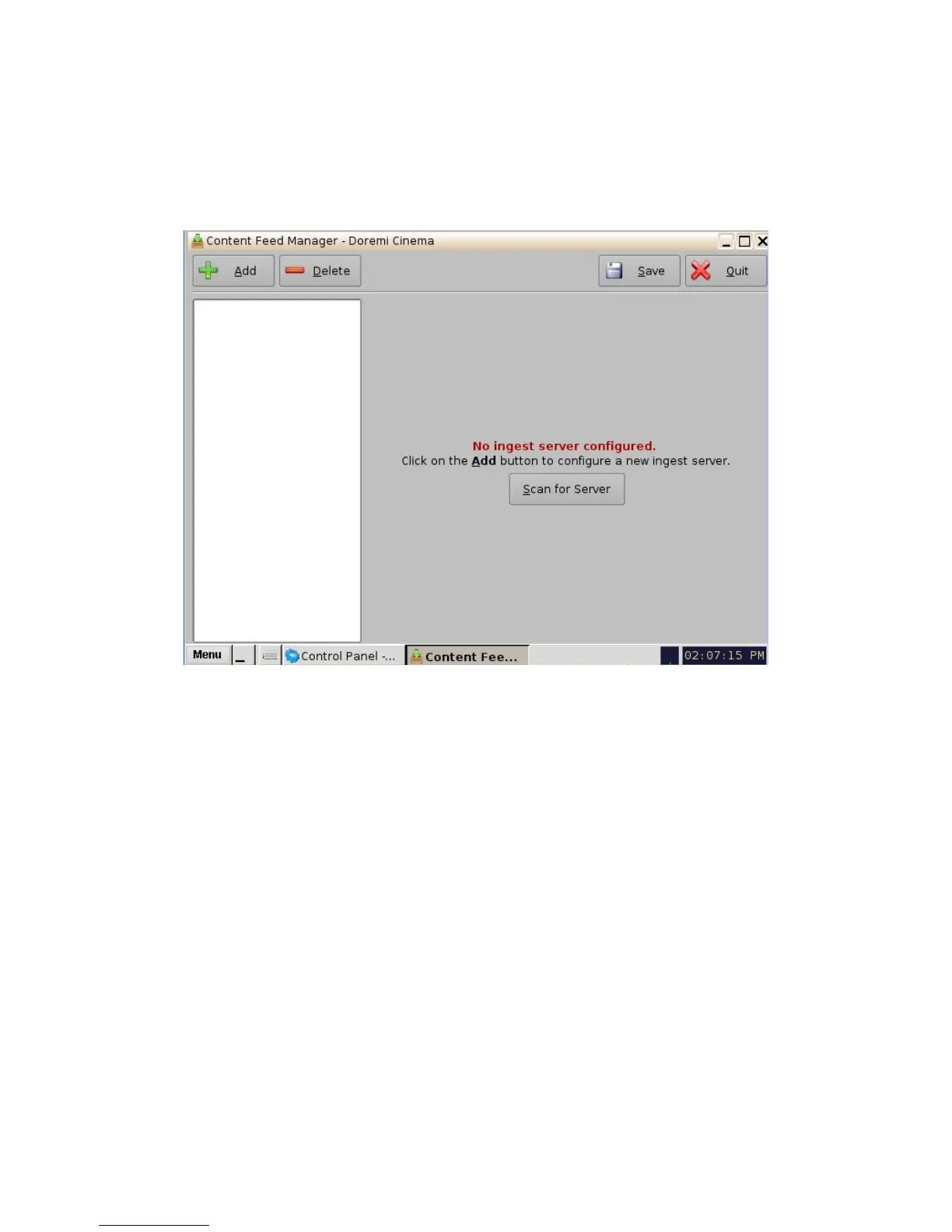
• The following window will appear:
Figure 112: Device Manager GUI
• Click on the "Add" button. The following pop-up window will appear.
_____________________________________________________________________________________
SHV.OM.001293.DRM Page 107 Version 1.3
Doremi Cinema LLC Confidential



 To Next Page