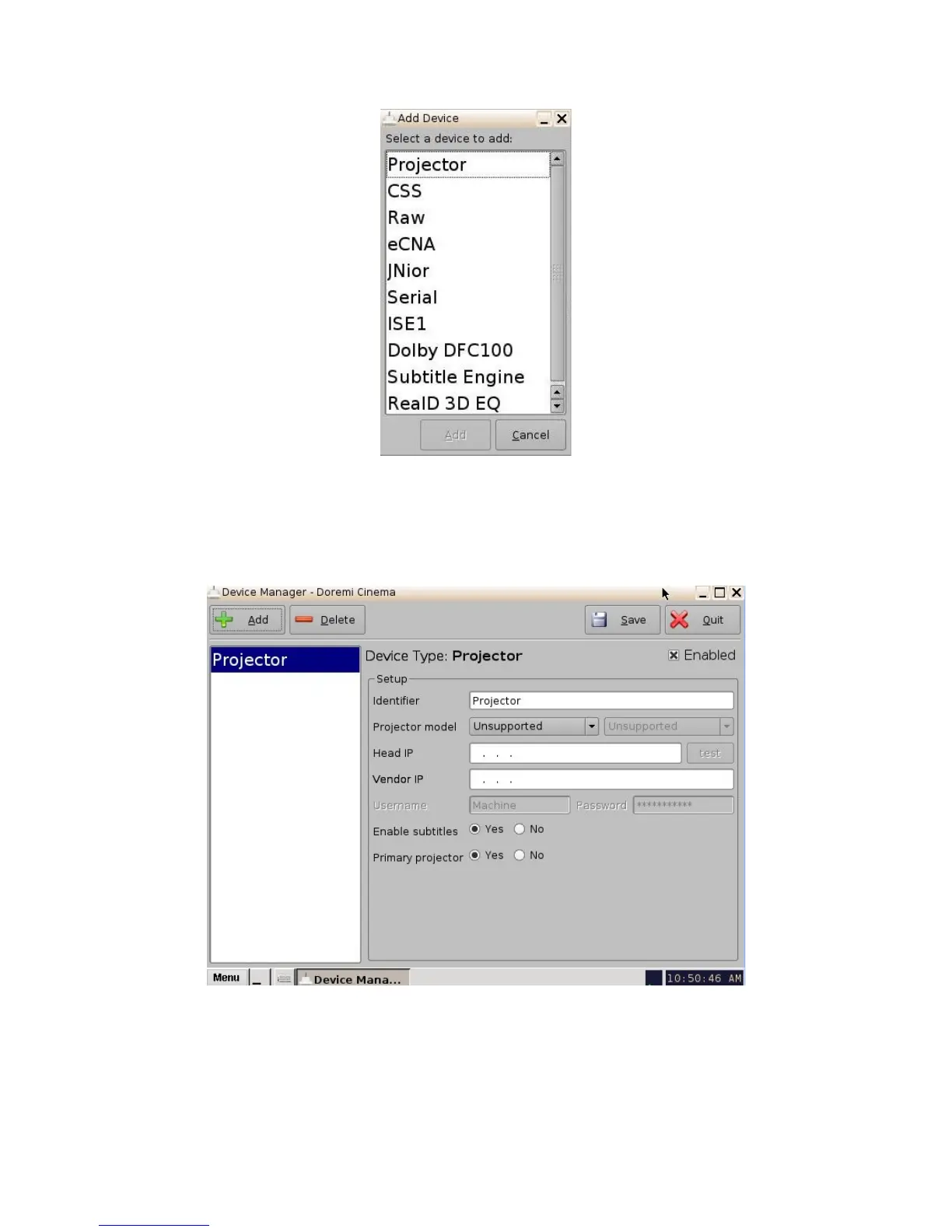
Figure 113: Device Manager Menu and "Add Device" Window
• Select "Projector" from the menu and then click the "Ok" button.
• The following window will appear:
Figure 114: Device Manager Menu With Device Added
• Select the "Projector model" and click on "NEC" and then select "Series-2".
• Select the "DLP Head IP" address for the projector.
_____________________________________________________________________________________
SHV.OM.001293.DRM Page 108 Version 1.3
Doremi Cinema LLC Confidential



 To Next Page