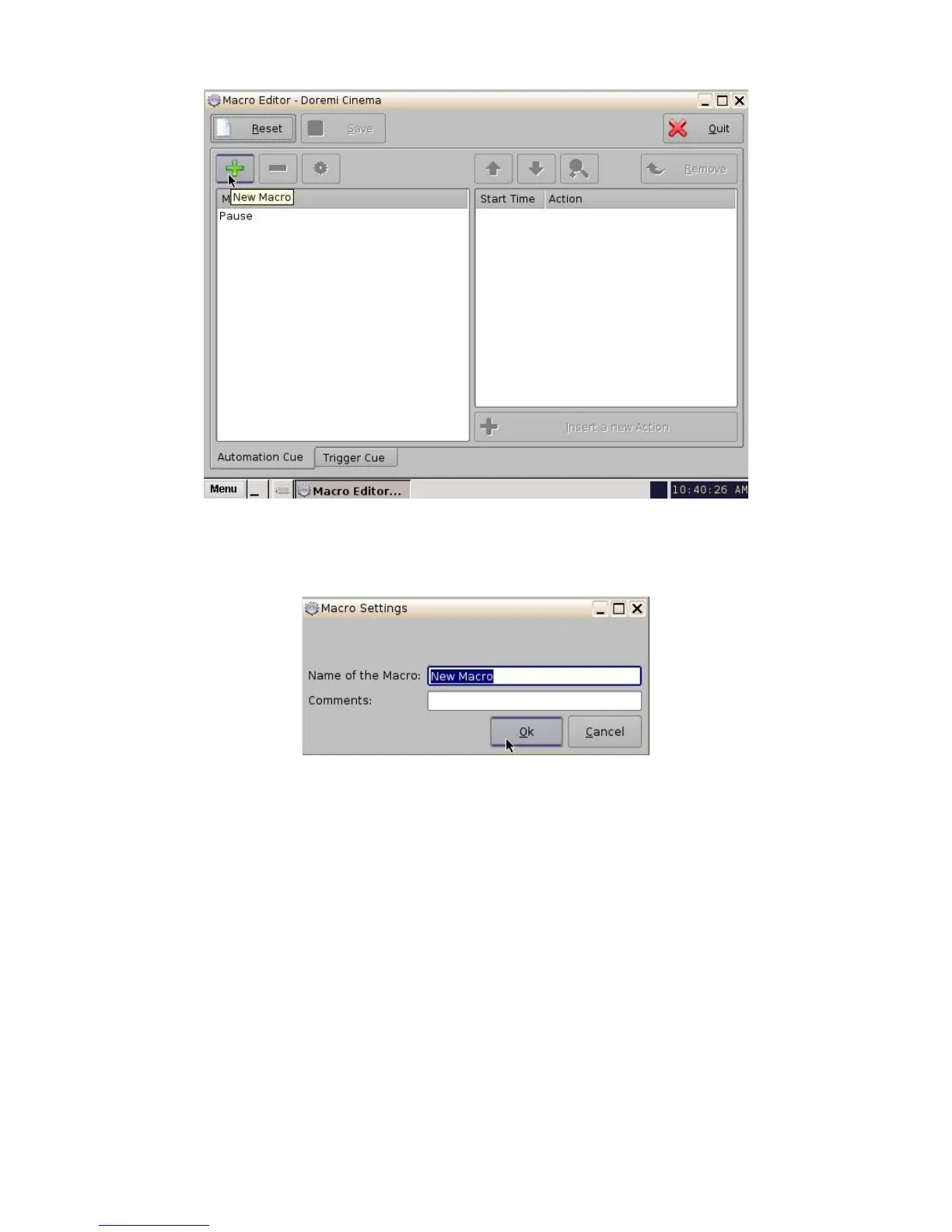
Figure 36: Macro Editor GUI
• Click the New Macro button (see Figure 36 above). The "Macro Settings" window will
appear:
Figure 37: Macro Settings Window
• Name the macro, either HDMI Input, HDSDI Input, or Internal Input. Click "Ok" when
finished naming the macro.
• Click the "Insert a new Action button". The following window will appear:
_____________________________________________________________________________________
SHV.OM.001293.DRM Page 38 Version 1.3
Doremi Cinema LLC Confidential



 To Next Page