Vigor3900 Series User’s Guide
122
4
4
.
.
2
2
.
.
1
1
.
.
4
4
R
R
A
A
D
D
V
V
D
D
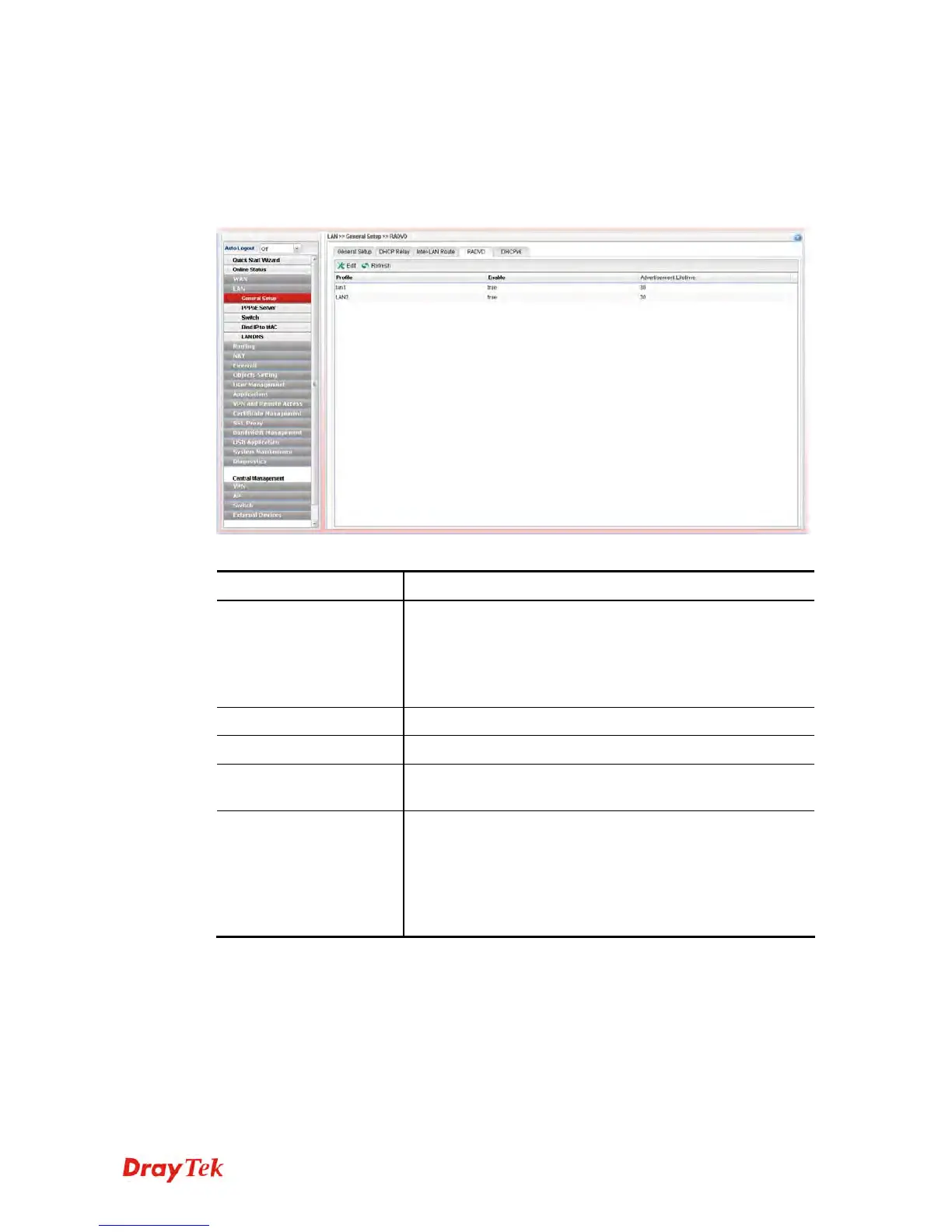
The router advertisement daemon (radvd) sends Router Advertisement messages, specified
by RFC 2461, to a local Ethernet LAN periodically and when requested by a node sending a
Router Solicitation message. These messages are required for IPv6 stateless
auto-configuration.
Each item will be explained as follows:
Item Description
Edit
Modify the selected LAN profile.
To edit a profile, simply select the one you want to modify
and click the Edit button. The edit window will appear for
you to modify the corresponding settings for the selected
rule.
Refresh
Renew current web page.
Profile
Display the name of the LAN profile.
Enable
Display the status of the profile. False means disabled; True
means enabled.
Advertisement Lifetime
Display the lifetime value.
The lifetime associated with the default router in units of
minutes, ranging from 10 ~ 150. It is used to control the
lifetime of the prefix. A lifetime of 0 indicates that the
router is not a default router and should not appear on the
default router list.














 To Next Page