Vigor3900 Series User’s Guide
156
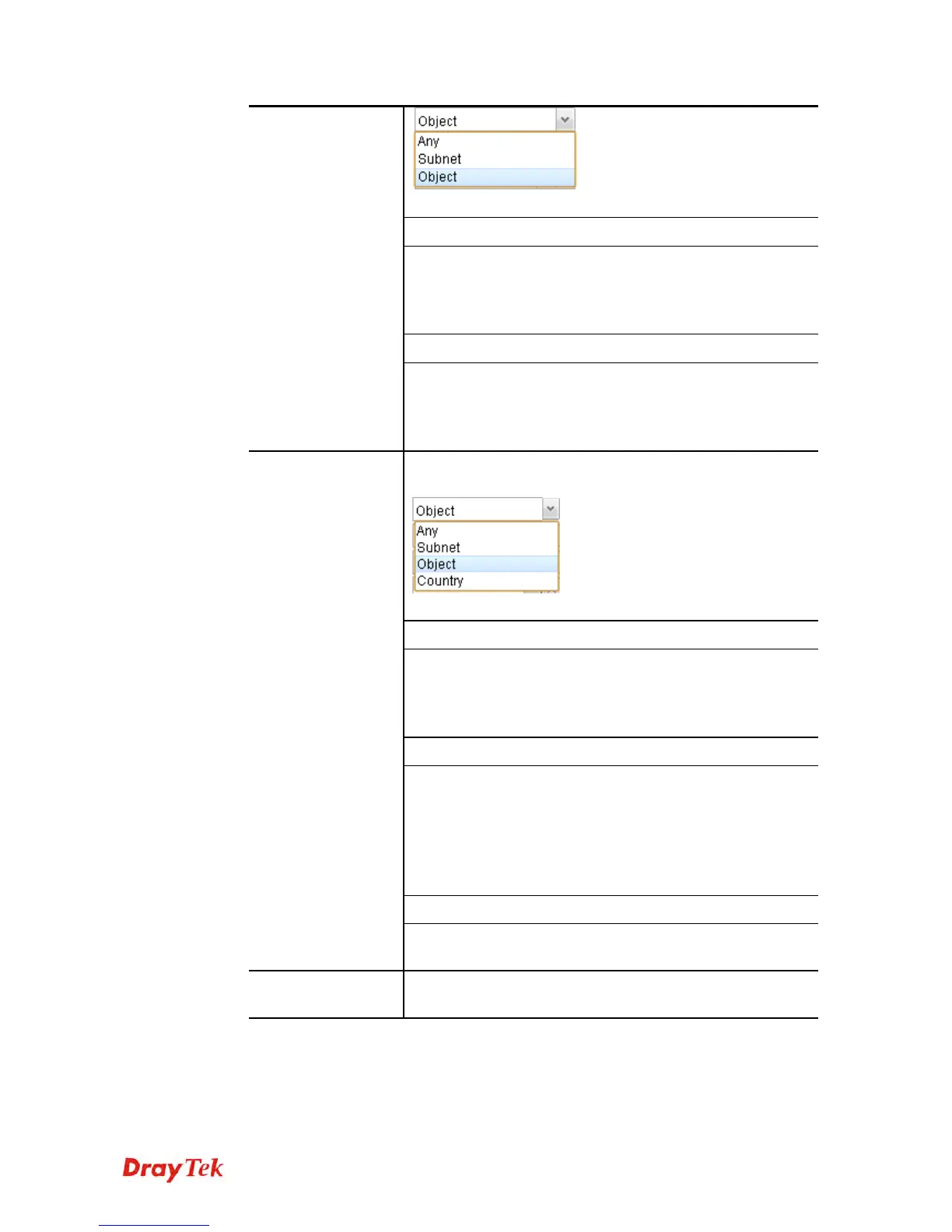
Each type will bring different settings for configuration.
When Subnet is selected as Source Type
IP Address - Type an IP address here as the
source IP address for such rule.
Subnet Mask - Use the drop down list on the right
to choose a suitable mask for the source.
When Object is selected as Source Type
IP Object – Use the drop down list to choose the
source IP object(s) for such rule profile.
IP Group –Use the drop down list to choose the
source IP group(s) for such rule profile.
Destination Type - Choose the address type (Any, Subnet,
Object or Country) for such rule.
Each type will bring different settings for configuration.
When Subnet is selected as Destination Type
IP Address - Type an IP address here as the
destination IP address for such rule.
Subnet Mask - Use the drop down list on the right
to choose a suitable mask for the destination.
When Object is selected as Destination Type
IP Object – Use the drop down list to choose the
destination IP object(s) for such rule profile.
IP Group –Use the drop down list to choose the
destination IP group(s) for such rule profile.
DNS Object - Use the drop down list to choose
DNS object(s) for such rule profile.
When Country is selected as Destination Type
Destination
Country Object - Use the drop down list to
choose the country object(s) for such rule profile.
Route Rule
Out-going Rule - It determines the way (interface) that the
incoming traffic will be forwarded to.














 To Next Page