Vigor3900 Series User’s Guide
174
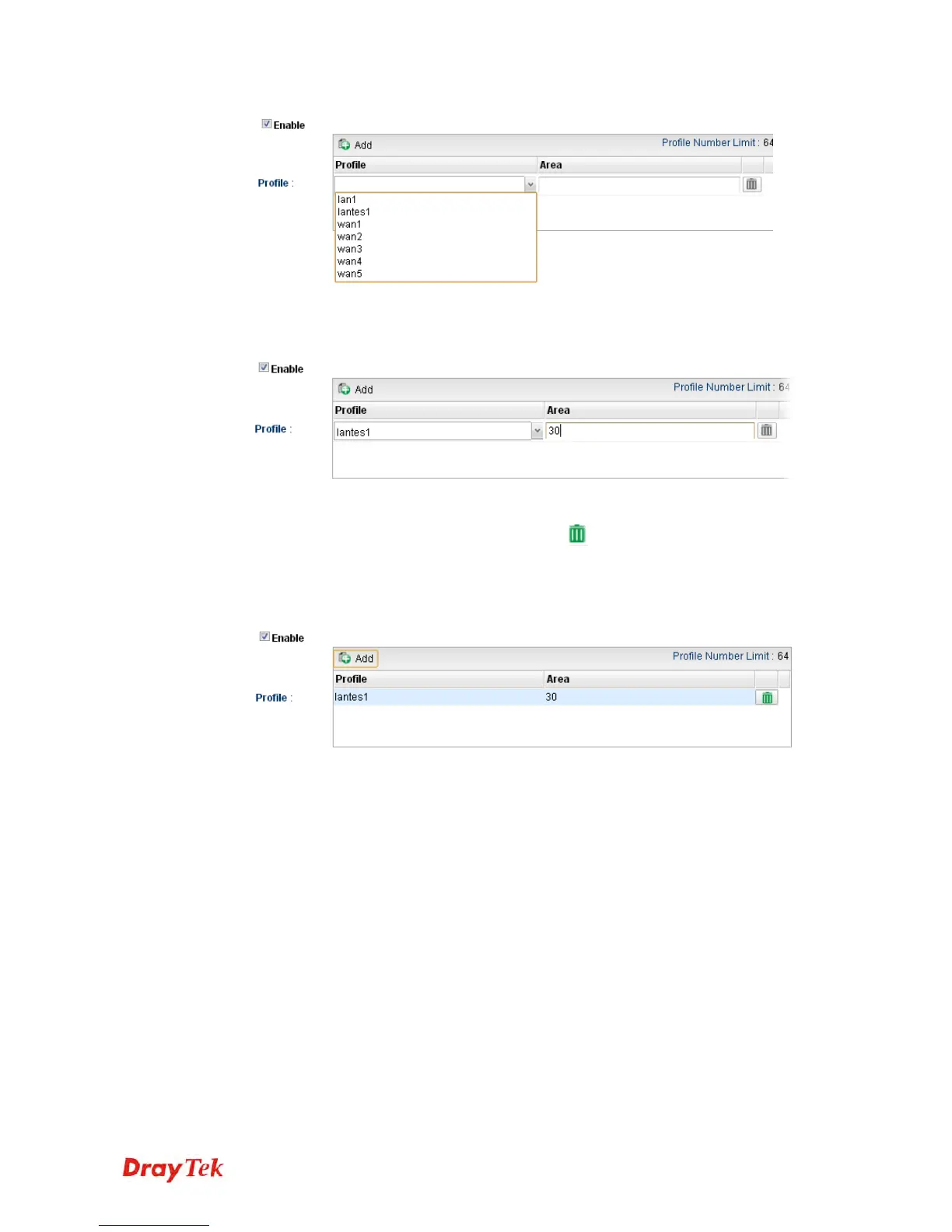
4. Use the drop down list of LAN Profile to choose the one you need. And specify the
value of Area (either 0.0.0.0 ~ 255.255.255.255 or 0 ~ 4294967295) for that profile.
If you are not satisfied the settings, simply click
to remove the entry, and then
re-type the settings.
5. Click Apply to save the settings and exit the dialog. A new profile is created and
displayed on the screen.














 To Next Page