Vigor3900 Series User’s Guide
195
4. Enter all the settings and click Apply.
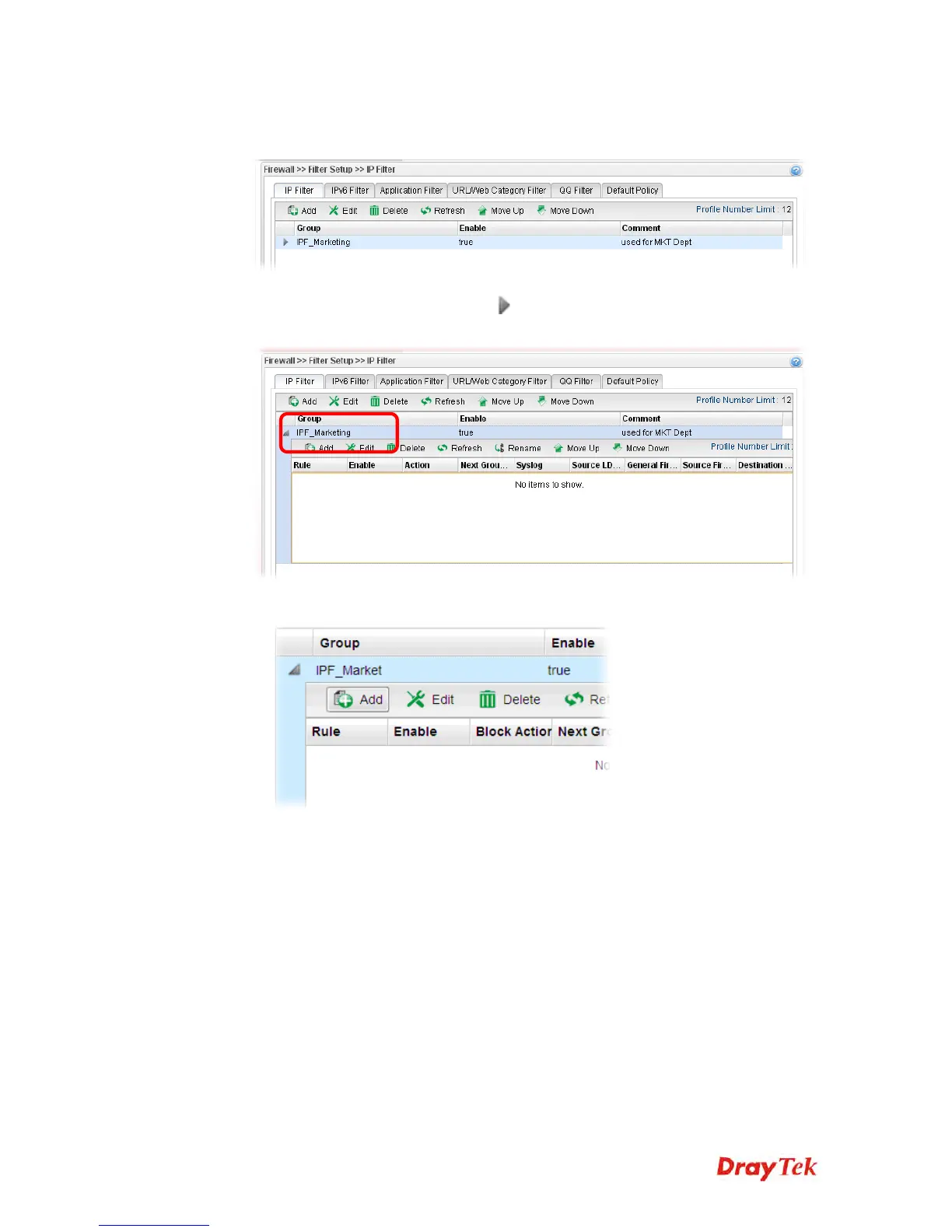
5. A new filter group has been added.
6. You can create filter rule by clicking
on the left side of the selected IP filter group
profile. A setting page will appear for you to add new IP filter rule profile.
7. Move your mouse to click Add.
8. The following page for configuration will appear.














 To Next Page