Vigor3900 Series User’s Guide
196
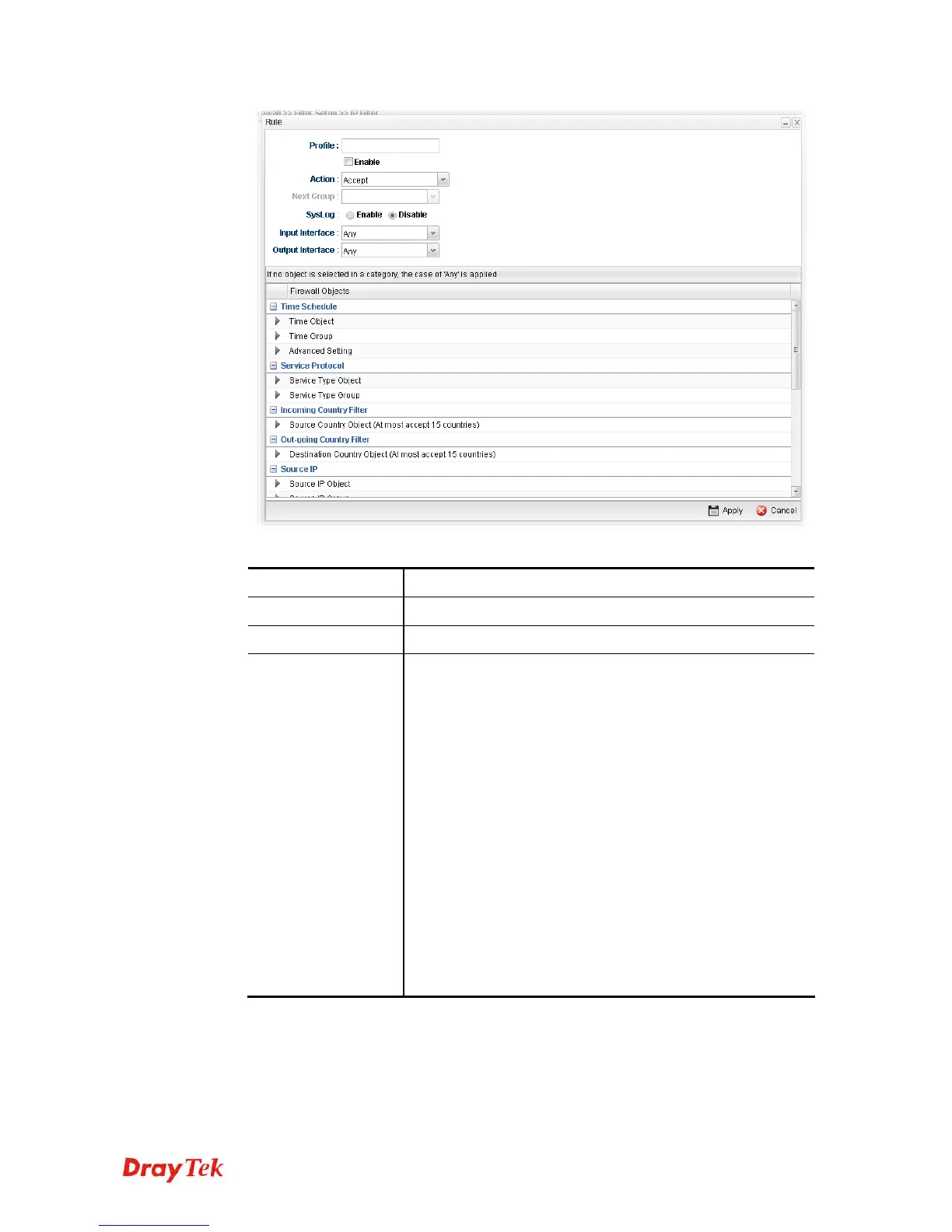
Available parameters are listed as follows:
Item Description
Profile
Type the name of the IP filter rule.
Enable
Check the box to enable this profile.
Block Action
The action to be taken when packets match the rule.
Block - Packets matching the rule will be dropped
immediately
Accept- Packets matching the rule will be passed
immediately.
Block If No Further Match - A packet matching the rule,
and that does not match further rules, will be dropped.
Accept If No Further Match - A packet matching the rule,
and that does not match further rules, will be passed
through.
Connection Limit –Limiting the number of packets for new
connection can avoid attack driven by unknown person. For
each connection session, packets number smaller than the
Limit Packets setting can be passed immediately; however,
packets number greater that the Limit Packets setting will be
dropped. That is, packets to be passed or dropped are
determined by connection rate (new session) at that time.














 To Next Page