Vigor3900 Series User’s Guide
283
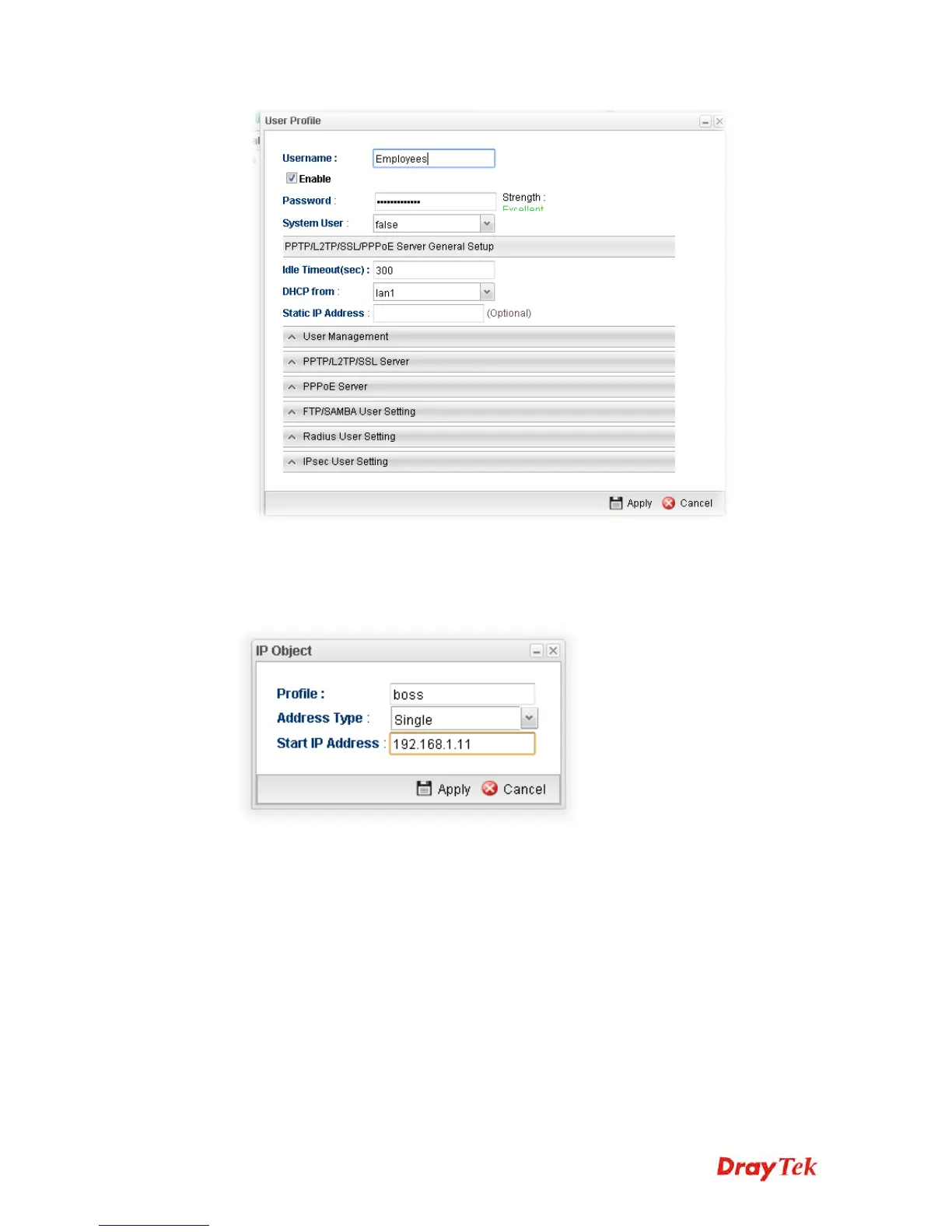
3. Open Objects Setting >> IP Object, and click Add.
4. Set up IP Object for Executive. Type the name of the Profile (e.g., boss in this case);
choose Single as the Address Type; and type 192.168.1.11 as Start IP Address.
Click Apply to save the settings.
5. Open User Management >> Guest Profile and click the Mass Guest Generator tab
to open the following page. Type the Group Name (in this case, Room); Guest Name
Prefix, and Number of Generate (in this case, 100); click Enable for Validity Period
to type the Start Time and End time, and click Apply to save the settings.














 To Next Page