Vigor3900 Series User’s Guide
314
Item Description
Standby
It is used for encrypting the HA session communication to
prevent malicious attack.
WAN Connection Status Detection – Click Enable to make
the router detecting WAN connection status. It is similar to
"LAN Port Detection Mode" but will detect connection status
of all enabled WAN profiles. If connection status of all
enabled WAN profiles are down, the master router hands off
its position.
4
4
.
.
8
8
.
.
6
6
.
.
2
2
H
H
o
o
t
t
S
S
t
t
a
a
n
n
d
d
b
b
y
y
P
P
r
r
o
o
f
f
i
i
l
l
e
e
S
S
e
e
t
t
u
u
p
p
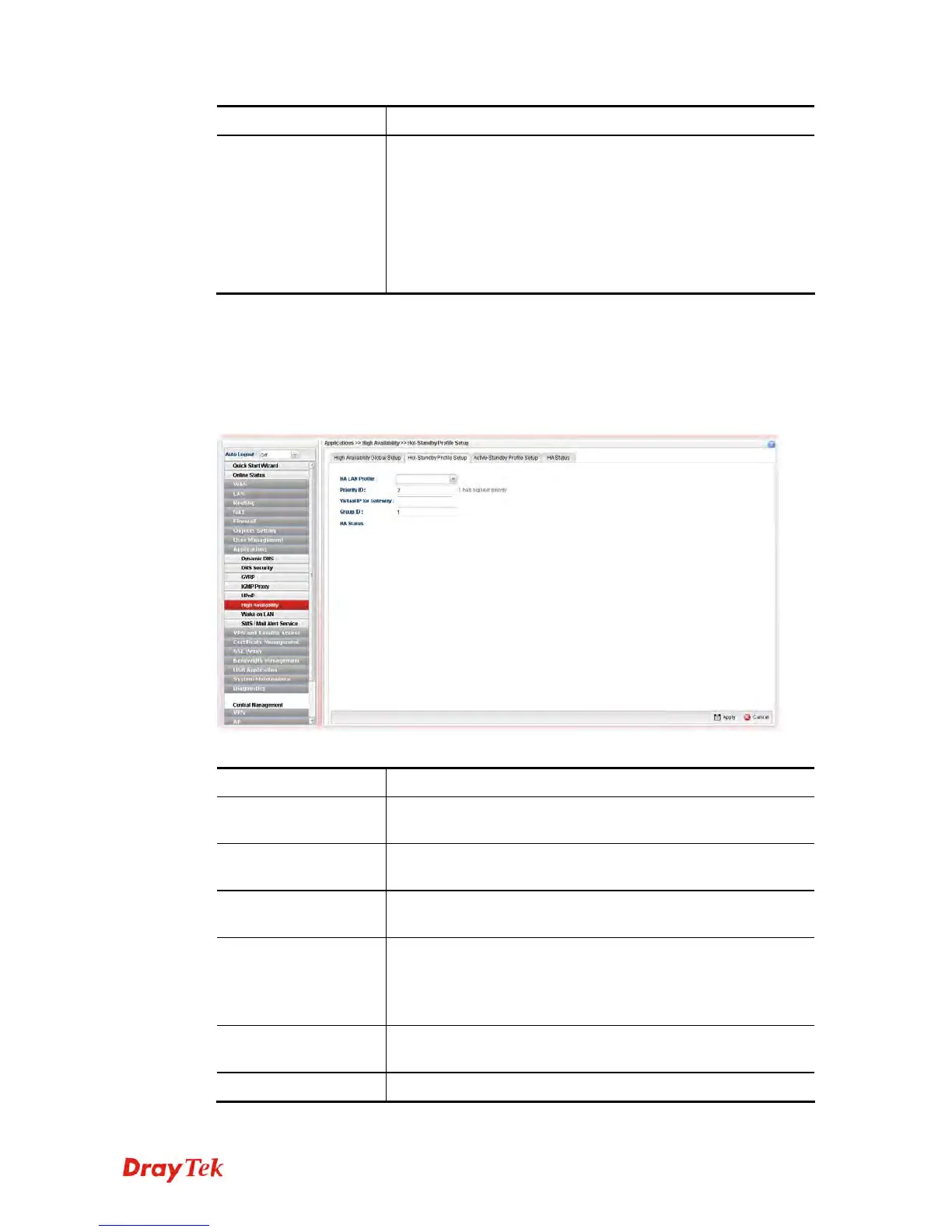
The Hot Standby mechanism is that the router with highest priority to be Master device. And
other lower priority router will be a backup device for the highest router.
When the Master device fails, one of the backup devices will be chosen by priority as the
Master device to offer the network service for the connected PCs.
Available parameters are listed as follows:
Item Description
HA LAN Profile
Choose one of the LAN profiles for communication in HA
application.
Priority ID
“1” has the highest priority. For example, Vigor router with the
priority of “1” shall play the role of Master device.
Virtual IP for
Gateway
Assign an IP address as a virtual IP.
Group ID
Type a value as Group ID for identification in HA application.
All of the routers under a certain HA application must be
configured with the same group ID. Different HA applications
shall have different group ID.
HA Status
It will display the HA status (Master or Backup) for such
router.
Apply
Click it to save the configuration.














 To Next Page