Vigor3900 Series User’s Guide
394
4
4
.
.
1
1
2
2
.
.
2
2
.
.
2
2
V
V
o
o
I
I
P
P
Q
Q
o
o
S
S
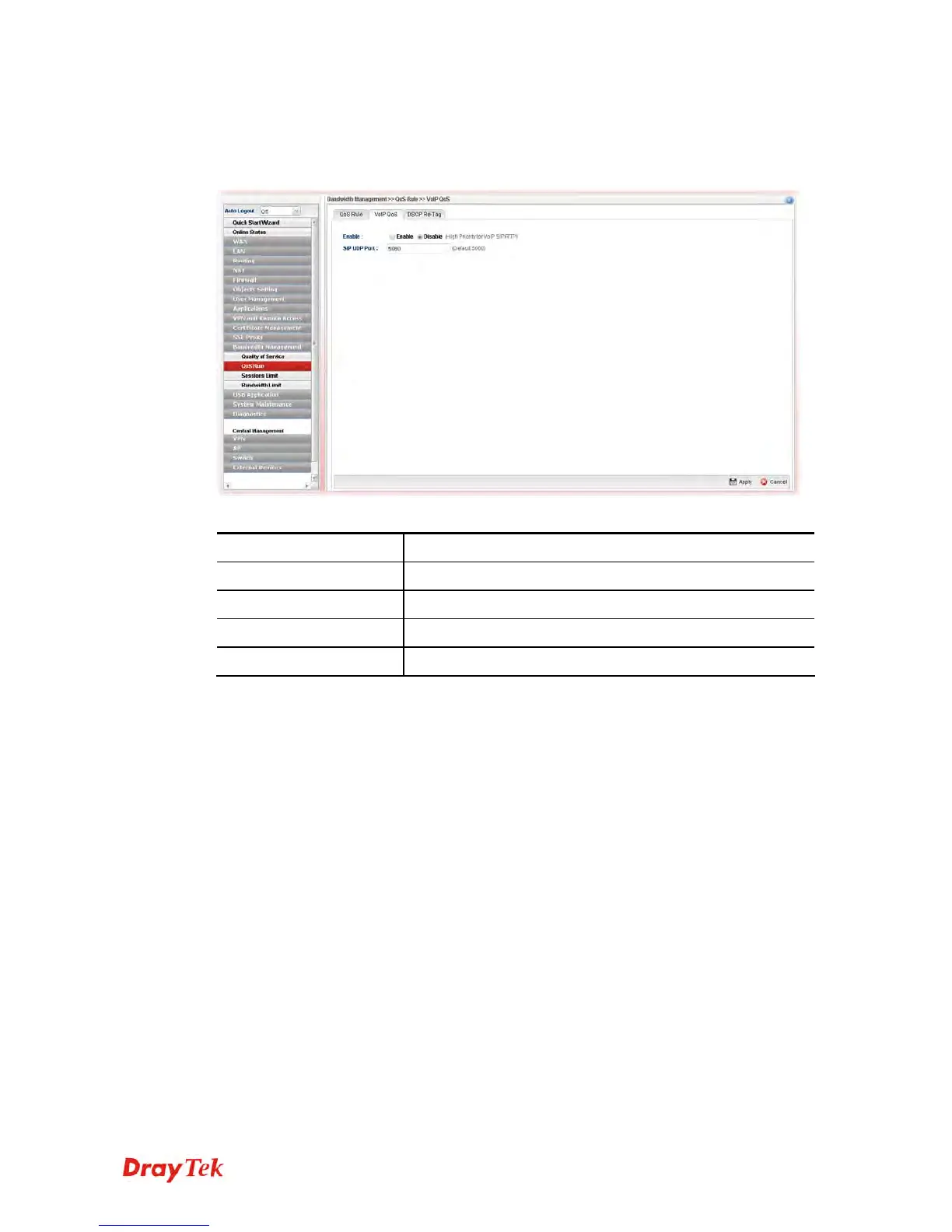
When this feature is enabled, the VoIP SIP/UDP packets will be sent with highest priority
during the process of data transmission.
Each item will be explained as follows:
Item Description
Enable
Enable - Click it to enable VoIP QoS function.
SIP UDP Port
Set a port number used for SIP.
Apply
Click it to save and exit the dialog.
Cancel
Click it to discard the settings configured in this page.














 To Next Page