Vigor3900 Series User’s Guide
33
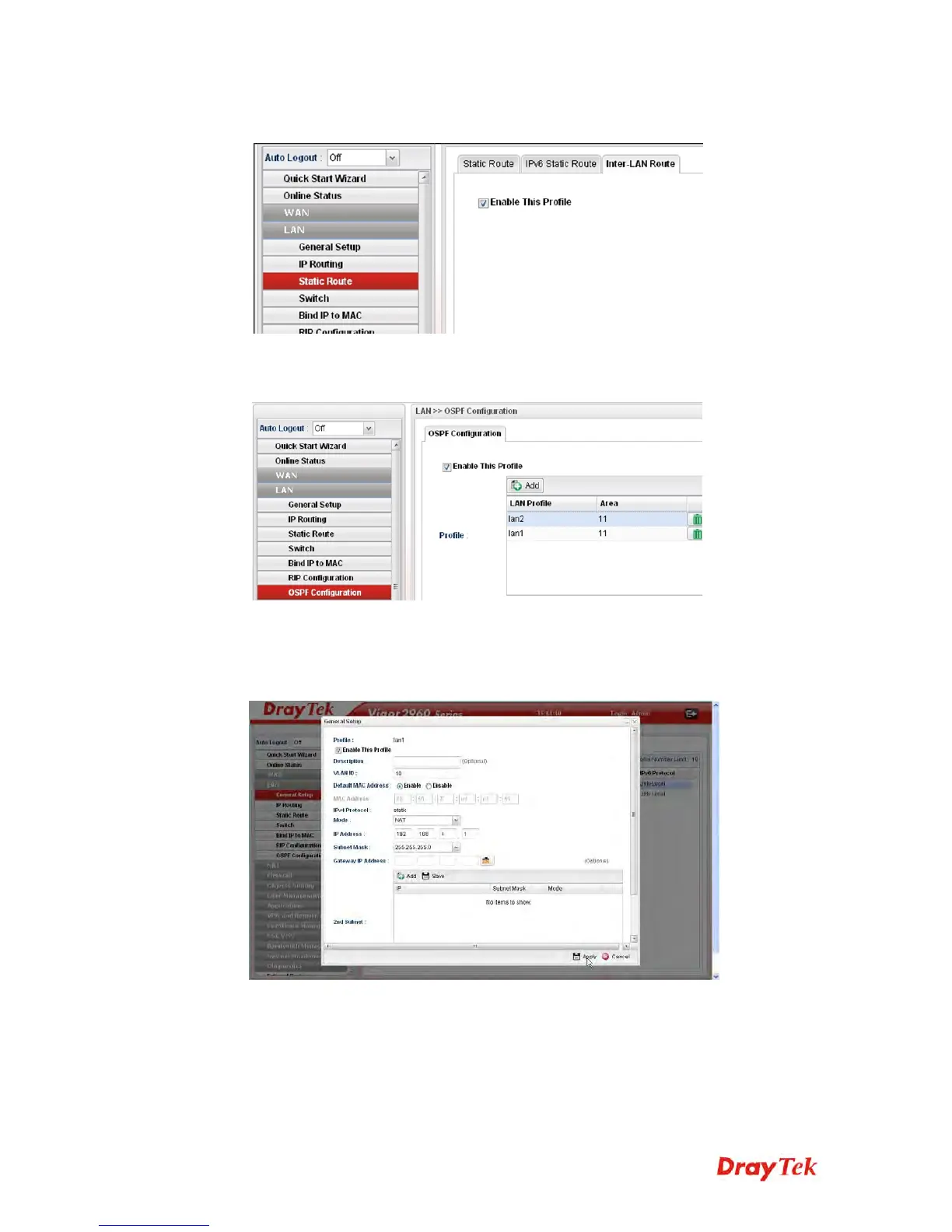
3. Open LAN >> Static Route and click the Inter-LAN Route tab to enable this profile.
4. Open LAN >> OSPF Configuration to enable this profile. Click Add to make the LAN
Profiles lan2 area setting as 11 and lan1 area as 11. (As shown in the topology diagram.)
C
C
o
o
n
n
f
f
i
i
g
g
u
u
r
r
a
a
t
t
i
i
o
o
n
n
f
f
o
o
r
r
V
V
i
i
g
g
o
o
r
r
2
2
9
9
6
6
0
0
,
,
1. Open LAN >> General Setup to create a LAN (192.168.4.1/24) profile named lan1
with the settings shown below.














 To Next Page