Vigor3900 Series User’s Guide
431
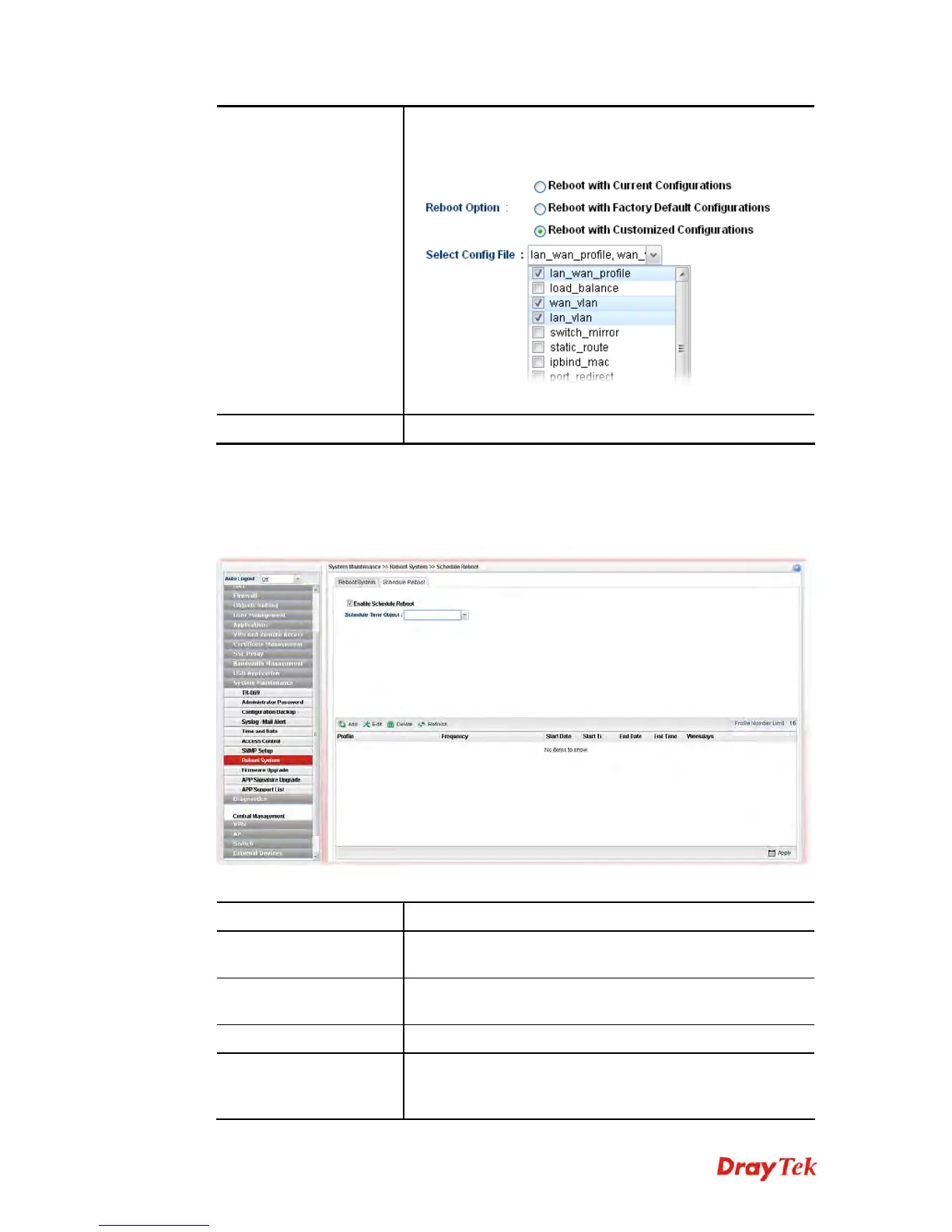
Customized
Configurations
(only the configuration settings listed and selected below). If
you choose this option, Select Config File will be available
for you to select.
After choosing the configuration files, click Reboot.
Reboot
Click this button to execute the rebooting job.
4
4
.
.
1
1
4
4
.
.
8
8
.
.
2
2
S
S
c
c
h
h
e
e
d
d
u
u
l
l
e
e
R
R
e
e
b
b
o
o
o
o
t
t
Vigor router can be rebooted based on schedule setting. Check the box of Enable Schedule
Reboot and choose a time object from the drop down list of Schedule Time Object. After
clicking Apply, Vigor router will reboot at the specified time.
Available parameters are listed as follows:
Item Description
Enable Schedule
Reboot
Check the box to enable such option.
Schedule Time Object
Use the drop down list to choose one of the time objects to
perform the schedule reboot.
Add
Add a new profile.
Edit
Modify the selected profile.
To edit a profile, simply select the one you want to modify
and click the Edit button. The edit window will appear for














 To Next Page