Vigor3900 Series User’s Guide
442
4
4
.
.
1
1
5
5
.
.
1
1
.
.
2
2
I
I
P
P
v
v
6
6
R
R
o
o
u
u
t
t
i
i
n
n
g
g
T
T
a
a
b
b
l
l
e
e
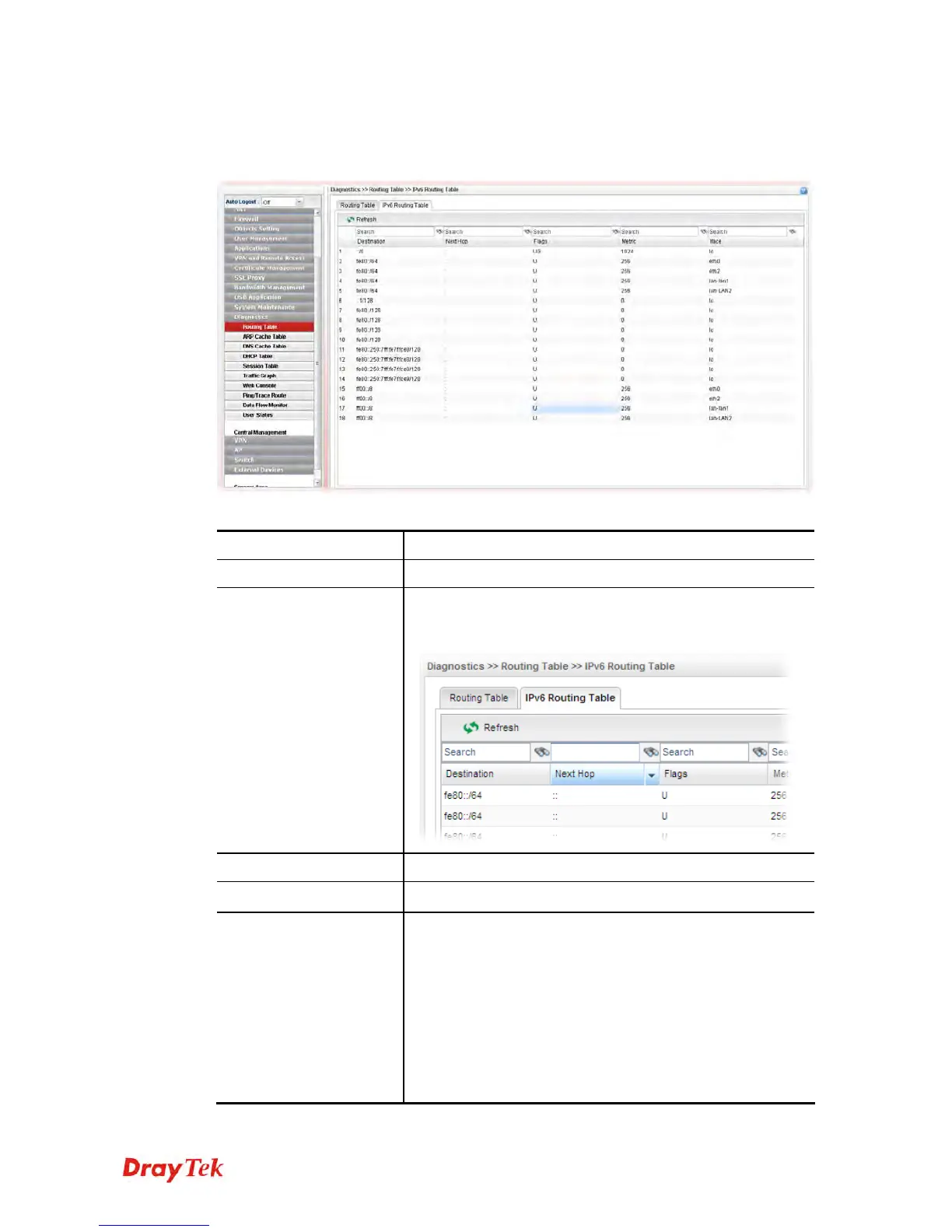
Display the information for each route with IPv6 protocol.
Each item will be explained as follows:
Item Description
Refresh
Renew the web page.
Search
Move the mouse cursor onto the box of Search. Click the
mouse button and type the keyword inside the box. The
system will display the records relating to the keyword.
Destination
Display the destination IP address for various routings.
Next Hop
Display the next hop address for such route。
Flags
Display the flag of the routing entry. Possible flags include:
U (route is up)
H (target is a host)
G (use gateway)
R (reinstate route for dynamic routing)
D (dynamically installed by daemon or redirect)
M (modified from routing daemon or redirect)
A (installed by addrconf)
C (cache entry)
! (reject route)














 To Next Page