Vigor3900 Series User’s Guide
464
4
4
.
.
1
1
6
6
.
.
2
2
.
.
2
2
V
V
P
P
N
N
M
M
a
a
n
n
a
a
g
g
e
e
m
m
e
e
n
n
t
t
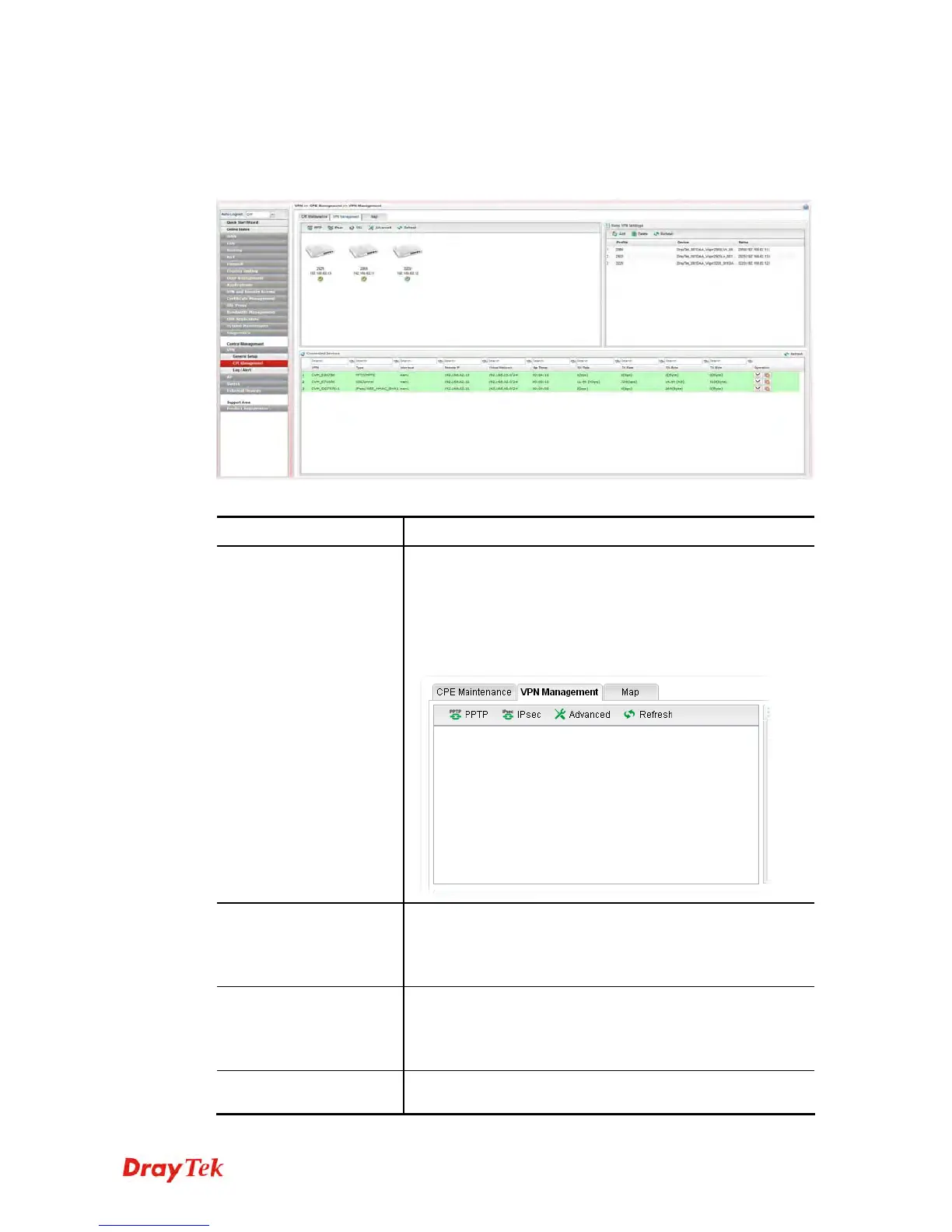
An easy method is offered to configure VPN settings for building VPN connection between
Vigor3900 (treated as VPN server) and other Vigor router (treated as CPE device, i.e., VPN
client).
Available parameters are listed as follows:
Item Description
Display Screen
Once the device is managed (controlled) by Vigor3900, it
will be displayed on such screen automatically. If not, refer
to sections “3.7 How to manage the CPE (router)
through Vigor3900?” for more detailed information.
If the VPN isn’t established successfully, a red line will
appear instead.
PPTP
To build a quick VPN connection with PPTP, simply click
the remote CPE (waiting for the icon to be bigger) first and
then click it. If the connection is built successfully, a green
line will appear.
IPsec
To build a quick VPN connection with IPsec, simply click
the remote CPE (waiting for the icon to be bigger) first and
then click it. If the connection is built successfully, a blue
line will appear.
SSL
To build a quick VPN connection with SSL, simply click
the remote CPE (waiting for the icon to be bigger) first and














 To Next Page