Vigor3900 Series User’s Guide
474
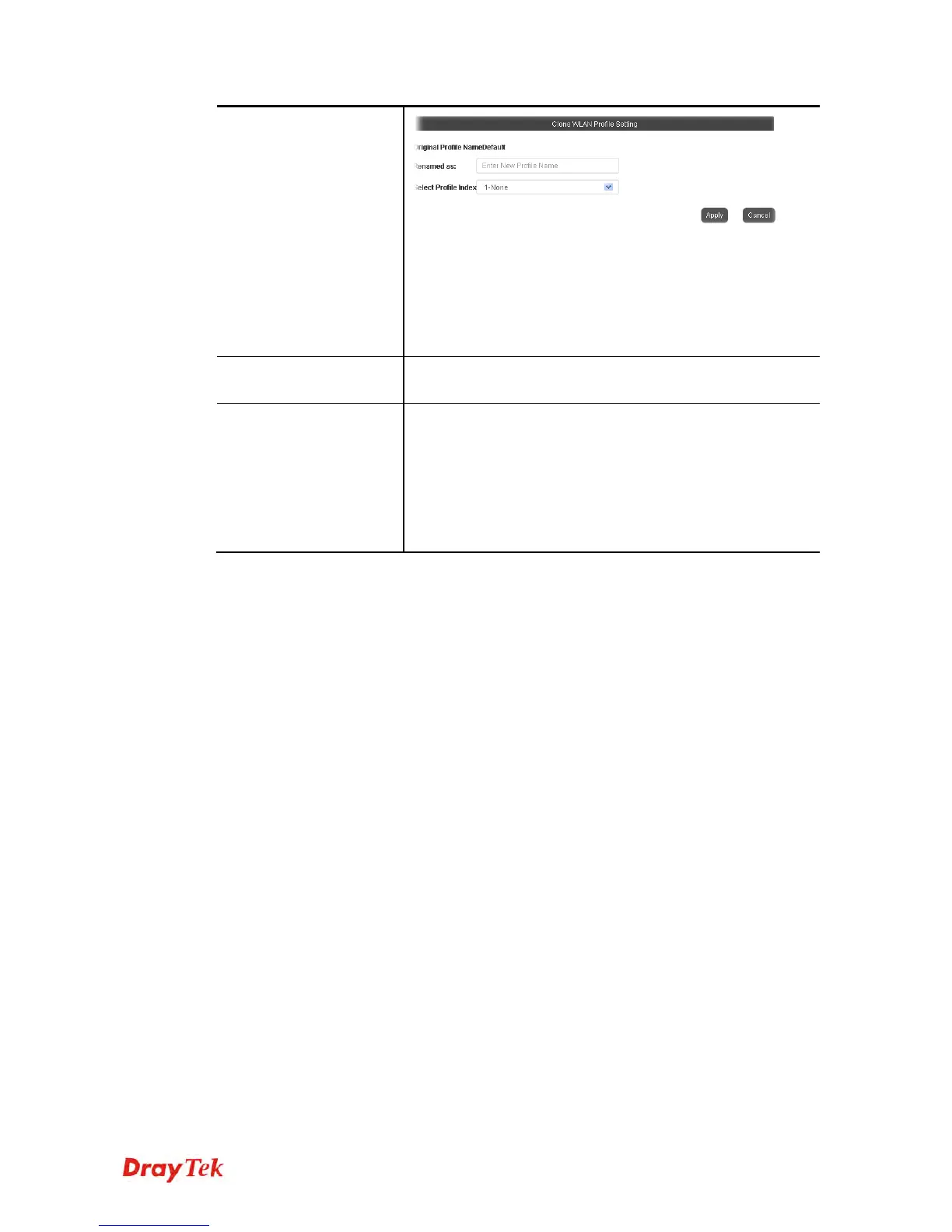
Third, choose the profile index to accept the settings from the
original profile. Forth, type a new name in the field of
Renamed as. Last, click Apply to save the settings on this
dialog.
The new profile has been created with the settings coming
from the original profile.
Edit
It allows you to modify an existing wireless profile or create a
new wireless profile.
Apply to Device
Click it to apply the selected wireless profile to the specified
Access Point.
Simply choose the device you want from Existing Device
field. Click >> to move the device to Selected Device field.
Then, click OK.
The selected WLAN profile will be applied to the selected
access point immediately. Later the access point will reboot.














 To Next Page