Vigor3900 Series User’s Guide
475
H
H
o
o
w
w
t
t
o
o
e
e
d
d
i
i
t
t
t
t
h
h
e
e
w
w
i
i
r
r
e
e
l
l
e
e
s
s
s
s
L
L
A
A
N
N
p
p
r
r
o
o
f
f
i
i
l
l
e
e
?
?
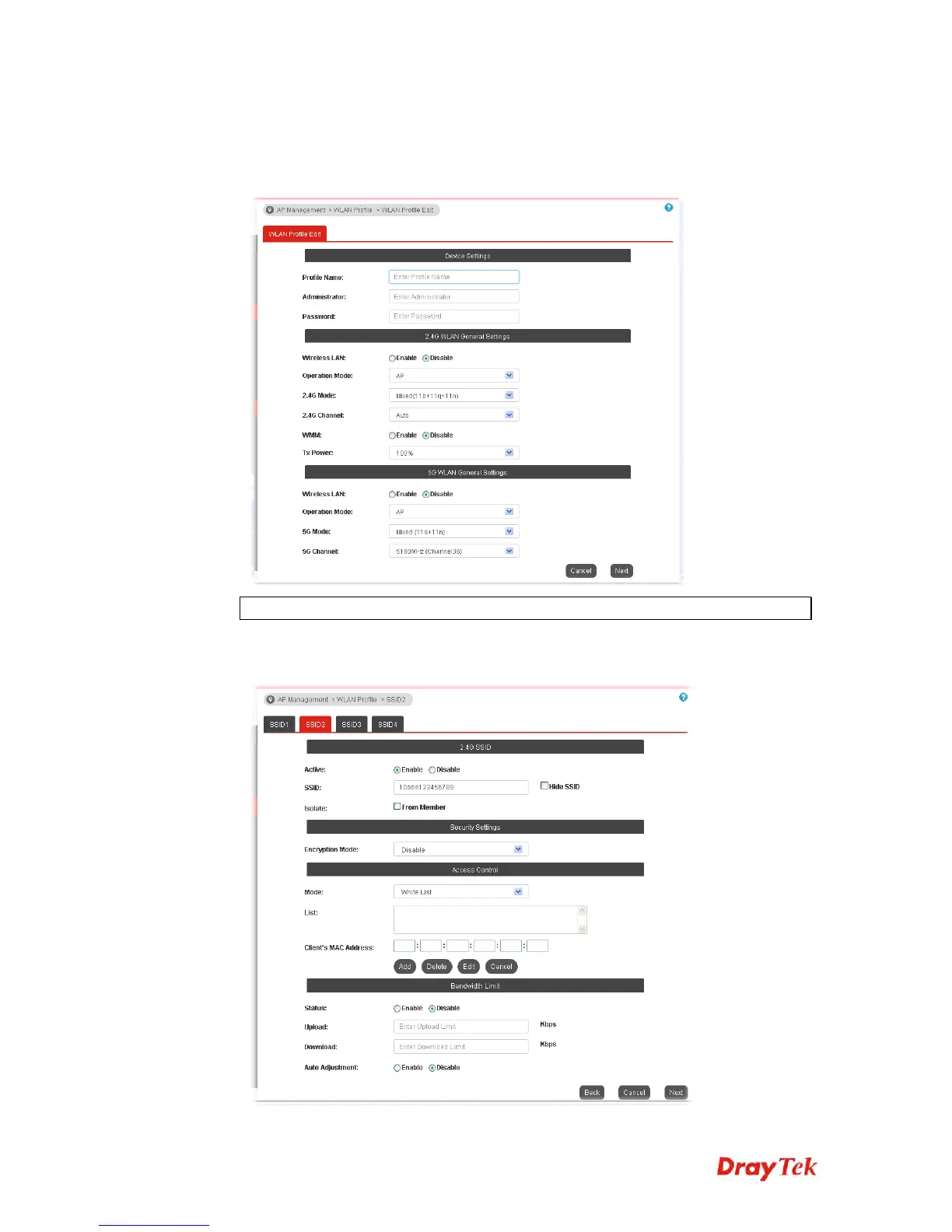
1. Check the box on the left side of the selected profile.
2. Click the Edit button to display the following page.
Note: The function of Auto Provision is available for the default WLAN profile.
3. After finished the general settings configuration, click Next to open the following page
for 2.4G wireless security settings.














 To Next Page