Vigor3900 Series User’s Guide
476
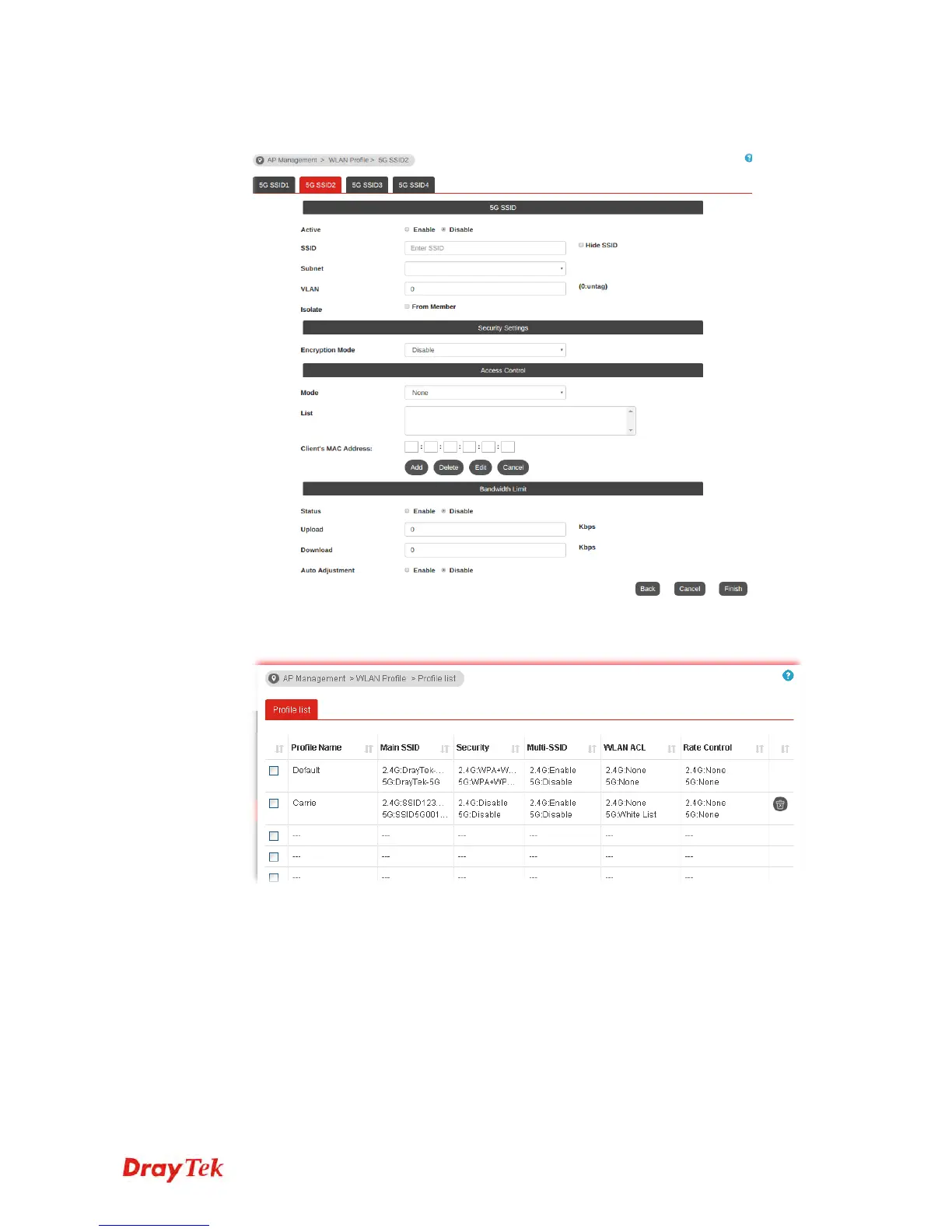
4. After finished the above web page configuration, click Next to open the following page
for 5G wireless security settings.
5. When you finished the above web page configuration, click Finish to exit and return to
the first page. The modified WLAN profile will be shown on the web page.














 To Next Page