Vigor3900 Series User’s Guide
78
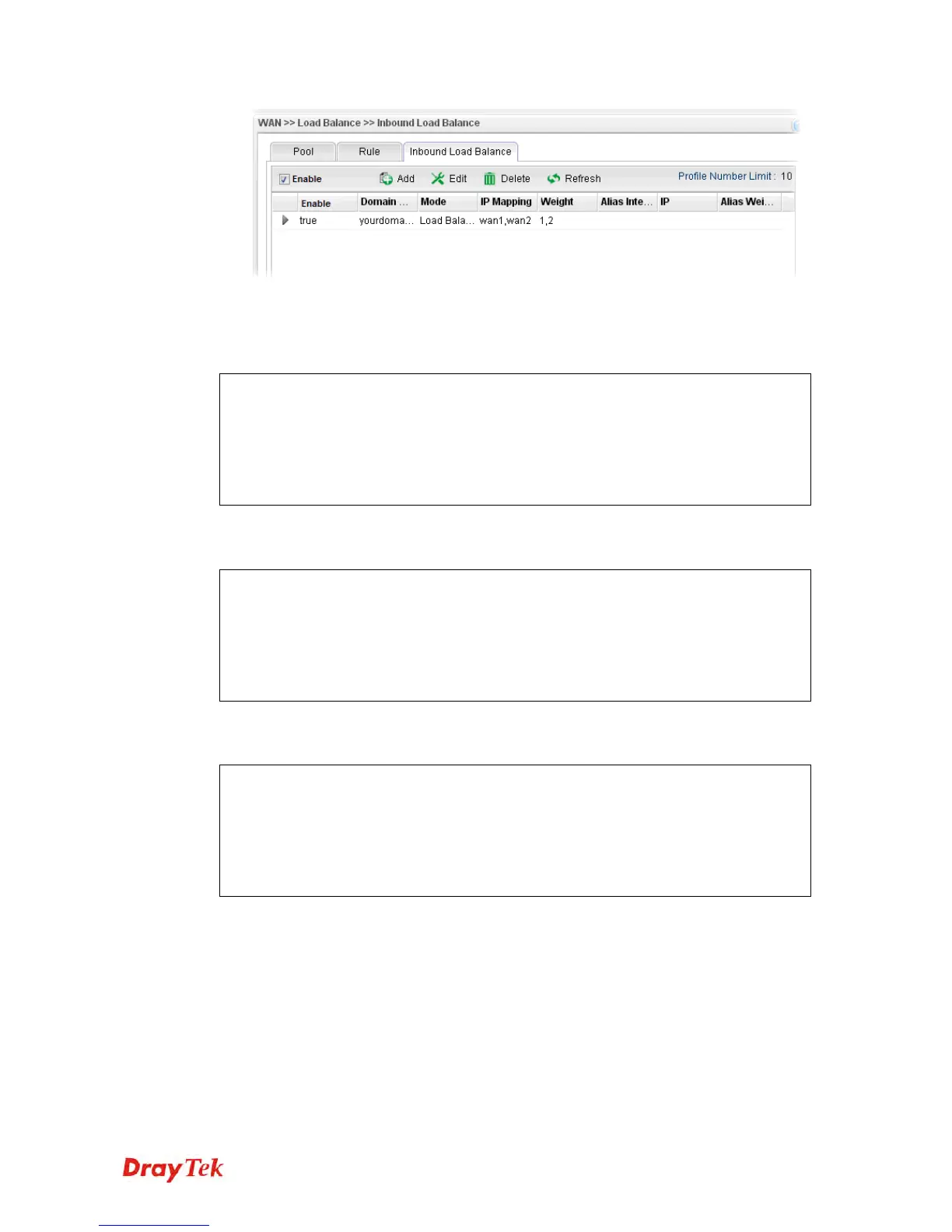
Now, make a test for inbound load balance.
Click Start>> Run and type cmd. Execute the command, nslookup, for DNS query test.
First DNS query
>www.yourdomain.com
Server: [google-public-dns-a.google.com]
Address: 8.8.8.8
Name: www. yourdomain.com
Address: 1.1.1.1
Second DNS query
> www.yourdomain.com
Server: [google-public-dns-a.google.com]
Address: 8.8.8.8
Name: www.yourdomain.com
Address: 2.2.2.2
Third DNS query
> www.yourdomain.com
Server: [google-public-dns-a.google.com]
Address: 8.8.8.8
Name: www.yourdomain.com
Address: 2.2.2.2
Note: It is recommended to clear cache before executing “nslookup” for DNS query.














 To Next Page