93
III-1-4 User Password
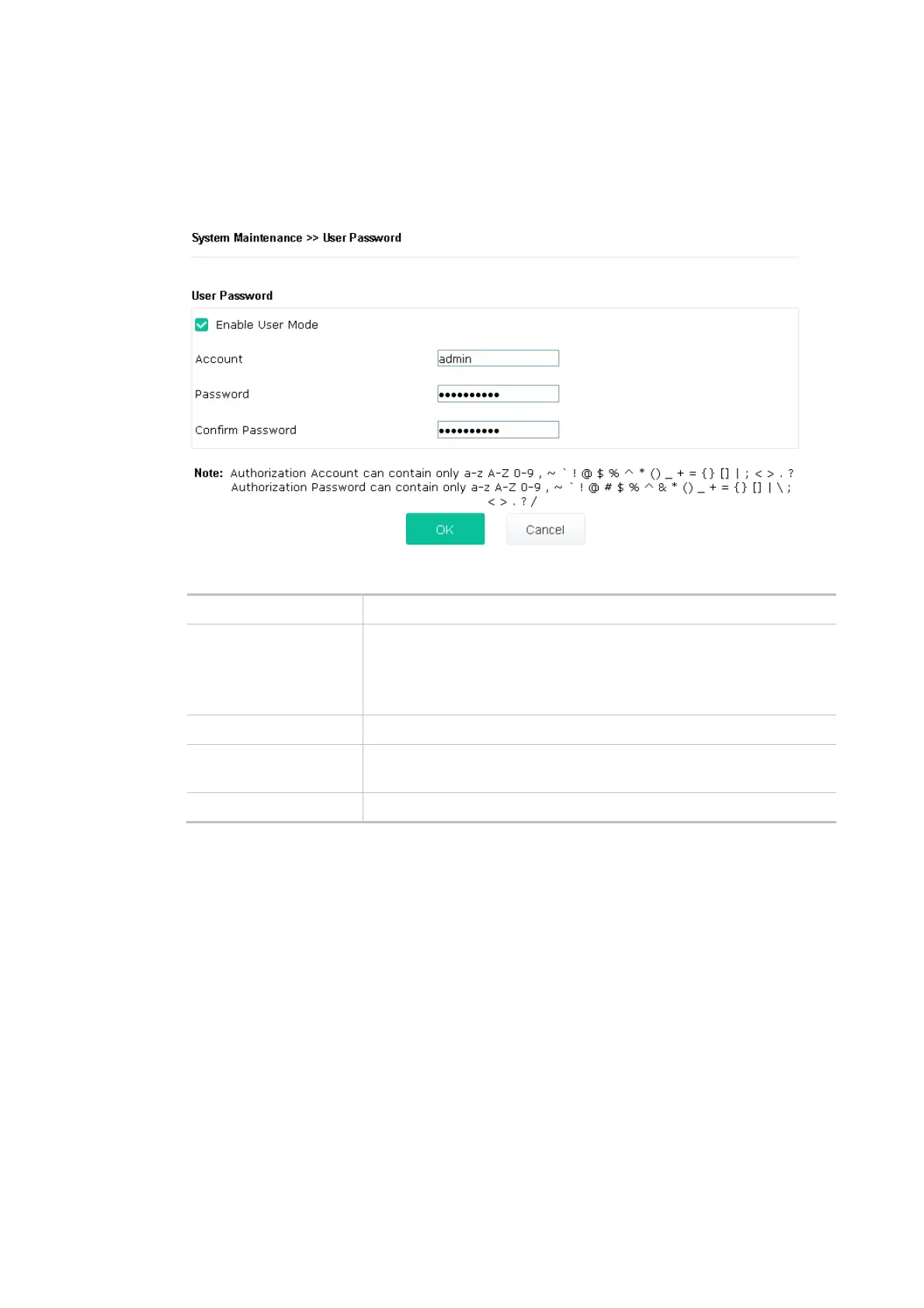
This page allows you to set new account and password for accessing the web pages under User
Mode.
Available settings are explained as follows:
Item Description
Enable User Mode After checking this box, you can access the web user interface with the
password typed here for simple web configuration.
The settings on a simple web user interface will be different from a full
web user interface accessed by using the administrator password.
Account Enter a user name.
Password Enter a new password in this field. The length of the password is
limited to 31 characters.
Confirm Password Enter the new password again.
Click OK to save the settings.
Settings to be configured in User Mode will be less than settings in Admin Mode. Only basic
configuration settings will be available in User Mode.













 To Next Page