16
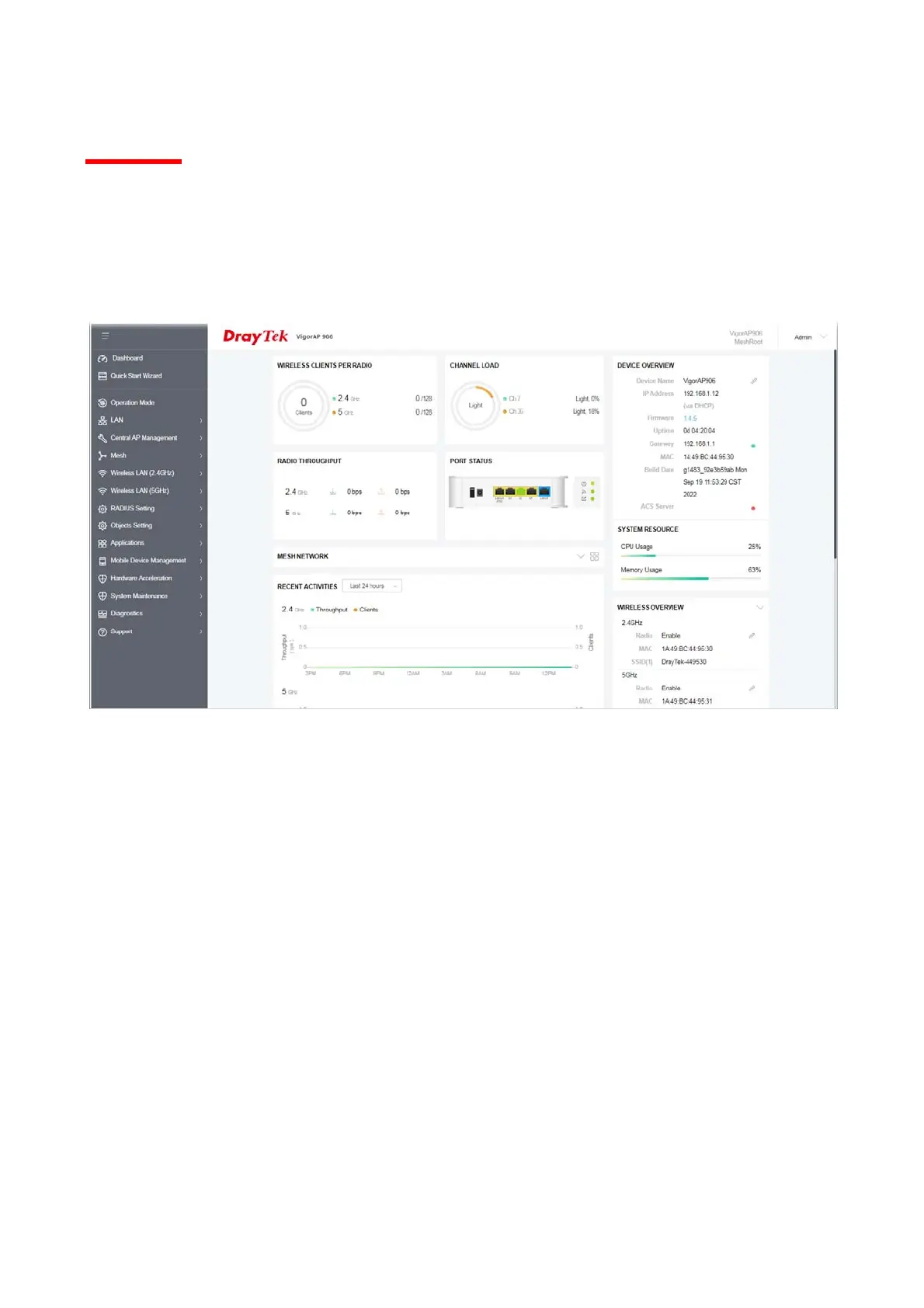
I-6 Dashboard
The dashboard shows system status including the number of clients connected, throughput,
gateway, physical connection status, radio (2.4GHz / 5GHz) status, backhaul network, recent
activities, wireless network usage, and so on.
Click Dashboard from the main menu on the left side of the main page.













 To Next Page