104
III-2 Central AP Management
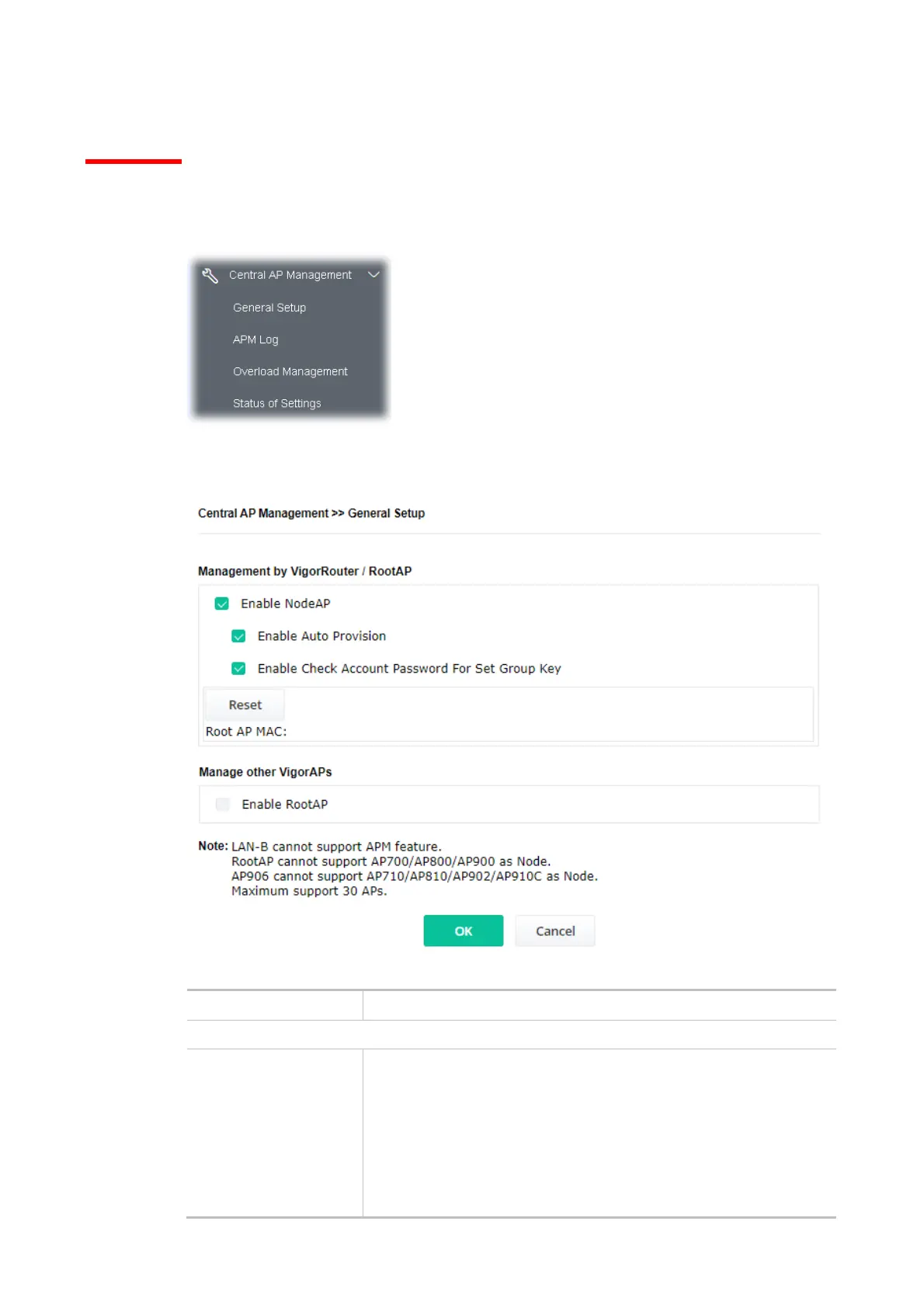
Such a menu allows you to configure the VigorAP device to be managed by the Vigor router.
III-2-1 General Setup
Available settings are explained as follows:
Item Description
Management by VigorRouter/RootAP
Enable NodeAP Check the box to enable the function of AP Management (APM).
Enable Auto Provision - VigorAP 906 can be controlled under Central
AP Management in the Vigor router. When both the Vigor router
series and VigorAP 906 have such feature enabled, once VigorAP 906
is registered to the Vigor router series, the WLAN
profile pre-configured on the Vigor router series will be applied to
VigorAP 906 immediately. Thus, it is not necessary to configure
VigorAP 906 separately.













 To Next Page