147
V-4-2-3 Clients / Groups
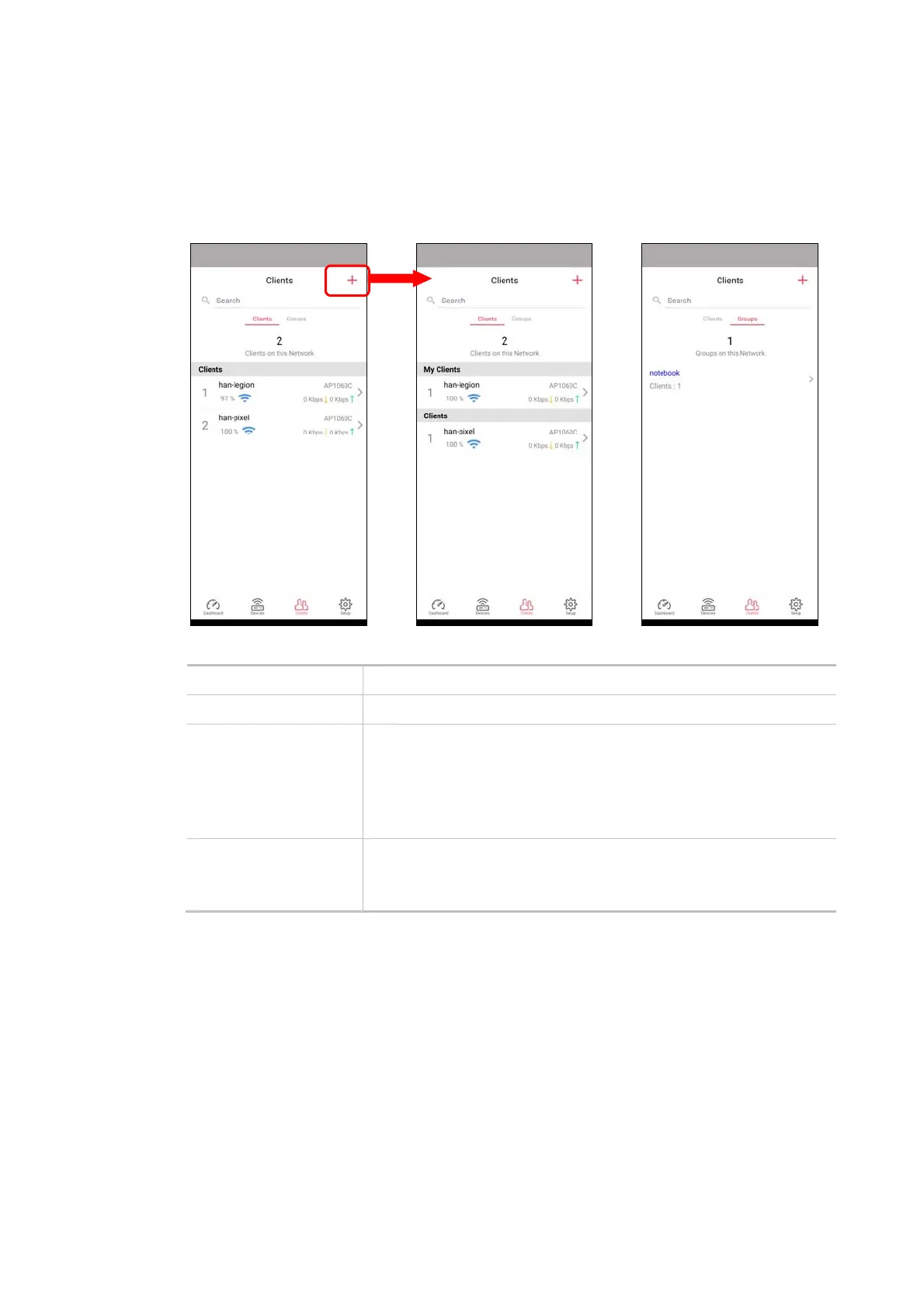
This page shows relationship between devices and groups.
All client members can be classified (into groups). Additionally, the network connection time of the
device group can be adjusted.
Available settings are explained as follows:
Item Description
Search Search available CPE/AP around.
Clients + - Click it to open the page containing My Clients for adding new
clients under My Clients.
My Clients - Devices under this area can be classified under a group.
Clients - Displays devices which have not been classified under any
network group.
Groups Displays the group member and action.
+ - Click it to display the items listed under My Clients. Select the one
you want to add it under current group.
Click the group to access the group setup page. If required, click Edit to add or remove the group
member. Or click Pause Schedule to modify the schedule of the group.













 To Next Page