105
Manage other VigorAPs
Enable RootAP Check this box to enable AP management. The role of this AP is
"Root".
Click OK to save these settings.
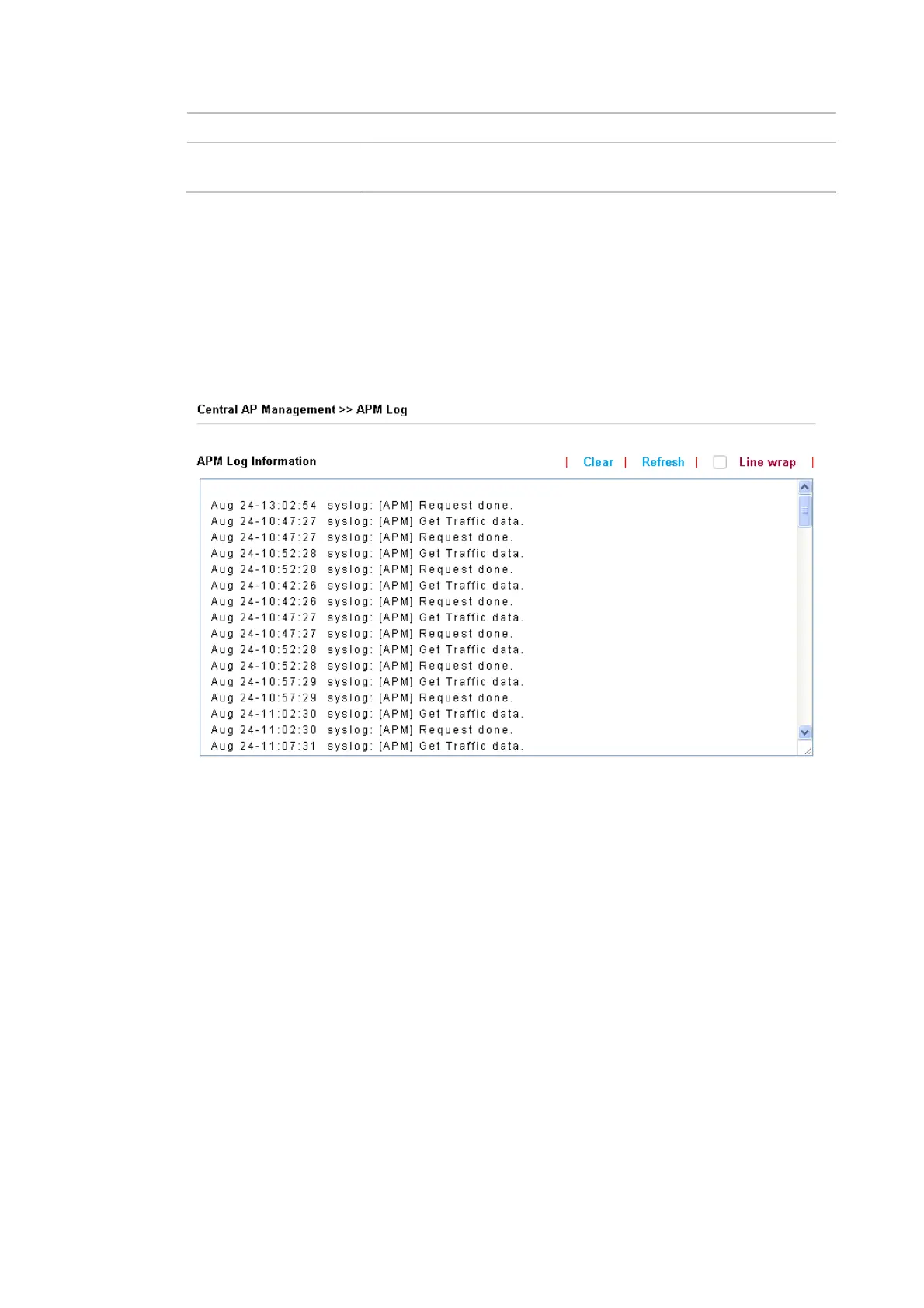
III-2-2 APM Log
This page will display log information related to wireless stations connected to VigorAP 906 and
central AP management.
Such information also will be delivered to the Vigor router (e.g., Vigor2865 or Vigor2927 series) and
be shown on Central AP Management>>Event Log of Vigor router.













 To Next Page