45
AP's SSID Point.
Add Click it to add the AP selected from the Access Point List (with the
same channel width) to the WDS Settings as peer's setting.
II-3-7 WDS AP Status
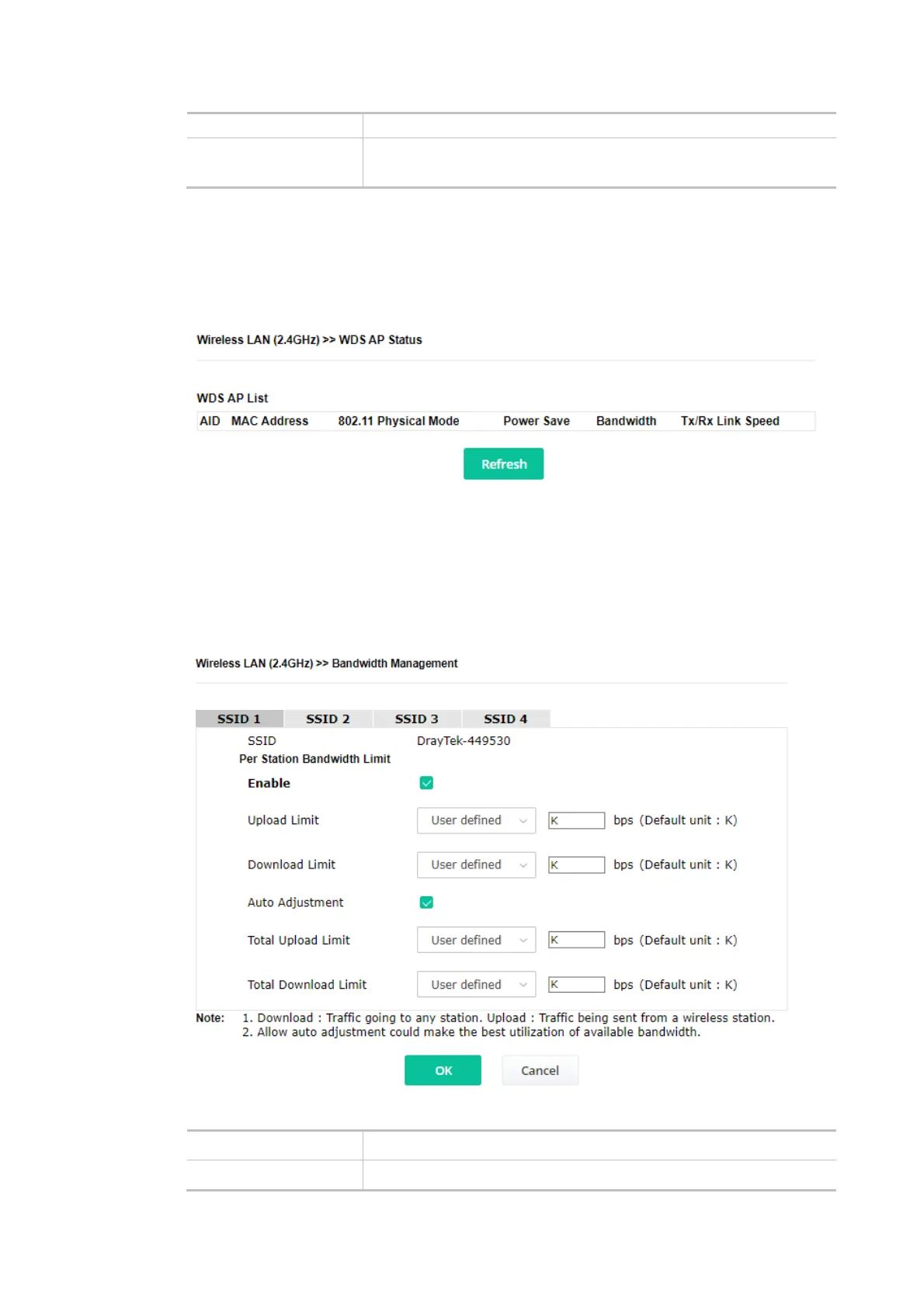
VigorAP 906 can display the status such as MAC address, physical mode, power save, and
bandwidth for the working AP connected with WDS. Click Refresh to get the newest information.
II-3-8 Bandwidth Management
The downstream or upstream from FTP, HTTP, or some P2P applications will occupy large of
bandwidth and affect the applications for other programs. Please use Bandwidth Management to
make the bandwidth usage more efficient.
Available settings are explained as follows:
Item Description
SSID Display the specific SSID name.













 To Next Page