130
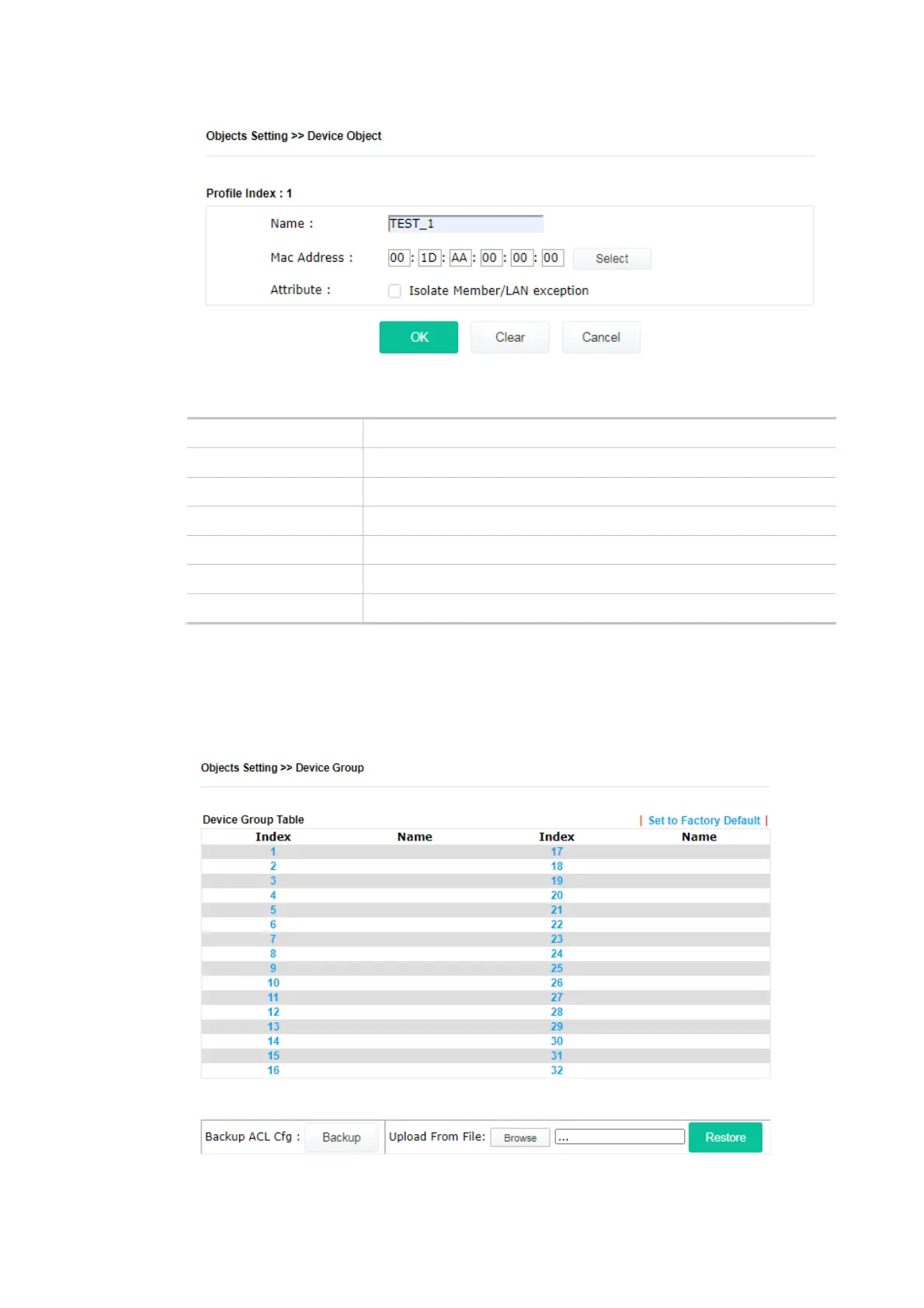
Available settings are explained as follows:
Item Description
Name Enter the name of the profile.
Mac Address Enter the MAC address of the client.
Attribute Check the box to ignore the function of Isolate LAN / Member.
OK Save the settings.
Clear Remove the settings.
Cancel Discard the settings and return to the previous page.
IV-3-2 Device Group
Clients can be integrated as a group and be used by other applications.
Available settings are explained as follows:













 To Next Page