131
Item Description
Set to Factory Default Click it to return to the factory default setting and remove all the
device group profiles.
Index Display the index number of the device group profile.
Name Display the name of the device group profile.
Click any index number link to create a new device group profile.
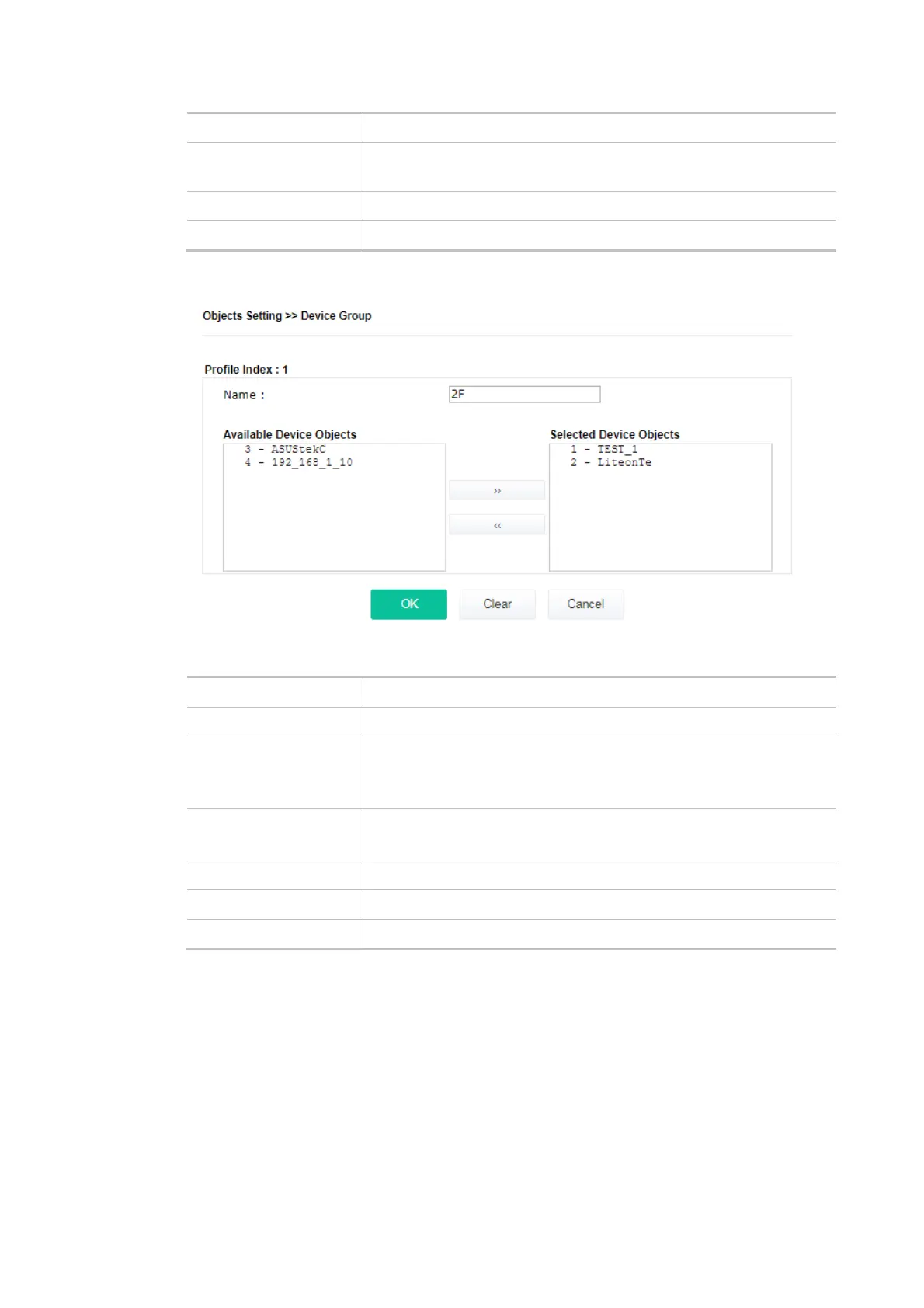
Available settings are explained as follows:
Item Description
Name Enter the name of the new group profile.
Available Device
Objects
Display currently available device objects.
Choose the one(s) and click the >> button to move them under the
Selected IP Objects.
Selected Device
Objects
Display the selected device objects.
Choose the one(s) and click the << button to discard the selections.
OK Save the settings.
Clear Remove the settings.
Cancel Discard the settings and return to the previous page.













 To Next Page