129
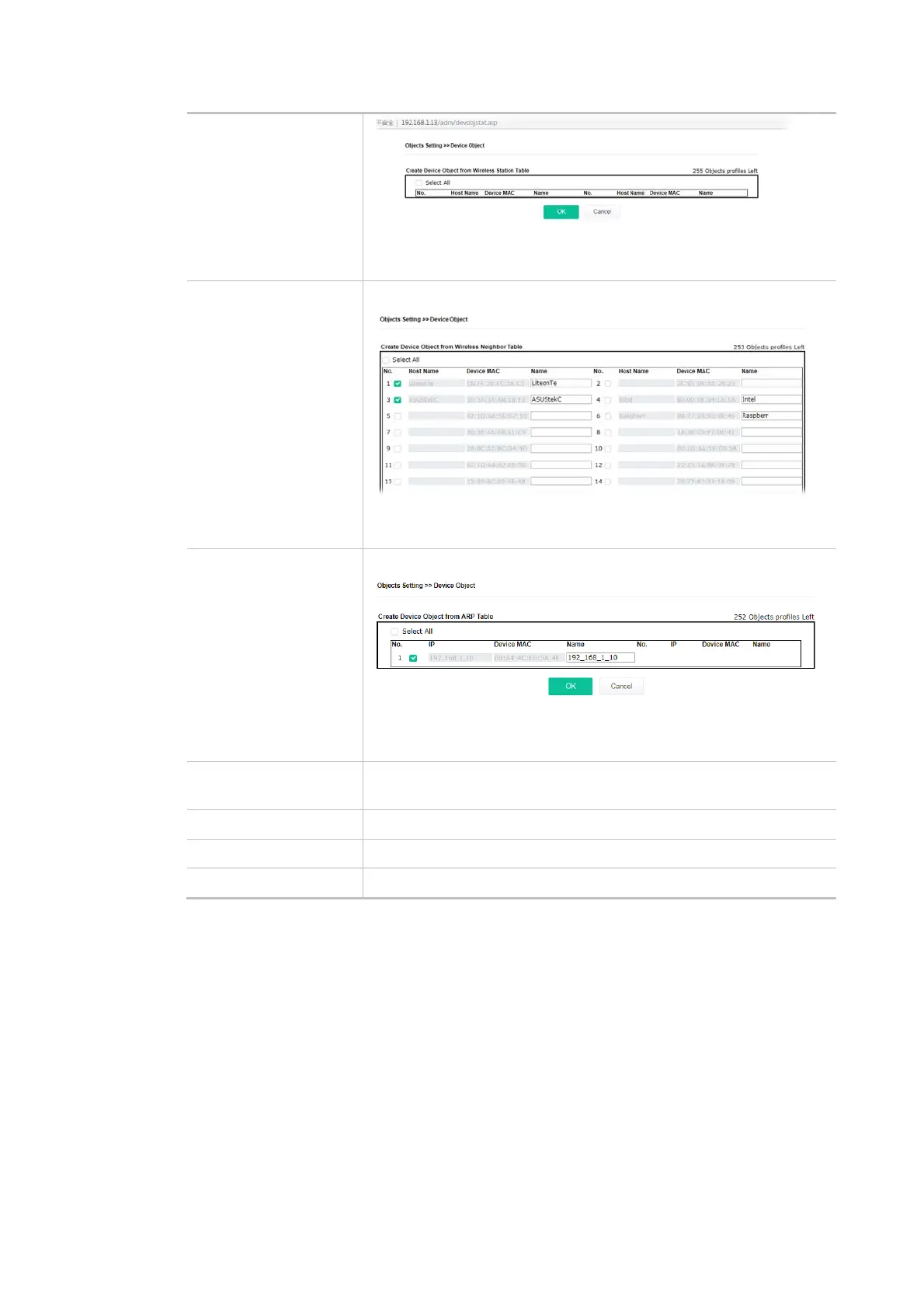
Choose the one(s) you want and click OK. The selected entries will be
listed on the Device Object Profiles.
Create from Wireless
Neighbor Table
Click the link to open the following page.
Choose the one(s) you want and click OK. The selected entries will be
listed on the Device Object Profiles.
Create from ARP Table Click the link to open the following page.
Choose the one(s) you want and click OK. The selected entries will be
listed on the Device Object Profiles.
Set to Factory Default Click it to return to the factory default setting and remove all the
device object profiles.
Index Display the index number of the device object profile.
MAC Display the MAC address specified by the device object profile.
Name Display the name of the device object profile.
In addition to choosing from the wireless station table, neighbor table, or ARP table, you can click
any index number link to create a new device object profile by entering the name and MAC address
manually.













 To Next Page