201
c HELP Mode Function and Operation Procedures
chap.7
ROM Update
Update ROM via USB connection or the CF Memory Card.
PCBs to be upgraded :
2
Main PCB
2
Panel PCB
¡ Operation procedure
1.
Enter
“
001
”
by the
NUMERIC
keys and then press the
(PRINT)
key.
3.
a
To exit the HELP mode
: Turn the power switch OFF.
a
To access another HELP mode
:
Enter the desired mode number
using the numeric keys.
Call the HELP mode
“
H-001
”
.
4.
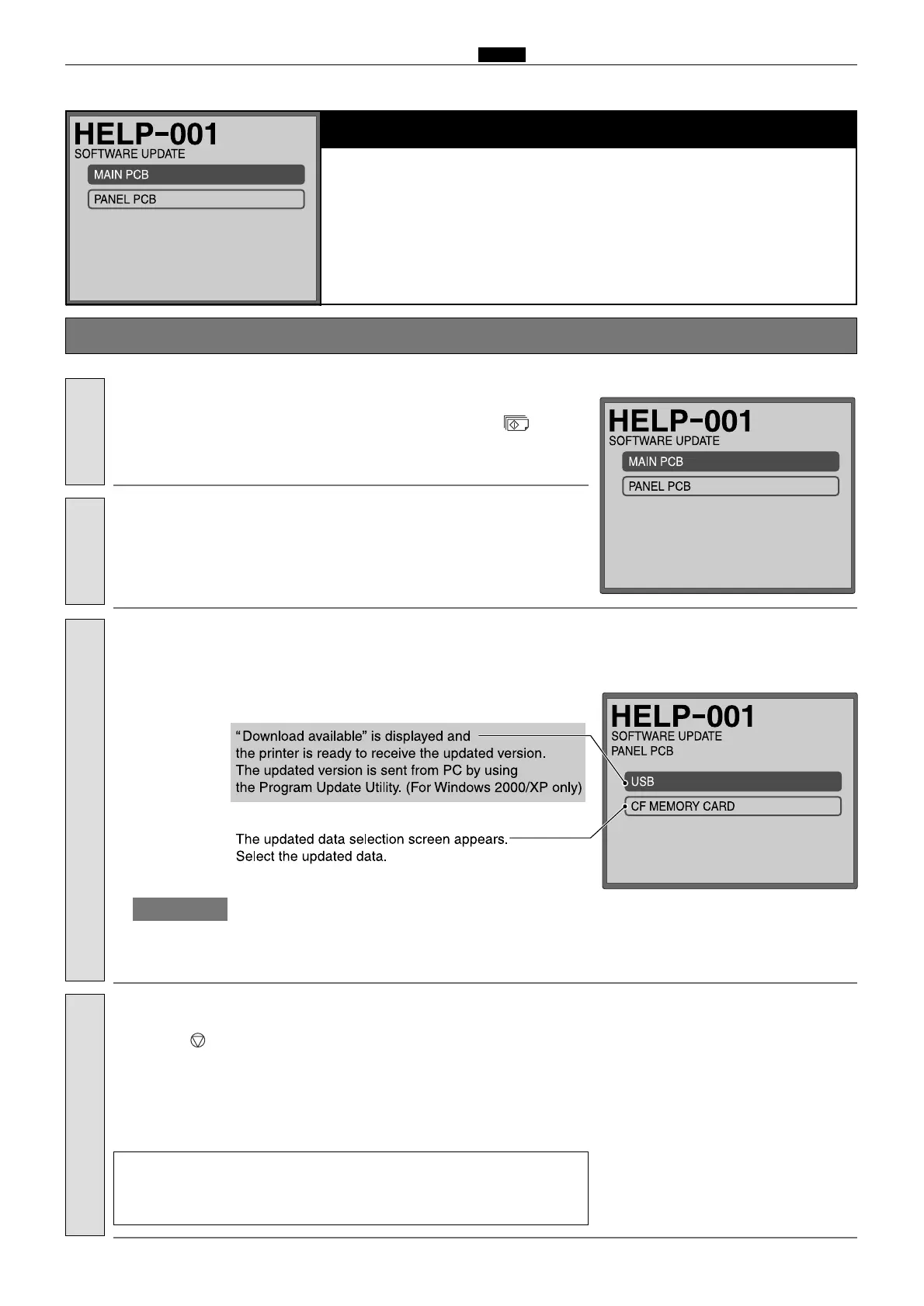
Touch
“
USB
”
or
“
CF Memory Card
”
to update the main PCB.
To update the main PCB:
Press the (STOP) key.
The HELP mode selection display will reappear.
Return to the HELP mode.
¡
Do not turn off the power during updating; otherwise you may need
to replace the main PCB.
IMPORTANT :
2.
Select and touch the PCB to be upgraded.
(The right figure shows the case when the main PCB is selected.)
Select PCB.


 To Next Page
 Loading...
