109
c Platemaking/Master Feed and Ejection Section
chap.3
WARNING
¡Keep hands and fingers away from the cutter
unit's blades. Do NOT touch the blades.
c
Platemaking / Master Feed and Ejection Section
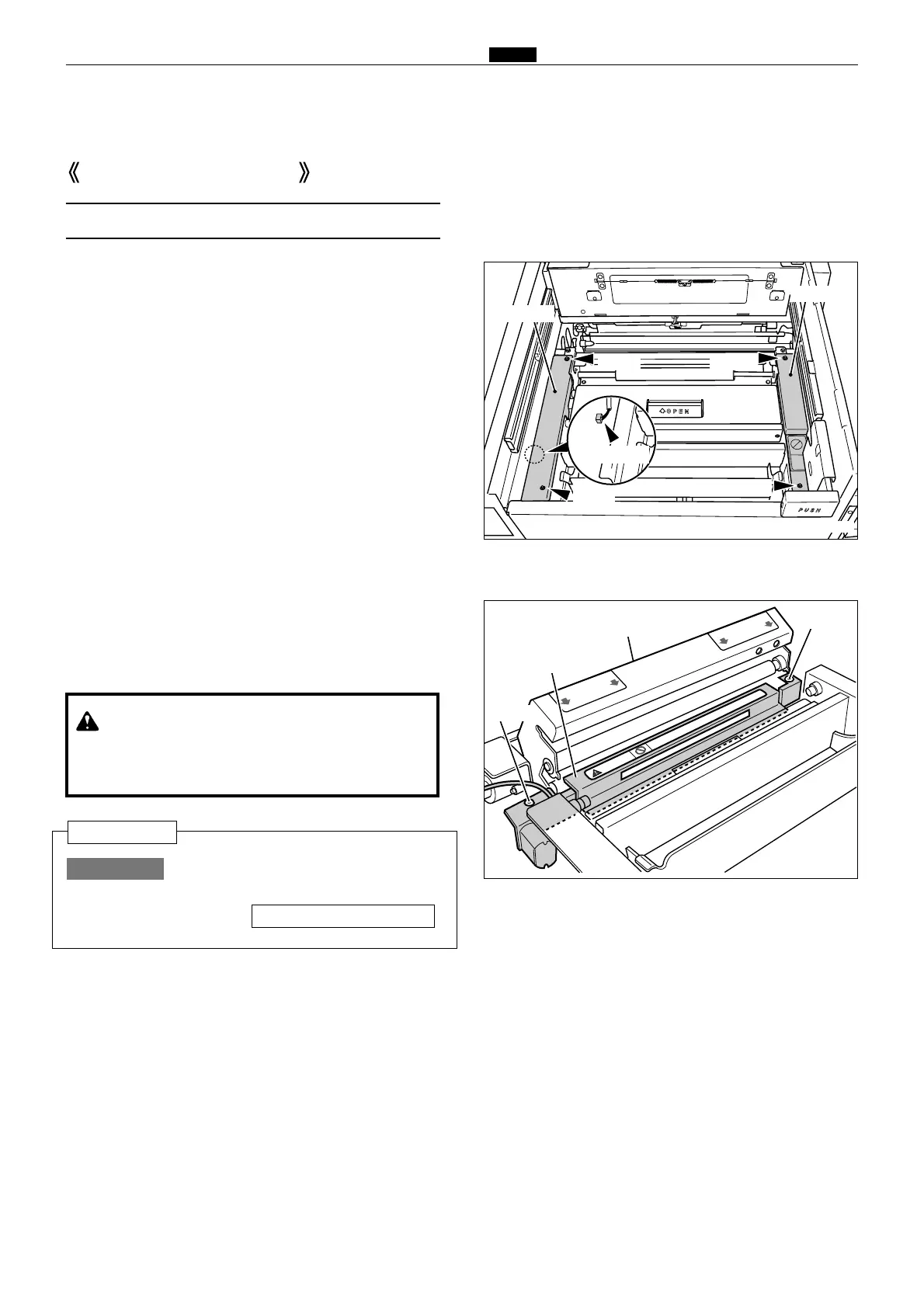
(1) Removal of Cutter Unit
1. Open the scanner, and take out the master roll.
2. Remove the 4 screws indicated, and remove the
cover F and R.
3. Disconnect the connector indicated.
4. Open the master cover.
5. Remove the 2 screws indicated, and remove the
cutter unit.
Master Feed Section
After replacing the cutter unit,check
the cutter blade lies to the operation
side.
HELP-008 \ see p.218
IMPORTANT :
Reinstallation
R8S03033



 To Next Page