200
c HELP Mode Function and Operation Procedures
chap.7
¡ HELP Mode Descriptions
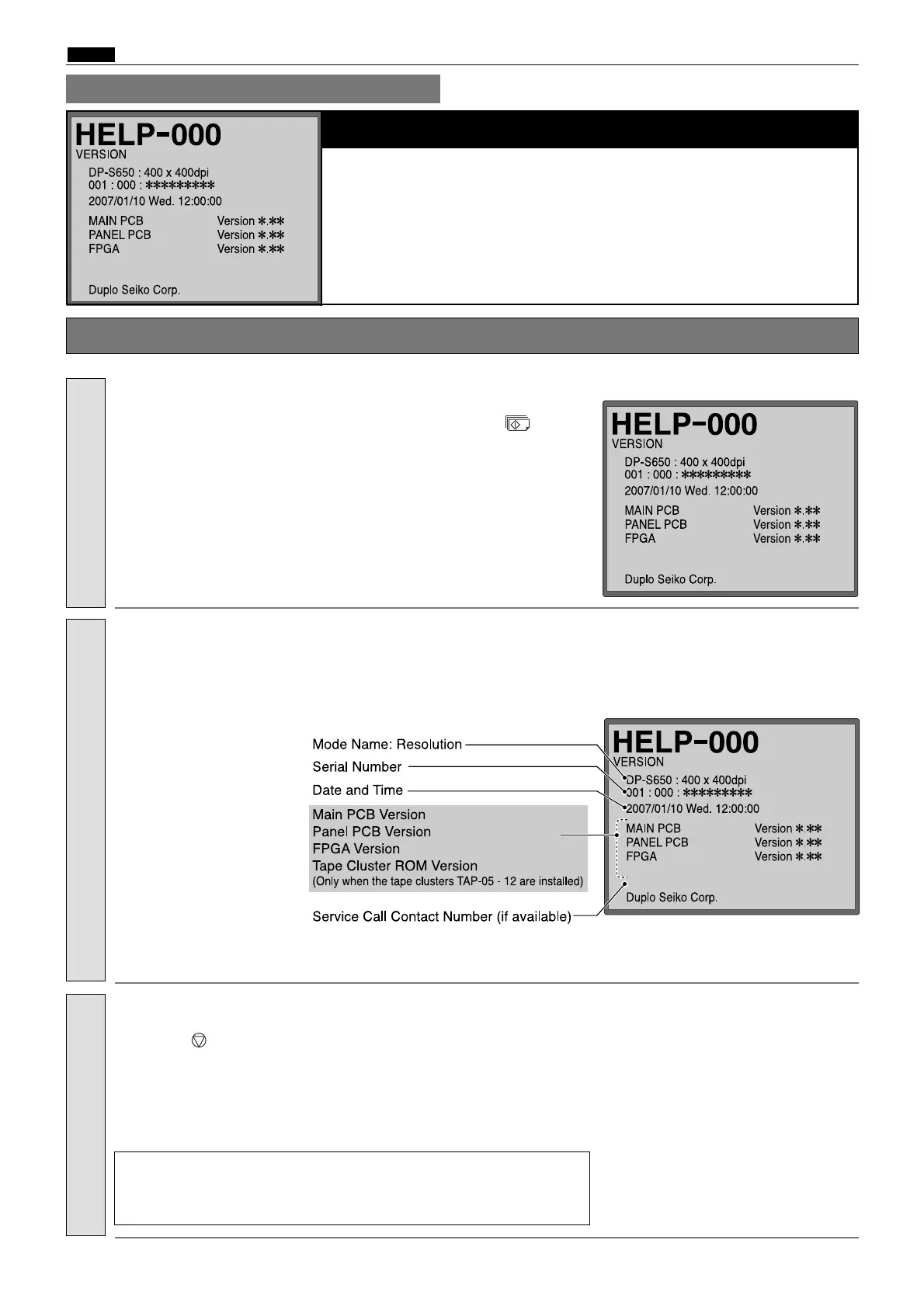
ROM Version Display
2
Mode Name: Resolution
2
Serial Number
2
Date and Time
2
Main PCB Version / Panel PCB Version / FPGA Version / Tape Cluster ROM Version
(Only when the tape clusters TAP-05 - 12 are installed)
2
Service Call Contact Number (if available)
¡ Operation procedure
1.
Enter
“
000
”
by the
NUMERIC
keys and then press the
(PRINT)
key.
2.
a
To exit the HELP mode
: Turn the power switch OFF.
a
To access another HELP mode
:
Enter the desired mode number
using the numeric keys.
Call the HELP mode
“
H-000
”
.
3.
Check the ROM version displayed.
Check the display.
Press the (STOP) key.
The HELP mode selection display will reappear.
Return to the HELP mode.



 To Next Page