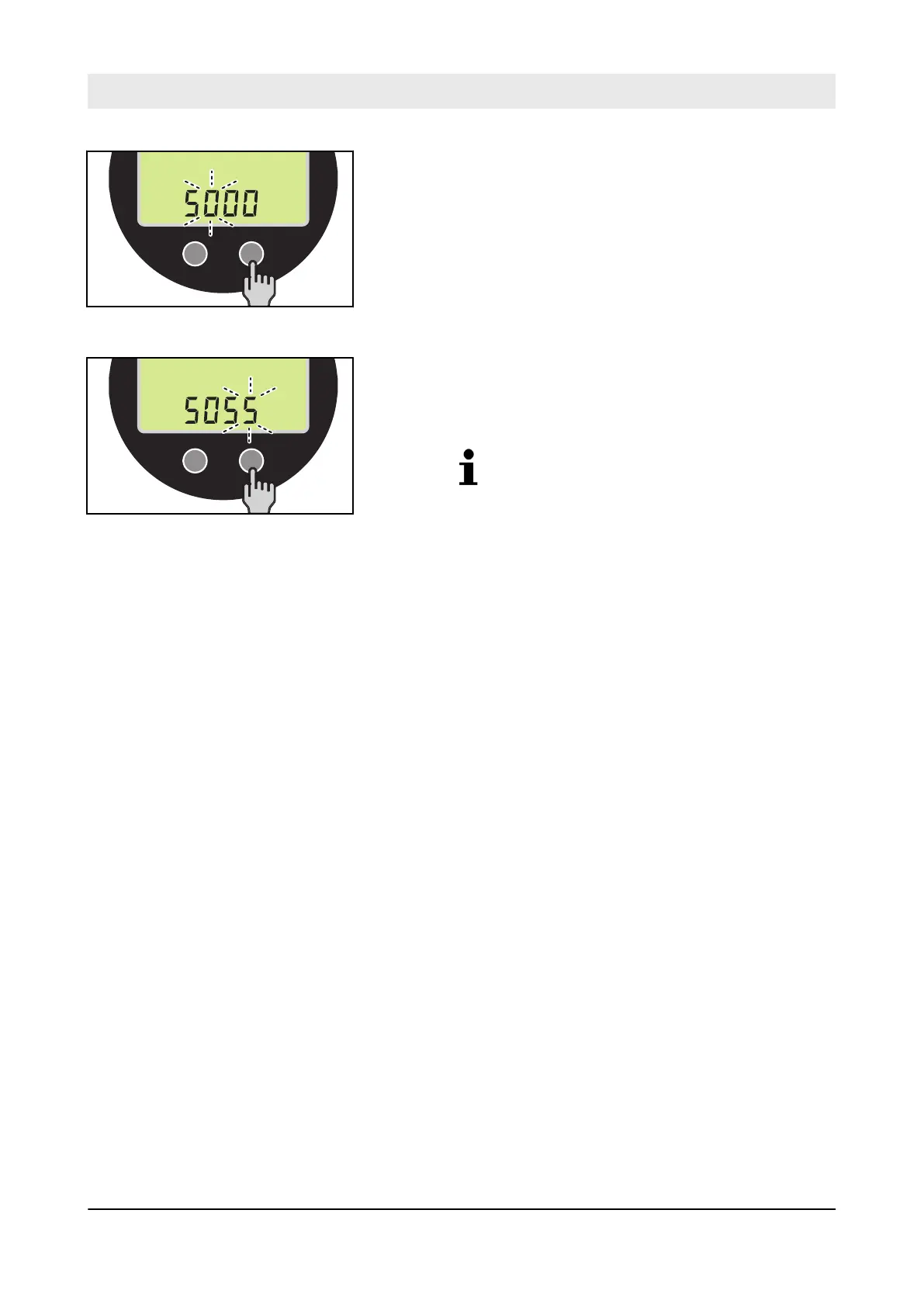
5. Press function key F2 and move one digit further.
6. Set the other digits of the input code.
7. After setting the fourth digit, end the input by pressing func-
tion key F2.
ð
The required function is implemented.
Depending on the function (e.g. switching
ECO mode off or on), further codes must
be entered
Ä
Chapter 12
„Appendix“ on page 169.
8. To terminate the input function, enter the input code
„0000“ or turn the ignition key to the "0" position.
Fig. 208
Fig. 209
Troubleshooting – Entering input codes via the display unit
D.ONE
166



 To Next Page